Bill Creation & A4 Printing Software for C&F Management | BManagerHQ
C&Ffeatures
Bill Creation & A4 Printing Software for C&F Management
Content type
Features
Topic
C&F
Published
17/09/2026
Keywords
C&F Bill Creation & A4 Bill PrintingC&F billing softwareC&F bill creation softwareC&F bill printing softwareC&F A4 bill printing
Create, Manage and Print C&F Bills from One System
Billing is a critical part of every Clearing & Forwarding operation. After managing a client's job, documents, customs workflow, delivery, transport, and expenses, the business needs an organized way to create and print the corresponding bill.
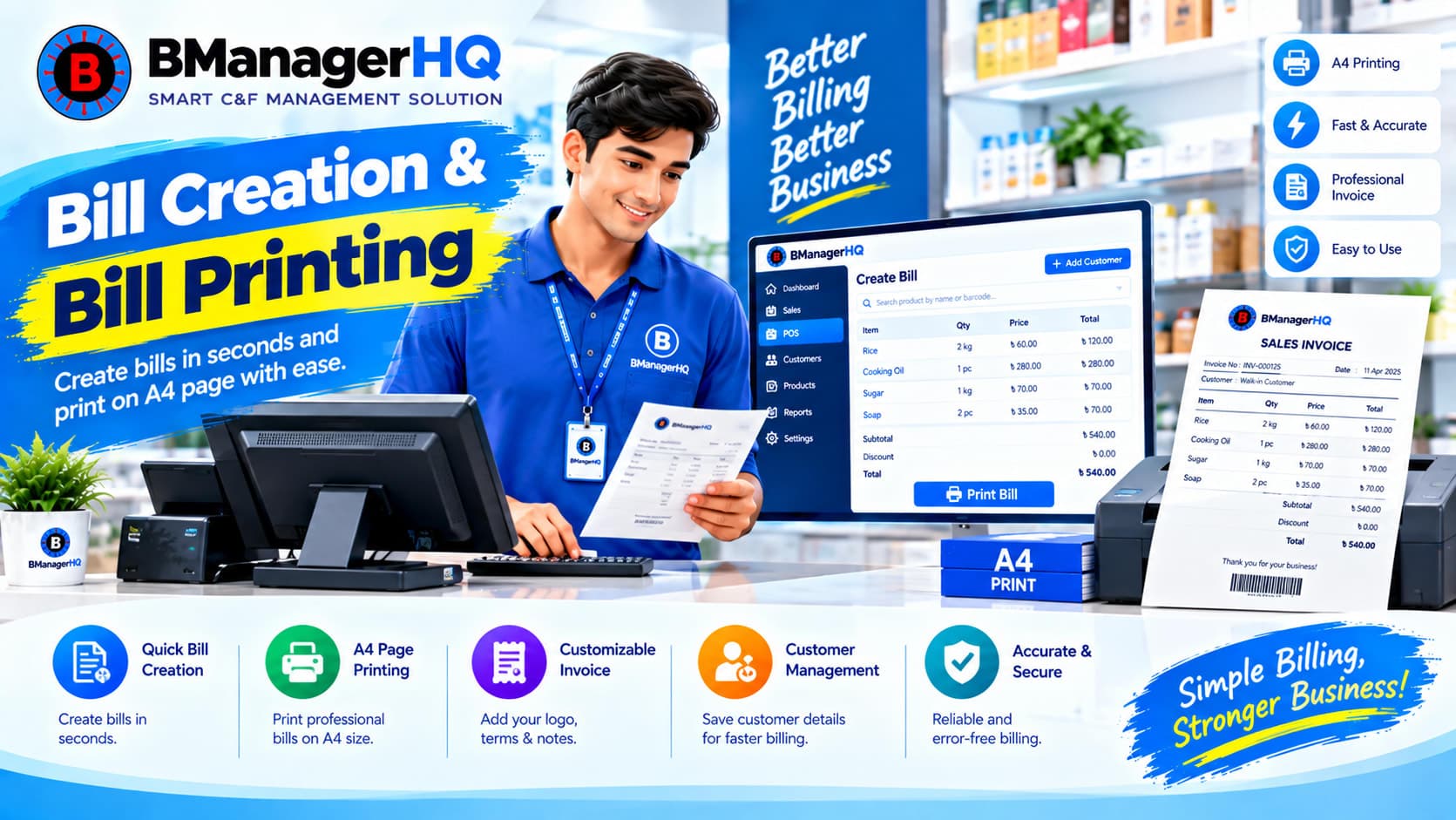
BManagerHQ provides Bill Creation and Bill Print with A4 Page as part of its dedicated C&F Management Software. The feature helps C&F agencies manage billing within the same system where they manage their clients and jobs, reducing the need to create bills separately using spreadsheets or other disconnected tools.
What Is C&F Bill Creation?
Bill Creation allows a C&F business to create bills as part of its operational and financial workflow. Instead of managing a job in one system and preparing its bill somewhere else, billing can remain connected with the broader C&F operation.
This makes billing part of the overall job-management process. The exact bill fields, calculations, layout, and configuration depend on the available BManagerHQ functionality.
Create Bills for C&F Jobs
C&F agencies often manage many jobs for different clients. When billing information is maintained separately, staff may need to repeatedly search for client and job information. BManagerHQ helps keep the billing process connected with the C&F job.
This provides a more organized relationship between:
Client
C&F Job
Job operations
Job expenses
clearing and forwarding billing software
C&F job billing software
C&F agent billing software
C&F invoice management
C&F bill management Bangladesh
C&F software Bangladesh
Bill
Payment
Client account
Statements
The exact relationship and available fields depend on your configured BManagerHQ workflow.
A4 Bill Printing
BManagerHQ supports Bill Print with A4 Page, allowing C&F businesses to generate bills suitable for A4-page printing. This is useful for businesses that need physical copies of bills for their operational and financial records.
The system can help move from:
Bill Creation → Bill Preview/Print → A4 Printed Bill
The exact print layout and available bill fields depend on the configured BManagerHQ billing functionality.
Keep Billing Connected to C&F Operations
One of the main advantages of using dedicated C&F management software is keeping billing connected to the operational information that leads to the bill.
This creates a more structured business process than maintaining billing independently.
Manage C&F Billing More Efficiently
Manual billing can become increasingly difficult when an agency manages many clients and jobs. BManagerHQ provides a centralized billing workflow so your team can manage bills as part of the C&F system.
Benefits include:
Create bills within your C&F management workflow
Keep billing associated with relevant business records
Print bills on A4 paper
Reduce repetitive manual billing work
Keep billing information organized
Connect billing with payment tracking
Support better client financial record management
Bill Creation and Job Expenses
Job expenses are an important part of C&F operations. BManagerHQ provides Job Expenses & Office Expenses Management separately from billing. This allows businesses to manage operational expenses and billing as related but distinct parts of the C&F system.
For a particular job, the operational flow can be organized as:
Job → Job Expenses → Bill → Payment
This provides a clearer structure for managing the financial side of the job.
The exact credit-limit behavior and alert conditions depend on the configured BManagerHQ functionality.
Professional A4 Bills for C&F Businesses
A dedicated bill-printing feature can help C&F businesses maintain a more consistent billing process. Rather than preparing every bill manually in a separate document, your team can create the bill within BManagerHQ and print it using the available A4 bill-printing functionality.
The exact design, fields, and layout should be based on the actual configuration available in your BManagerHQ system rather than assuming a fixed bill template.
Solve Common C&F Billing Problems
Manual Bill Preparation
Preparing bills separately for every job can consume time and introduce repetitive work.
BManagerHQ: Provides bill creation within the C&F management system.
Billing Information Is Scattered
When job and billing information are maintained separately, it can be harder to keep records consistent.
BManagerHQ: Keeps billing connected with the wider C&F workflow.
Difficulty Maintaining Printed Bills
Businesses may need physical A4 copies of bills for their records.
BManagerHQ: Supports A4-page bill printing.
Payment Records Are Separate
Creating a bill without connecting it to payment tracking can make client account management harder.
BManagerHQ: Bill Creation works alongside Payment Tracking and client financial management.
Practical C&F Billing Example
Suppose a C&F agency completes the operational activities associated with a client's job.
The team has already managed:
Client information
Job information
Required documents
Customs workflow
Delivery
Transport
Job expenses
The agency can then create the relevant bill within BManagerHQ. After creating the bill, the business can print it on A4 paper and continue with its payment-tracking process.
This keeps the billing activity connected with the original C&F operation.
Bill Creation for Growing C&F Agencies
As the number of clients and jobs increases, billing can become a significant administrative workload. A centralized C&F management system can help businesses maintain a consistent process across their operations. BManagerHQ brings bill creation together with client management, job management, expenses, payments, ledgers, and statements. This helps reduce the need to manage each part of the process separately.
Who Needs C&F Bill Creation & A4 Printing?
This feature is suitable for:
Clearing & Forwarding Agents
C&F Agencies
Customs Clearing Businesses
Growing C&F Companies
Multi-Branch C&F Businesses
C&F teams managing multiple client jobs
It is particularly useful for businesses that want to manage C&F billing inside the same system as their operational records.
How Bill Creation Works in BManagerHQ
A typical workflow can be:
1. Manage the Client
Maintain the client's business information.
2. Manage the C&F Job
Create and manage the relevant job.
3. Complete Job Operations
Track documents, customs workflow, delivery, and transport.
4. Manage Expenses
Record relevant job expenses and other business expenses.
5. Create the Bill
Prepare the bill within the C&F management system.
6. Print on A4
Use the A4 bill-printing functionality to produce a printable bill.
7. Track Payment
Continue with the payment and client account workflow.
The exact workflow, fields, calculations, and print configuration depend on the BManagerHQ implementation.
Bill Creation + Other C&F Features
C&F billing becomes more useful when combined with other BManagerHQ features:
Jobs Management — keeps bills connected with C&F jobs.
Client Management with Credit Limit — connects billing with client financial management.
Quotation Setup — supports the quotation stage before a job progresses through operations.
Why Choose BManagerHQ for C&F Billing?
BManagerHQ is designed specifically around the workflow of C&F businesses. Instead of treating billing as an isolated document-generation task, it connects billing with the wider operational system.
Bill Creation & A4 Printing Software C&F Feature FAQS
What is Bill Creation in BManagerHQ C&F software?
Bill Creation allows C&F businesses to create bills within their C&F management workflow.
Can BManagerHQ print C&F bills on A4 paper?
Yes. BManagerHQ includes Bill Print with A4 Page as a C&F feature.
Can bills be connected with C&F jobs?
Yes. Billing is designed to work as part of the broader C&F job-management workflow.
Can bill creation work with job expenses?
Yes. Job Expenses and Bill Creation are separate features that work together within the wider C&F workflow.
Can payment tracking be managed after creating a bill?
Yes. BManagerHQ also provides Payments Tracking and Client Limit Alert functionality.
Can C&F businesses manage client credit alongside billing?
Yes. Client Management with Credit Limit and payment tracking can work alongside the billing workflow.
Is the A4 bill layout fixed?
The exact bill layout, fields, and print configuration depend on the available BManagerHQ configuration.
Can multiple branches use C&F billing?
BManagerHQ supports Multiple Branch Management. Exact branch visibility and access depend on the configured branch structure and user role.
Create organized statements for C&F job expenses, transport, and clients with BManagerHQ. Manage financial records and account activity in one C&F system.