Inventory Managementfeatures
Physical Stock Count Software | Inventory Stock Counting
Content type
Features
Topic
Content type
Features
Topic
Inventory Management
Published
Keywords
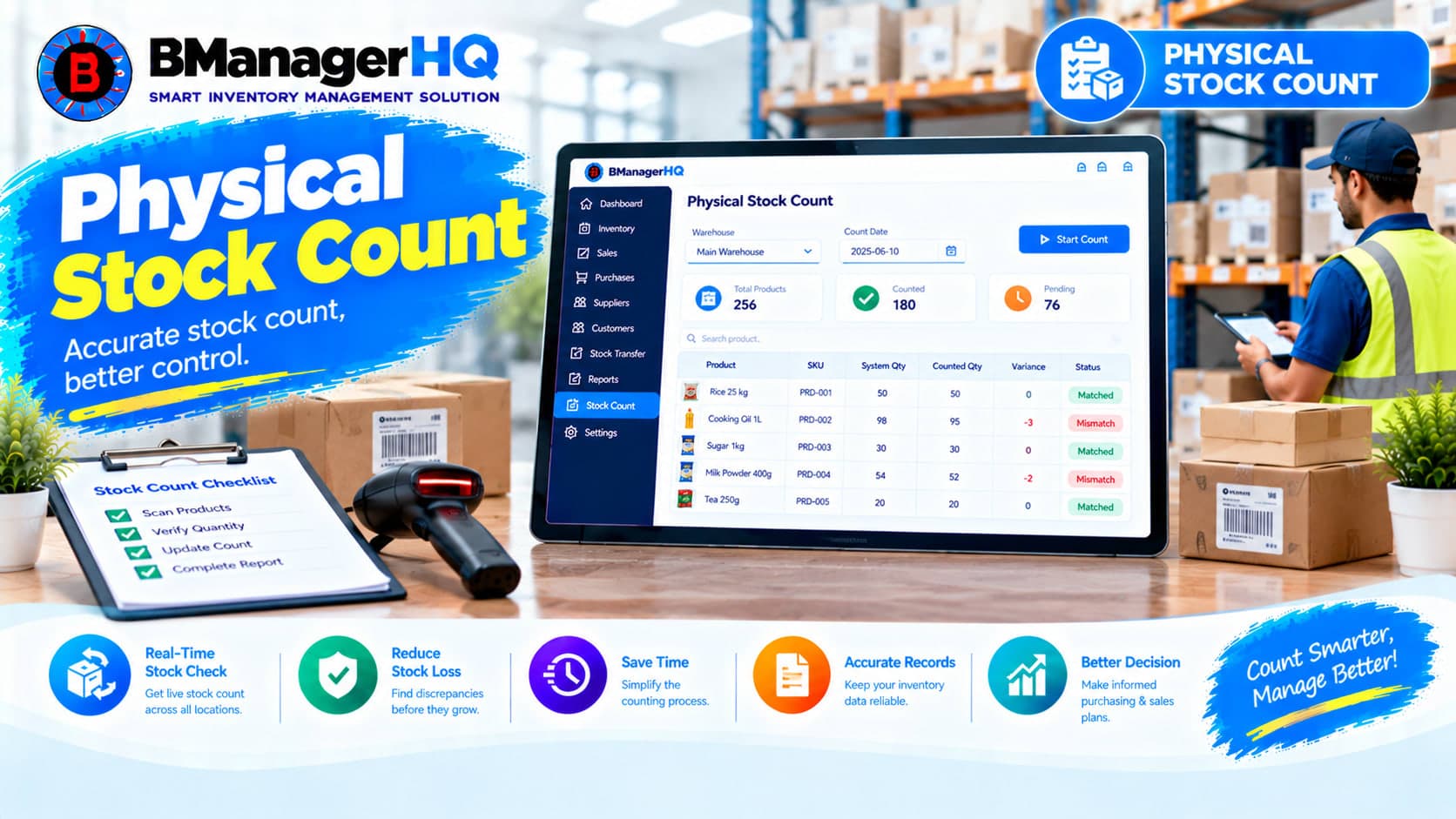
BManagerHQ Physical Stock Count Software helps businesses verify their actual physical inventory against the stock quantities recorded in their inventory management system. Stock quantities can change through sales, purchases, transfers, returns, and other inventory activities. Regular physical stock counting helps businesses identify differences between recorded inventory and actual stock.
Whether you manage a retail shop, wholesale business, warehouse, distribution company, or multiple branches, BManagerHQ helps keep physical stock verification connected with your overall inventory management workflow.
Start your 30-day free trial — no payment required.
What Is Physical Stock Count Software?
Physical Stock Count Software is an inventory management feature that helps businesses count the products physically available at a warehouse, branch, shop, or other inventory location and review them against recorded stock information.
A typical stock count process involves:
BManagerHQ connects physical stock counting with product, warehouse, sales, transfer, and inventory records.
1. Physical Inventory Counting
Businesses can perform physical counts of products available at their inventory locations. This helps verify whether the actual quantity of a product matches the quantity recorded in the system.
2. Compare Physical & Recorded Stock
One of the main purposes of physical stock counting is identifying differences between system stock and actual stock.
For example:
System Stock
100 Units

       ↓

Physical Count
96 Units

       ↓

Difference
4 Units
This gives the business an opportunity to review the inventory records and investigate the difference.
3. Product-Level Stock Verification
Physical stock counting can be performed with individual products in mind. Businesses can review product quantities and verify whether the recorded inventory corresponds with the actual quantity available.
Explore Product Management
4. Warehouse Stock Counting
Warehouses often contain a large number of products and quantities. Physical stock counting helps warehouse teams verify their actual inventory and maintain better stock records. This is particularly useful for businesses managing large inventories.
5. Branch & Shop Stock Counting
Businesses operating multiple branches can also use physical stock counting to verify inventory at individual locations.
For example:
Main Warehouse
      ↓
Physical Stock Count

Branch A
      ↓
Physical Stock Count

Branch B
      ↓
Physical Stock Count
This provides a more structured approach to checking inventory across locations.
6. Identify Stock Differences
Physical counting can reveal differences between recorded and actual quantities.
Differences may require further review of:
This helps businesses investigate inventory discrepancies.
7. Sales & Inventory Verification
Sales transactions can affect stock quantities. If products have been sold but inventory records do not correctly reflect the change, a physical count may help identify the difference.
Explore Sales Tracking
8. Stock Transfer Verification
Stock transferred between warehouses or branches can also affect inventory quantities. Physical stock counting can help businesses verify that transferred inventory is reflected correctly at the relevant locations.
Explore Stock Transfer
9. Low Stock Verification
When a product appears as low stock in the system, businesses may want to verify its actual quantity. Physical stock counting provides a way to check the product physically and compare it with the recorded inventory.
Explore Low Stock Alerts
Physical stock information becomes more useful when reviewed alongside sales and stock records. Businesses can compare physical inventory with their existing stock information and review inventory activity.
Explore Sales & Stock Reports
11. Multi-Location Inventory Verification
Businesses with multiple warehouses and branches need to maintain accurate stock records at each location. BManagerHQ supports multi-location inventory management, helping businesses organize physical stock verification across different inventory locations.
Explore Multi-Warehouse & Branch Management
12. Role-Based Access
Physical inventory counting can involve different employees and responsibilities. BManagerHQ's Role-Based Access helps businesses control which users can access or manage inventory-related information. This provides better control over sensitive stock records.
Explore Role-Based Access
Inventory records may change frequently.
For example:
Purchase
↓
Stock Added
↓
Sales
↓
Stock Reduced
↓
Stock Transfer
↓
Stock Moved
↓
Physical Count
↓
Actual Inventory Verified
Regular physical stock counting helps businesses review whether their recorded stock still matches the inventory physically available.
A typical BManagerHQ physical stock counting workflow can look like this:
Select Warehouse / Branch
          ↓
Review Products
          ↓
Count Physical Stock
          ↓
Record Physical Quantity
          ↓
Compare With System Stock
          ↓
Identify Differences
          ↓
Review Sales / Purchase / Transfer Records
          ↓
Verify Inventory
          ↓
Maintain Updated Stock Records
This provides a structured process for inventory verification.
Suppose a business has:
Product: USB Cable
Recorded Stock: 250 units
During physical counting, the warehouse team finds:
Actual Stock: 243 units
The business can identify:
Difference: 7 units
The team can then review relevant inventory activities, such as:
This helps the business investigate why the difference exists.
Retail stores handle products continuously throughout the day. Products may be sold, moved, damaged, or otherwise change in quantity. Physical stock counting allows retail businesses to periodically verify their recorded inventory against actual stock.
This can be especially useful for:
Wholesale businesses may maintain hundreds or thousands of units across many products. Manual stock verification can become difficult without an organized process. BManagerHQ helps wholesalers connect physical stock counting with their broader inventory records.
Warehouses need accurate information about the quantity of products physically available. A warehouse stock-counting workflow can include:
Warehouse
   ↓
Product List
   ↓
Physical Count
   ↓
System Quantity
   ↓
Quantity Difference
   ↓
Inventory Review
This helps warehouse teams maintain better visibility into their inventory.
A business operating multiple branches may have different inventory quantities at each location.
For example:
Location | System Stock | Physical Stock |
Main Warehouse | 500 | 498 |
Branch A | 150 | 150 |
Branch B | 220 | 216 |
Physical stock counting helps businesses review these differences location by location.
Stock transfers can change inventory quantities at both the source and destination locations.
For example:
Warehouse A
100 Units
↓
Transfer 20 Units
↓
Warehouse A
80 Units
Warehouse B
+20 Units
A physical stock count can later help verify whether the inventory at each location matches the recorded quantities.
Explore Stock Transfer → /inventory/features/stock-transfer
Low-stock information can be affected by differences between system records and actual inventory.
For example, the system may show:
10 Units Available
But a physical count may find:
7 Units Available
This difference can affect inventory decisions. Physical Stock Count helps businesses verify the actual quantity before making inventory decisions.
Explore Low Stock Alerts → /inventory/features/low-stock-alerts
Product-level inventory history can help businesses review changes in stock over time. When a physical count identifies a difference, businesses can review relevant product inventory records and stock activity.
Explore Product Ledger → /inventory/features/product-ledger
Retail Shops
Verify physical products against recorded inventory.
Wholesale Businesses
Count large quantities of products and identify inventory differences.
Distribution Companies
Verify inventory across warehouses and distribution locations.
Warehouses
Maintain organized physical stock verification processes.
Spare Parts Business
Trading Businesses
Verify stock quantities across frequently moving products.
Multi-Branch Businesses
Perform stock verification at individual branches and warehouses.
Verify Actual Inventory
Compare physical stock with the quantities recorded in the inventory system.
Identify Inventory Differences
Find differences between system quantities and actual quantities.
Improve Stock Accuracy
Regular verification can help businesses maintain more reliable inventory records.
Better Inventory Control
Keep physical stock checking connected with sales, purchases, and stock movements.
Support Warehouse Management
Make physical stock verification more organized for warehouse teams.
Multi-Location Verification
Check inventory across multiple warehouses and branches.
Reduce Manual Record Keeping
Maintain stock-count information within the inventory management system instead of relying entirely on separate records.
Better Inventory Review
Use physical stock information when reviewing inventory conditions and discrepancies.
As inventory grows, manually checking and maintaining stock records becomes increasingly difficult. BManagerHQ connects physical stock counting with the rest of the inventory management workflow.
With Physical Stock Count, businesses can:
This provides businesses with a structured approach to physical inventory verification.
Keep physical inventory verification connected with your sales, stock, product, warehouse, and branch records. With BManagerHQ Physical Stock Count Software, businesses can compare actual inventory with recorded stock, identify quantity differences, and maintain a more organized inventory management process.
Explore BManagerHQ Inventory Management
Physical Stock Count is the process of counting the actual products available in a warehouse, shop, branch, or other inventory location and comparing them with recorded inventory quantities.
It helps businesses identify differences between recorded inventory and actual physical stock.
Yes. Physical stock counting is designed to help businesses compare actual quantities with their recorded inventory.
Yes. It is useful for warehouses that need to verify product quantities and identify inventory differences.
Yes. BManagerHQ supports multi-warehouse and branch inventory management, allowing businesses to organize inventory across different locations.
Yes. Sales can change product quantities, so businesses may review sales records when investigating differences found during physical stock counting.
Yes. Stock transfers change quantities at source and destination locations. Businesses can review transfer records when verifying inventory.
Yes. If a product appears as low stock, physical counting can help verify its actual quantity.
Yes. BManagerHQ is designed for businesses in Bangladesh that need organized inventory, warehouse, branch, product, sales, and stock management.
BManagerHQ is a cloud-based POS software for managing sales, billing, products, customers, suppliers, inventory, multiple locations, cashier operations, promotions, and reports.
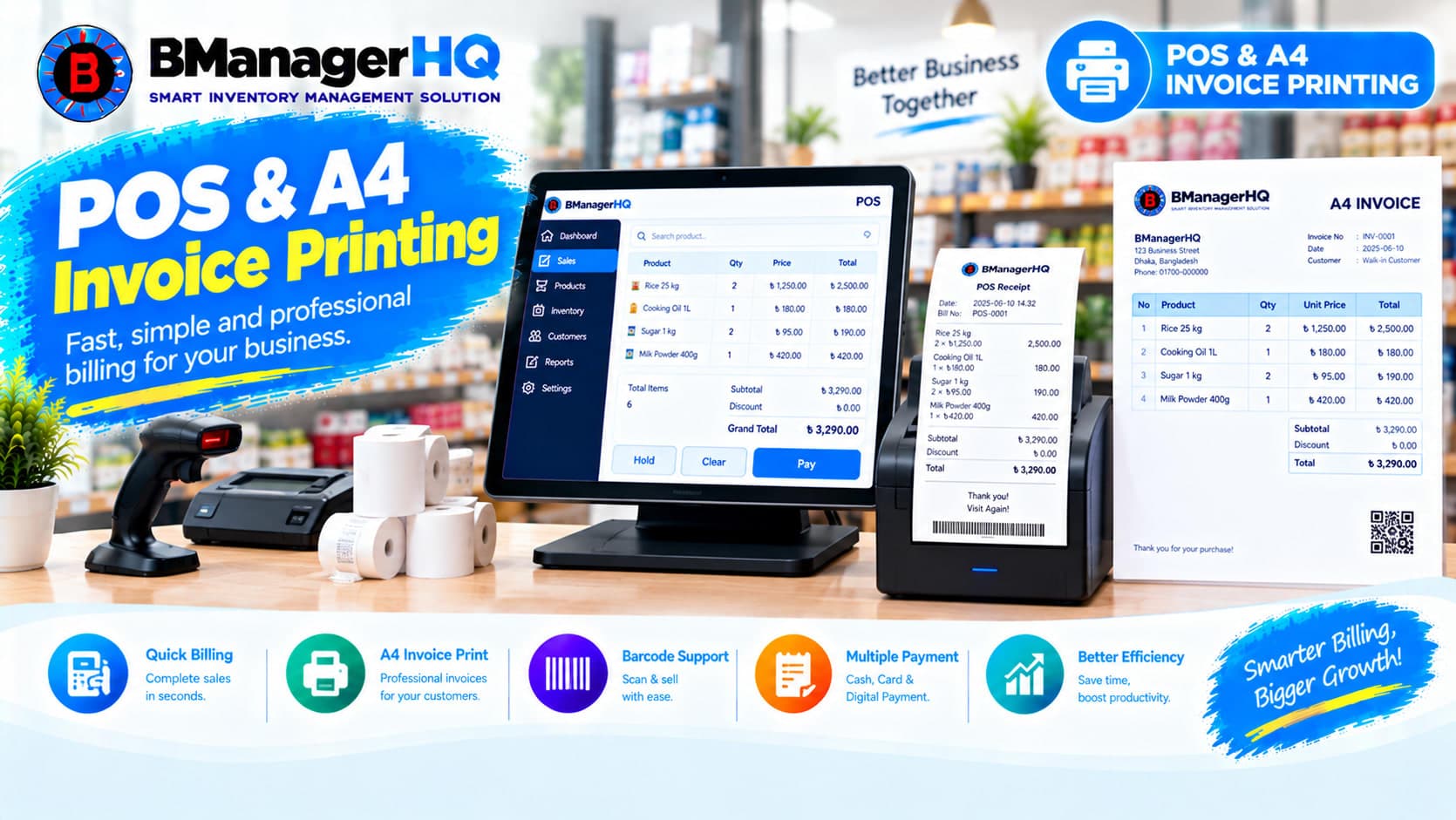
Manage POS sales and print professional A4 invoices with BManagerHQ POS & A4 Invoice Printing Software for retail, wholesale, and other businesses.
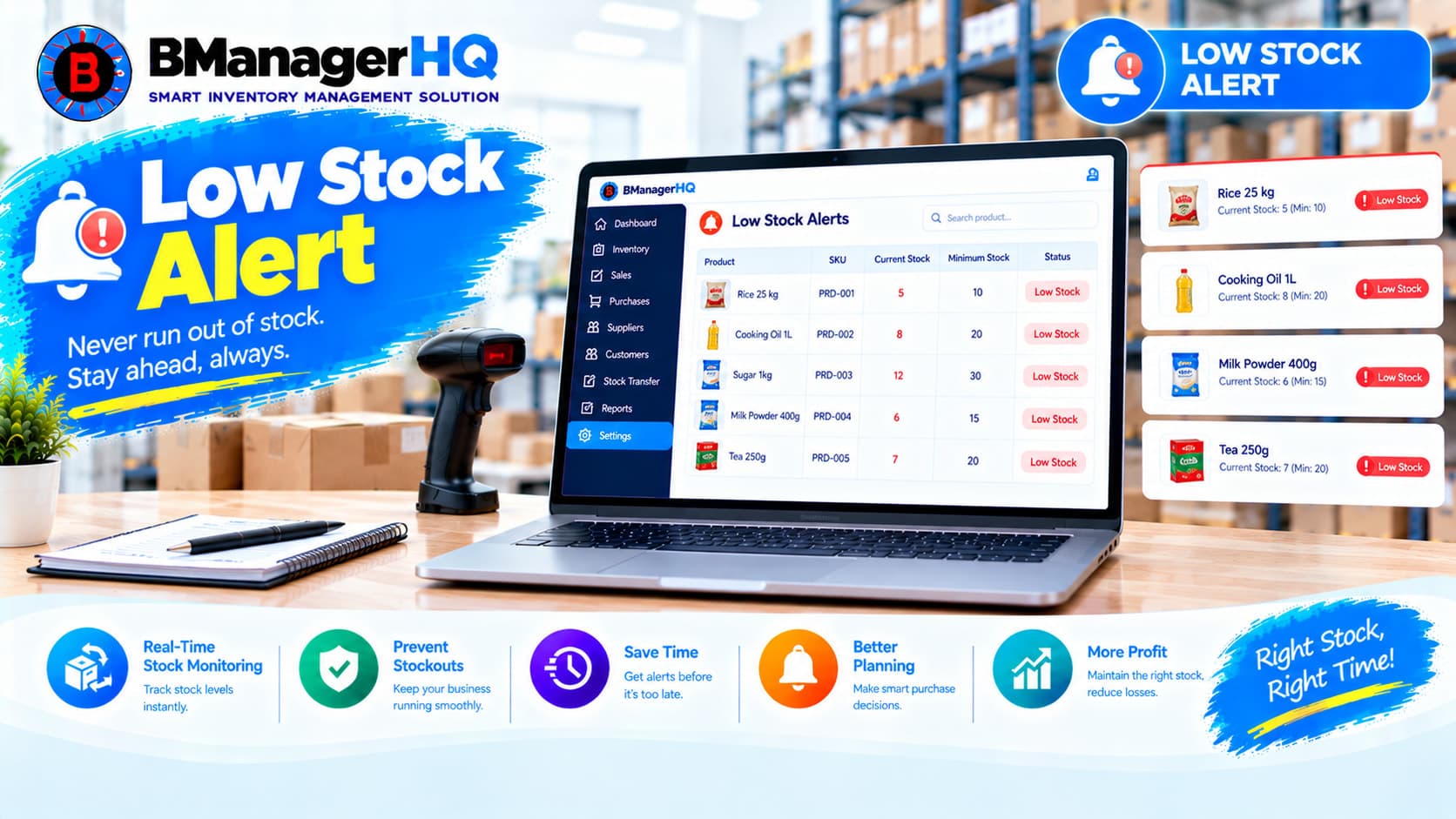
Monitor low inventory levels and identify products that need attention with BManagerHQ Low Stock Alerts Software for businesses in Bangladesh.

Track and review sales, stock, product, and inventory information with BManagerHQ Sales & Stock Reports Software for businesses in Bangladesh.

Create professional quotations, manage quotation items, track customer quotations and print A4 quotations with BManagerHQ Inventory Management Software for businesses in Bangladesh.