Inventory Managementfeatures
Low Stock Alerts Software | Inventory Stock Alert System
Content type
Features
Topic
Content type
Features
Topic
Inventory Management
Published
Keywords
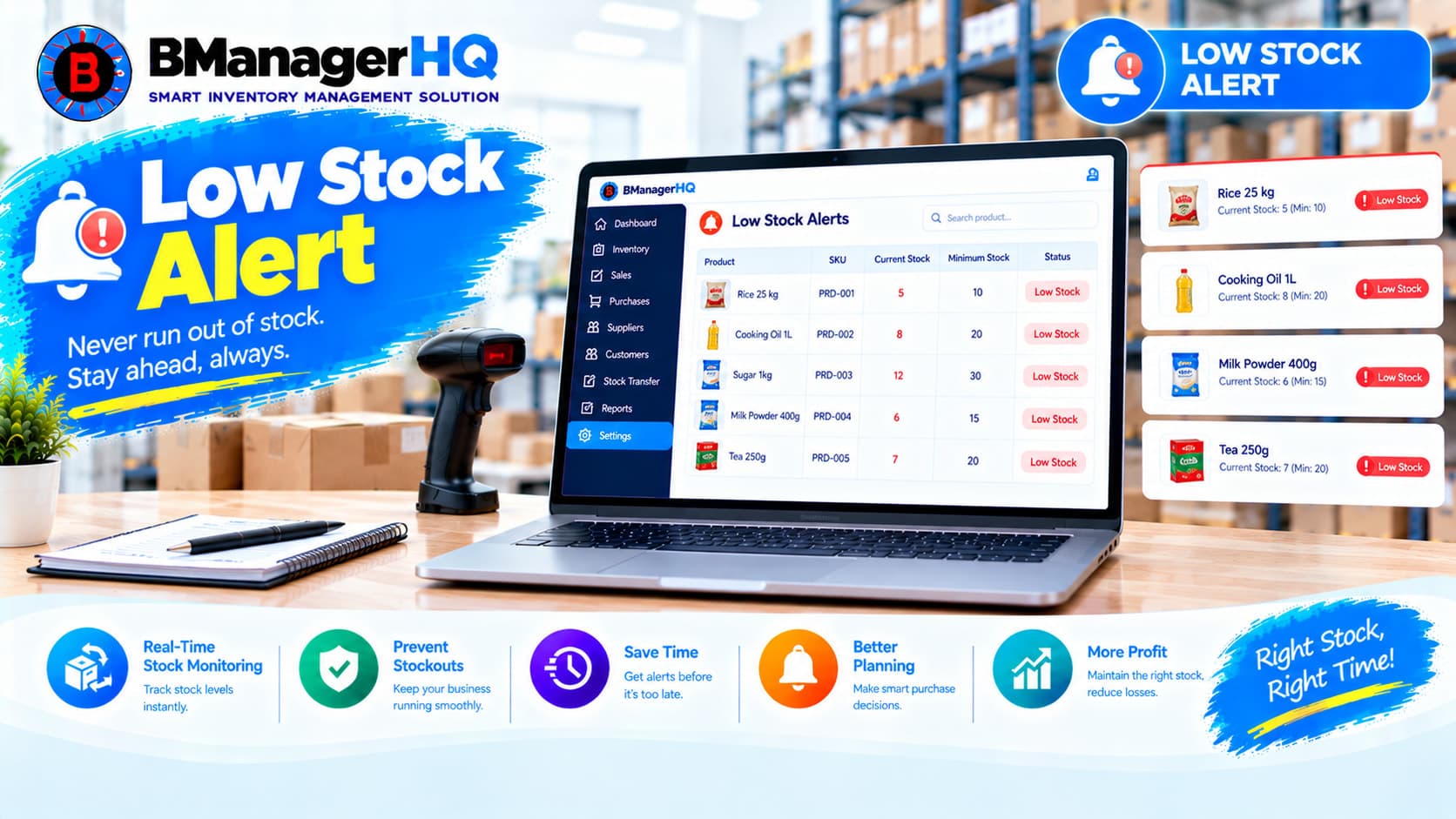
BManagerHQ Low Stock Alerts Software helps businesses identify products that are reaching low inventory levels and need attention. When stock quantities decrease because of sales or other inventory activities, businesses need an organized way to monitor available stock. Low Stock Alerts help business owners and authorized employees identify products that may require replenishment before inventory becomes unavailable.
Whether you operate a retail shop, wholesale business, distribution company, warehouse, or multiple branches, BManagerHQ helps you keep low-stock products connected with your overall inventory management workflow.
Start your 30-day free trial — no payment required.
What Is Low Stock Alerts Software?
Low Stock Alerts Software is an inventory management feature that helps businesses identify products whose available quantities have reached a low-stock condition. Instead of manually checking every product, businesses can use low-stock information to quickly identify inventory that requires attention.
BManagerHQ connects low stock visibility with:
This helps businesses maintain better visibility over product availability.
1. Identify Low Stock Products
BManagerHQ helps businesses identify products that have reached low inventory levels. This allows users to focus attention on products that may require replenishment.
2. Product-Level Stock Monitoring
Low-stock information is connected with individual products. Businesses can review which products have low available quantities instead of manually checking inventory records one by one.
Explore Product Management
3. Sales & Stock Connection
Product sales directly affect available inventory. When products are sold, their stock quantities can decrease. Low Stock Alerts help businesses identify products that become low after sales activity.
Explore Sales Tracking
4. Inventory Availability Monitoring
Businesses need to know when product availability is becoming limited. Low-stock visibility helps users monitor inventory quantities and identify products that require attention. This is especially useful for fast-moving products.
5. Replenishment Planning
Low-stock information can help businesses decide which products may need to be purchased or replenished.
A typical process can be:
Low Stock Identified
↓
Product Reviewed
↓
Current Inventory Checked
↓
Purchase / Replenishment Planned
↓
Stock Replenished
Businesses operating multiple locations may have different stock levels for the same product. BManagerHQ's multi-location inventory management helps businesses organize inventory across warehouses and branches. This makes it easier to review stock conditions at different locations.
Explore Multi-Warehouse & Branch Management
7. Stock Transfer Support
A product may be low in one branch while sufficient stock exists in another location. In such cases, businesses may review their stock transfer records and determine whether inventory should be moved between locations.
Explore Stock Transfer
8. Physical Stock Verification
Sometimes the recorded inventory quantity may need to be checked against the actual physical quantity. Physical Stock Count helps businesses verify inventory records and maintain more accurate stock information.
Explore Physical Stock Count
9. Sales & Stock Reports
Low-stock information can be reviewed alongside sales and stock information to understand product movement and inventory conditions. For example, businesses can review whether a product is frequently sold and whether its available quantity is decreasing.
Explore Sales & Stock Reports
10. Role-Based Access
Inventory information should only be available to employees according to their responsibilities. BManagerHQ's Role-Based Access helps businesses control which users can access and manage inventory information. This allows owners, managers, warehouse employees, and other staff to work according to their assigned responsibilities.
Explore Role-Based Access
Manual inventory monitoring can become difficult when a business has hundreds or thousands of products.
Employees may need to check:
Product Records → Stock Quantity → Sales Records → Warehouse Stock → Branch Stock
BManagerHQ brings these inventory activities into one connected system. Low Stock Alerts provide an additional layer of visibility so users can identify products that require attention.
A typical low-stock workflow can be:
Product Added
      ↓
Stock Available
      ↓
Products Sold / Stock Changes
      ↓
Inventory Quantity Decreases
      ↓
Low Stock Condition
      ↓
Low Stock Alert / Visibility
      ↓
Product Reviewed
      ↓
Replenishment or Stock Transfer
      ↓
Inventory Replenished
This workflow helps businesses respond to decreasing inventory before products become unavailable.
Retail stores often have products that sell regularly throughout the day. If a popular product reaches a low quantity, the business may need to replenish it quickly.
Low Stock Alerts help retail businesses identify products requiring attention without relying entirely on manual stock checking.
For example:
Product A
Available Stock → 4 Units
↓
Low Stock Condition
↓
Business Reviews Product
↓
Replenishment Planned
Wholesale businesses may handle larger product quantities and many different products. Monitoring stock manually can become difficult as the product catalog grows. BManagerHQ helps wholesalers maintain organized inventory records and identify products that reach low-stock conditions.
Distributors often manage inventory across warehouses and delivery locations. Low-stock information can help distributors review which products require additional inventory. Combined with stock transfer and multi-location inventory management, businesses can review whether stock should be replenished or moved from another location.
Consider a business with:
Main Warehouse
      ↓
Branch A
      ↓
Branch B
      ↓
Branch C
A product may have sufficient stock in the main warehouse but low stock at Branch B. The business can review the inventory situation and determine whether a stock transfer is appropriate.
Sales activity is one of the major reasons inventory quantities change.
For example:
100 Units Available
       ↓
20 Units Sold
       ↓
80 Units Remaining
       ↓
More Sales
       ↓
Stock Quantity Decreases
       ↓
Low Stock Condition
By connecting sales and inventory information, businesses can better understand why certain products are reaching low stock levels.
Low-stock information becomes more useful when reviewed alongside sales and stock reports.
Businesses can review:
This creates a more organized inventory review process.
Inventory records should reflect actual physical stock as closely as possible. If the system shows a product as low stock, businesses may sometimes want to verify the physical quantity.
The workflow can be:
Low Stock Identified
↓
Physical Stock Checked
↓
Actual Quantity Compared
↓
Inventory Records Reviewed
↓
Business Takes Appropriate Action
When a product reaches a low-stock condition, the business may need to purchase more inventory. BManagerHQ connects inventory management with purchase and supplier-related features, helping businesses maintain a more organized replenishment workflow.
For example:
Low Stock Product
↓
Product & Supplier Reviewed
↓
Purchase Required
↓
Supplier Purchase
↓
New Stock Added
↓
Inventory Updated
Retail Shops
Identify products that are running low and require replenishment.
Wholesale Businesses
Monitor large product inventories and identify products requiring attention.
Distribution Companies
Review inventory conditions across warehouses and distribution locations.
Monitor stock levels across a large product catalog.
Trading Businesses
Maintain organized stock monitoring for frequently purchased and sold products.
Multi-Branch Businesses
Review inventory conditions across multiple branches and warehouses.
Growing Businesses
Reduce dependence on manual stock checking as the product catalog and inventory volume increase.
Reduce Manual Stock Checking
Employees do not have to rely entirely on manually checking every product.
Identify Low Stock Products
Quickly focus attention on products that have reached low inventory conditions.
Improve Inventory Visibility
Maintain better awareness of product availability.
Use low-stock information when deciding which products may require additional inventory.
Reduce Stockout Risk
Identifying low inventory earlier can help businesses take action before products become unavailable.
Improve Multi-Location Monitoring
Review inventory conditions across warehouses and branches.
Connect Sales With Inventory
Understand how sales activity affects product availability.
Better Inventory Control
Keep stock monitoring connected with the broader inventory management system.
Manually monitoring inventory becomes increasingly difficult as businesses grow. BManagerHQ helps businesses organize low-stock monitoring alongside their other inventory activities.
With Low Stock Alerts, businesses can:
This helps businesses maintain better visibility over inventory and respond to products that need attention.
Know which products need attention before inventory becomes a problem. With BManagerHQ Low Stock Alerts Software, businesses can monitor product availability, review inventory conditions, and connect low-stock monitoring with sales, stock transfer, physical stock count, and overall inventory management.
Explore BManagerHQ Inventory Management
A Low Stock Alert identifies a product that has reached a low inventory condition and may require attention or replenishment.
They help businesses identify products with decreasing inventory before those products become unavailable.
Yes. Retail businesses can use low-stock information to monitor products that are approaching limited availability.
Yes. BManagerHQ supports multi-warehouse and branch inventory management, allowing businesses to organize inventory across different locations.
Yes. Sales activity affects inventory quantities, so sales and stock information can be reviewed together.
BManagerHQ includes Stock Transfer functionality for managing inventory movement between warehouses and branches.
Yes. BManagerHQ includes Physical Stock Count to help businesses verify their recorded inventory against physical quantities.
Yes. BManagerHQ is designed as an inventory management solution for businesses in Bangladesh, including retail, wholesale, trading, distribution, warehouse, and multi-branch businesses.
BManagerHQ is a cloud-based POS software for managing sales, billing, products, customers, suppliers, inventory, multiple locations, cashier operations, promotions, and reports.
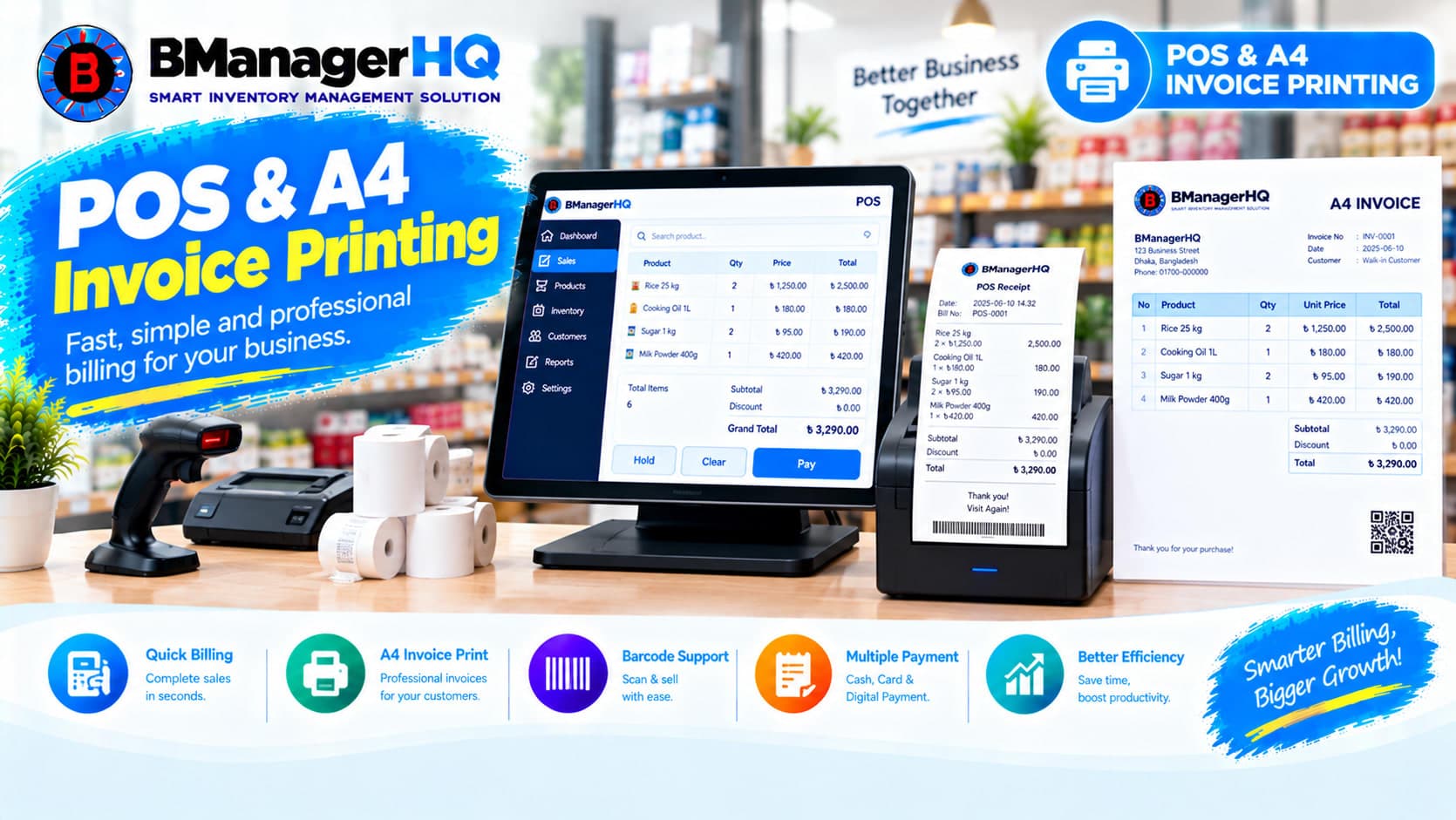
Manage POS sales and print professional A4 invoices with BManagerHQ POS & A4 Invoice Printing Software for retail, wholesale, and other businesses.

Track product stock history, inventory movements, purchases, sales, transfers, and quantity changes with BManagerHQ Product Ledger Software.
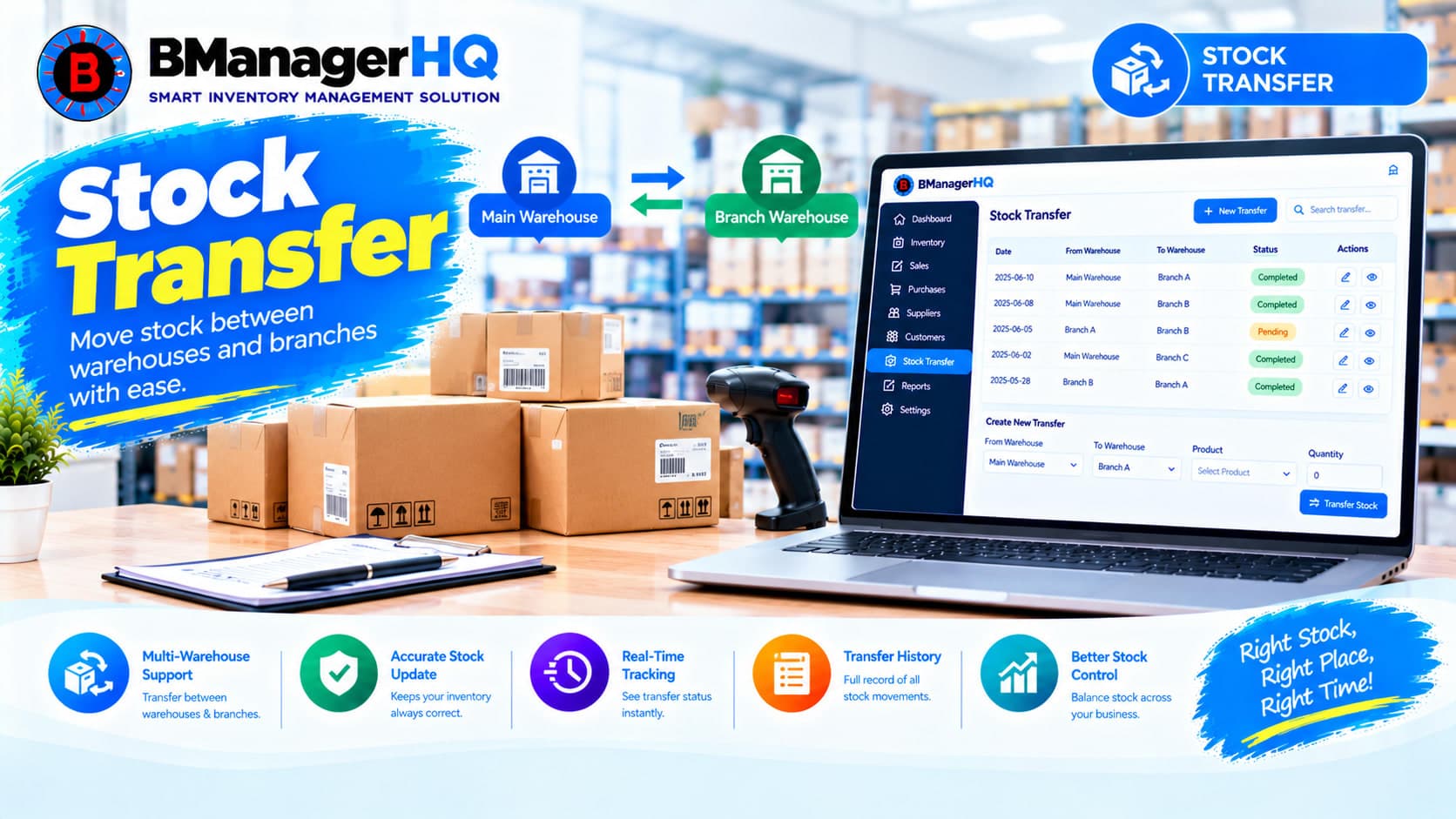
Transfer stock between warehouses, branches, shops and inventory locations with BManagerHQ Stock Transfer Software for businesses in Bangladesh.

Create professional quotations, manage quotation items, track customer quotations and print A4 quotations with BManagerHQ Inventory Management Software for businesses in Bangladesh.