Inventory Managementfeatures
Product Ledger Software | Product Stock History & Inventory Tracking

Content type
Features
Content type
Features
Topic
Inventory Management
Published
Keywords
BManagerHQ Product Ledger Software helps businesses maintain an organized history of product-related inventory transactions. Products can move through many inventory activities during their lifecycle. A product may be purchased from a supplier, added to stock, sold to a customer, transferred between locations, or verified through physical stock counting.
The Product Ledger brings relevant product inventory activity together so businesses can review how product quantities change over time. Whether you manage a retail shop, wholesale business, warehouse, distribution company, or multiple branches, BManagerHQ helps you maintain a clearer history of product inventory movements.
Start your 30-day free trial — no payment required.
What Is Product Ledger Software?
Product Ledger Software is an inventory management feature that maintains a transaction history for individual products.
A product ledger can help businesses review relevant inventory activities such as:
Instead of checking multiple records separately, businesses can use the product ledger to review the inventory history associated with a product.
1. Product Transaction History
Maintain an organized history of product-related inventory activity. Businesses can review how a product's inventory has changed through different transactions.
For example:
Product Created
      ↓
Purchase
      ↓
Stock Added
      ↓
Sale
      ↓
Stock Reduced
      ↓
Stock Transfer
      ↓
Inventory Changed
This provides a structured view of product activity.
2. Product Stock History
Businesses often need to understand why the stock quantity of a particular product has changed. Product Ledger helps connect inventory transactions with the product's stock history.
For example:
Opening Stock
↓
Purchase
↓
Sales
↓
Stock Transfer
↓
Current Stock
This makes product-level inventory review more organized.
3. Purchase & Product Ledger Integration
When products are purchased from suppliers, inventory quantities increase. The product ledger helps businesses maintain the related product inventory history alongside purchase activities.
Explore Purchase & Supplier Credit Tracking
4. Sales & Product Ledger Integration
When a product is sold, its inventory quantity changes. Product Ledger works alongside sales records to help businesses review product-related sales and stock activity.
Explore Sales Tracking
5. Stock Transfer History
Products may be transferred between warehouses, branches, and other inventory locations. Product Ledger can be used alongside Stock Transfer to review relevant product movement.
For example:
Warehouse A
   ↓
20 Units Transferred
   ↓
Warehouse B
The product's inventory history can therefore be reviewed together with its movement between locations.
Explore Stock Transfer
6. Product Quantity Changes
Inventory quantities can change for many reasons. A product ledger helps businesses review the transactions associated with these quantity changes.
For example:
This provides better visibility into product-level inventory activity.
7. Product-Level Inventory Tracking
Instead of reviewing the entire inventory, businesses can focus on an individual product.
For example:
Product: 500ml Bottled Water
The business can review the relevant inventory history for that product to understand its stock activity. This is particularly useful for businesses with large product catalogs.
8. Physical Stock Count Integration
Physical stock counts can help verify whether actual inventory matches recorded inventory. When a product is physically counted, businesses can review the stock-count activity together with the product's inventory records.
Explore Physical Stock Count
9. Low Stock Review
Product ledger information can be useful when a product reaches a low-stock condition. Businesses can review the product's inventory history to understand recent stock changes.
Explore Low Stock Alerts
10. Sales & Stock Reports
Product ledger information works alongside sales and stock reporting to provide a more organized view of product activity. Businesses can review product-level inventory information together with broader sales and stock records.
Explore Sales & Stock Reports
11. Multi-Warehouse & Branch Product Tracking
The same product may exist across multiple warehouses and branches. BManagerHQ's multi-location inventory management helps businesses organize product stock across different locations.
Product-related inventory activity can therefore be reviewed within the broader multi-location inventory workflow.
Explore Multi-Warehouse & Branch Management
12. Role-Based Access
Product and inventory information may be important business data. BManagerHQ's Role-Based Access helps businesses control employee access according to their responsibilities.
This allows businesses to manage access to inventory information more effectively.
Explore Role-Based Access
A product's current stock quantity does not always explain how that quantity was reached.
For example:
Current Stock: 75 Units
A business may want to know:
Product Ledger provides a structured way to review product-related inventory history.
A typical product inventory workflow can look like this:
Product Management
       ↓
Opening / Existing Stock
       ↓
Purchase
       ↓
Stock Added
       ↓
Sales
       ↓
Stock Reduced
       ↓
Stock Transfer
       ↓
Physical Stock Count
       ↓
Product Ledger
       ↓
Product Inventory History
This keeps product-level inventory activity connected.
Suppose a business has Product A.
The inventory activity may look like:
Transaction | Quantity Change |
Opening Stock | +100 |
Purchase | +50 |
Sale | -30 |
Sale | -20 |
Stock Transfer | -10 |
Current Stock | 90 |
The Product Ledger helps the business review these product-related transactions as part of the inventory history.
Retail businesses often have many products with frequent sales. A product ledger can help retailers review the inventory history of individual products.
For example:
Product
  ↓
Purchase
  ↓
Stock
  ↓
Sales
  ↓
Stock Changes
  ↓
Product History
This is useful when a retailer needs to investigate product stock activity.
Product Ledger for Wholesale Businesses
Wholesalers often manage large quantities of products. A product ledger can help businesses review the inventory history of individual products without manually checking every general inventory record.
It can be particularly useful when reviewing frequently purchased, sold, or transferred products.
Warehouse teams need to know how product quantities change over time.
Product Ledger can help connect:
Product → Stock → Purchase → Sales → Transfer → Physical Count
This gives warehouse operations a more structured product-level inventory history.
A product can be stored at several locations.
For example:
Main Warehouse
   ↓
Product Stock
   ↓
Branch A
   ↓
Product Stock
   ↓
Branch B
   ↓
Product Stock
When stock moves between locations, businesses can use the Product Ledger alongside Stock Transfer and multi-location inventory management to review the product's inventory activity.
Stock transfers directly affect product quantities at different locations.
For example:
Branch A
50 Units
↓
Transfer 15 Units
↓
Branch A
35 Units
Branch B
+15 Units
Product Ledger helps businesses review the product-related inventory activity alongside these movements.
Explore Stock Transfer
Sales are another major source of product quantity changes.
For example:
Product Stock
100 Units
     ↓
Sale: 10 Units
     ↓
90 Units
     ↓
Sale: 15 Units
     ↓
75 Units
The Product Ledger helps businesses review the inventory activity associated with the product's sales.
Explore Sales Tracking
Physical stock counting helps businesses verify actual product quantities.
Suppose:
System Stock: 75 Units
Physical Count: 72 Units
The difference may require further investigation. Businesses can review product inventory activity, sales, transfers, and other relevant records to understand the difference.
Explore Physical Stock Count
When a product reaches a low-stock condition, businesses may want to understand its recent inventory activity. Product Ledger can help review the product's stock history alongside Low Stock Alerts.
For example:
High Sales Activity
↓
Stock Decreases
↓
Low Stock Condition
↓
Product Ledger Reviewed
↓
Replenishment Considered
Explore Low Stock Alerts
Review individual product stock history and sales-related inventory activity.
Wholesale Businesses
Track product movements and inventory transactions across large quantities.
Distribution Companies
Review product activity across warehouses and distribution locations.
Trading Businesses
Maintain organized product inventory histories.
Parts Business
Review product-level inventory activity across a large product catalog.
Warehouses
Track product quantities and inventory movements.
Multi-Branch Businesses
Review product inventory activity across different locations.
Complete Product History
Maintain an organized history of product-related inventory transactions.
Better Stock Visibility
Understand how product quantities change through inventory activities.
Easier Inventory Investigation
Review relevant transactions when a stock quantity needs investigation.
Connected Sales & Inventory
Keep product sales activity connected with product inventory records.
Better Stock Movement Tracking
Review product activity alongside stock transfers.
Physical Stock Verification
Use product history when investigating physical stock differences.
Multi-Location Support
Manage product inventory information across warehouses and branches.
Reduced Manual Tracking
Reduce the need to manually maintain separate product stock histories.
As a business grows, individual products can go through hundreds or thousands of inventory transactions. Without an organized product history, it can become difficult to understand how the current stock quantity was created. BManagerHQ Product Ledger helps businesses review product-related inventory activity in a structured way.
With Product Ledger, businesses can:
This helps businesses maintain better visibility into individual product inventory.
The complete product-level inventory workflow can be summarized as:
Product
   ↓
Purchase
   ↓
Stock Added
   ↓
Sales
   ↓
Stock Reduced
   ↓
Stock Transfer
   ↓
Location-Based Stock Changes
   ↓
Physical Stock Count
   ↓
Inventory Review
   ↓
Product Ledger
   ↓
Product Stock History
This provides a connected view of product inventory activity.
Keep product purchases, sales, stock transfers, physical counts, and inventory changes organized in one connected product history. With BManagerHQ Product Ledger Software, businesses can review product-level inventory activity and maintain better visibility into how stock quantities change over time.
Explore BManagerHQ Inventory Management
A Product Ledger is a record of product-related inventory transactions that helps businesses review stock history and quantity changes.
It can be used to review relevant product inventory activities such as purchases, sales, stock transfers, physical stock counts, and other stock-related transactions maintained in the system.
Yes. Product Ledger helps businesses review the inventory history associated with individual products.
Product Ledger works alongside sales records to help businesses review product-related sales and inventory changes.
Yes. Businesses can use Product Ledger together with Stock Transfer to review product movement between inventory locations.
Yes. When inventory differences are identified, businesses can review relevant product transactions to investigate the stock history.
Yes. BManagerHQ supports multi-warehouse and branch inventory management, allowing businesses to manage products across different locations.
Yes. Retail businesses can use product-level inventory history to review product sales, stock changes, and inventory activity.
Yes. BManagerHQ is designed as an inventory management solution for businesses in Bangladesh that need organized product, stock, sales, purchasing, and inventory records.
BManagerHQ is a cloud-based POS software for managing sales, billing, products, customers, suppliers, inventory, multiple locations, cashier operations, promotions, and reports.
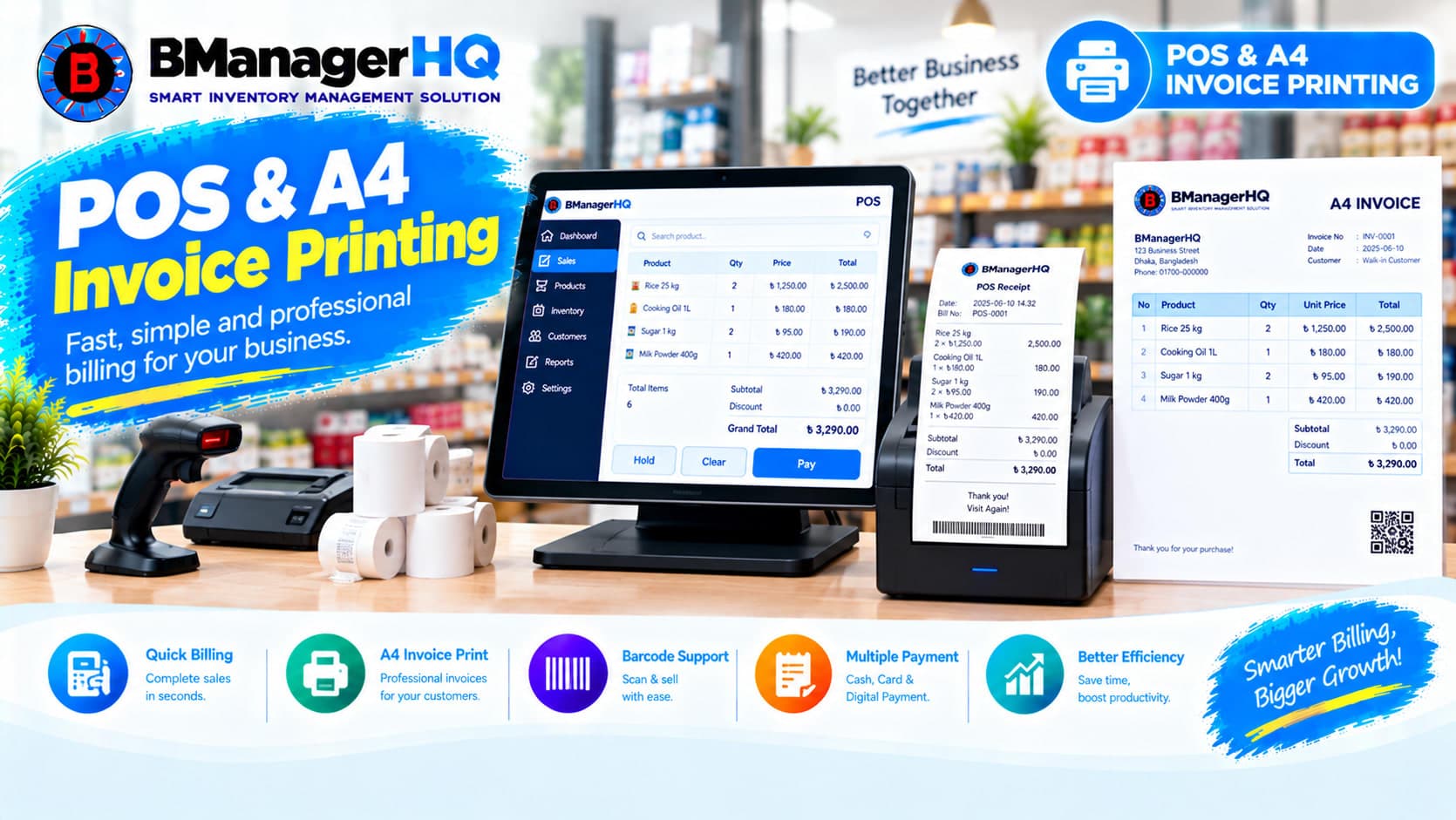
Manage POS sales and print professional A4 invoices with BManagerHQ POS & A4 Invoice Printing Software for retail, wholesale, and other businesses.
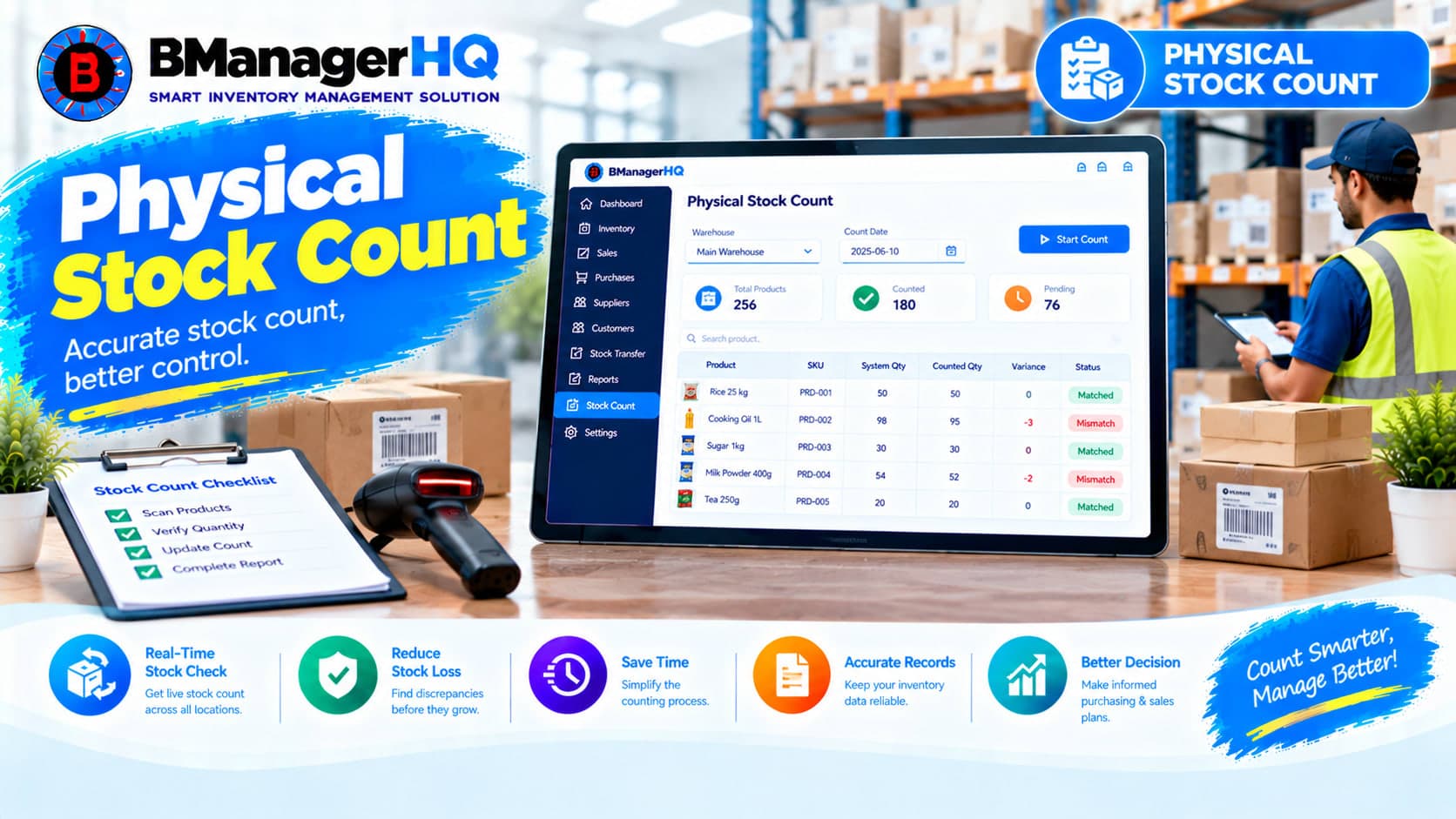
Compare physical inventory with recorded stock quantities using BManagerHQ Physical Stock Count Software for accurate and organized inventory management.
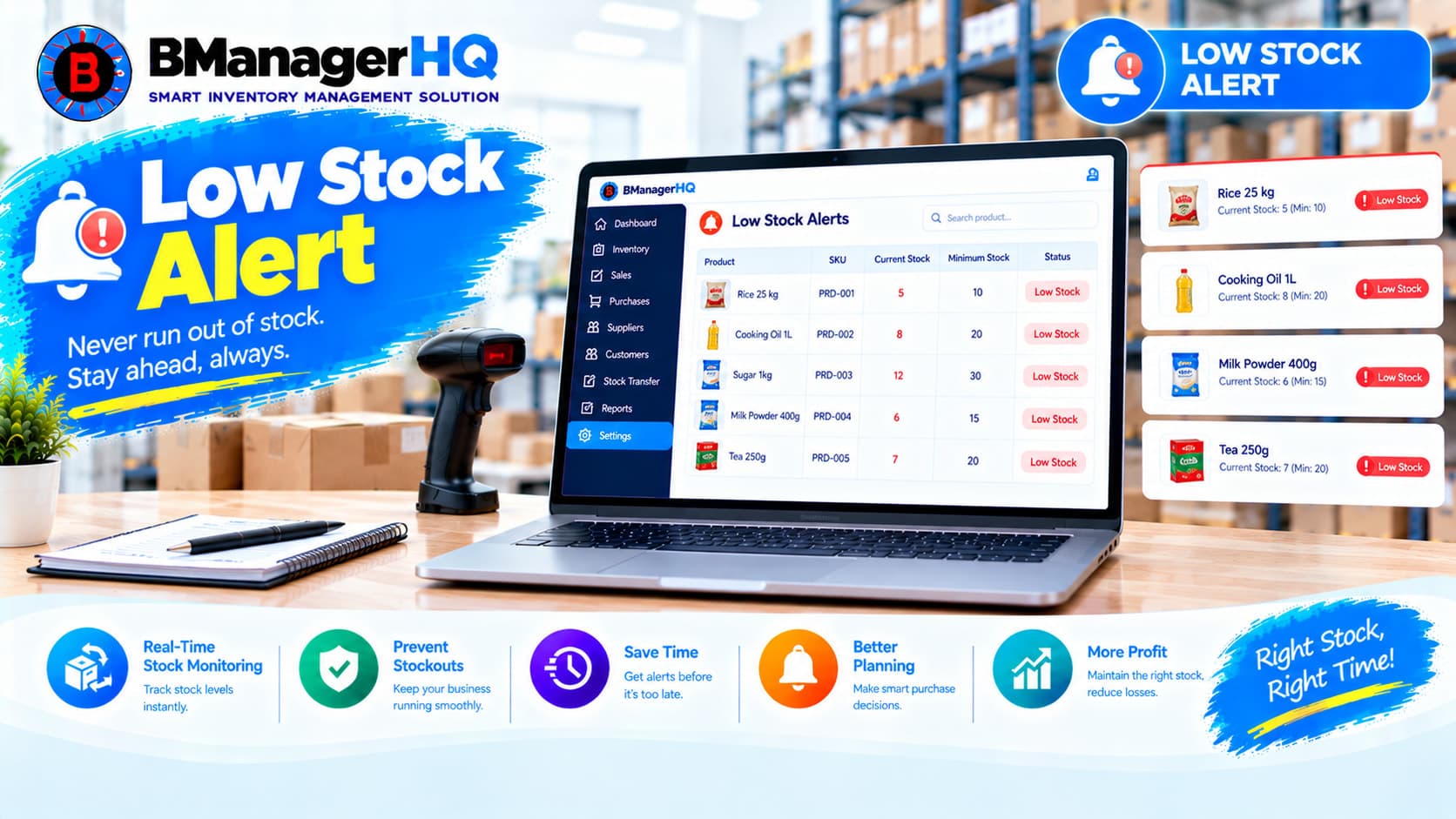
Monitor low inventory levels and identify products that need attention with BManagerHQ Low Stock Alerts Software for businesses in Bangladesh.
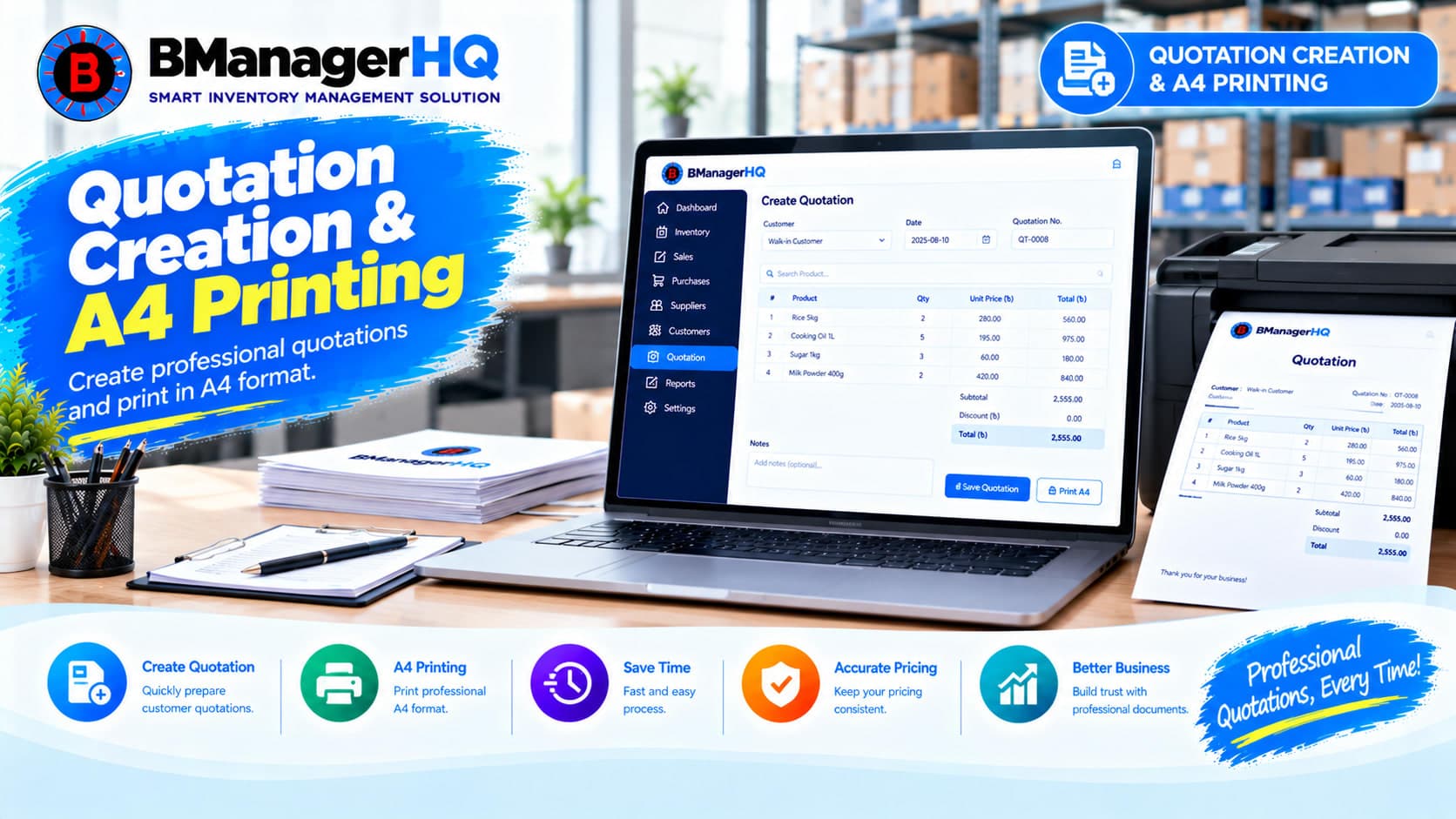
Create professional quotations, manage quotation items, track customer quotations and print A4 quotations with BManagerHQ Inventory Management Software for businesses in Bangladesh.