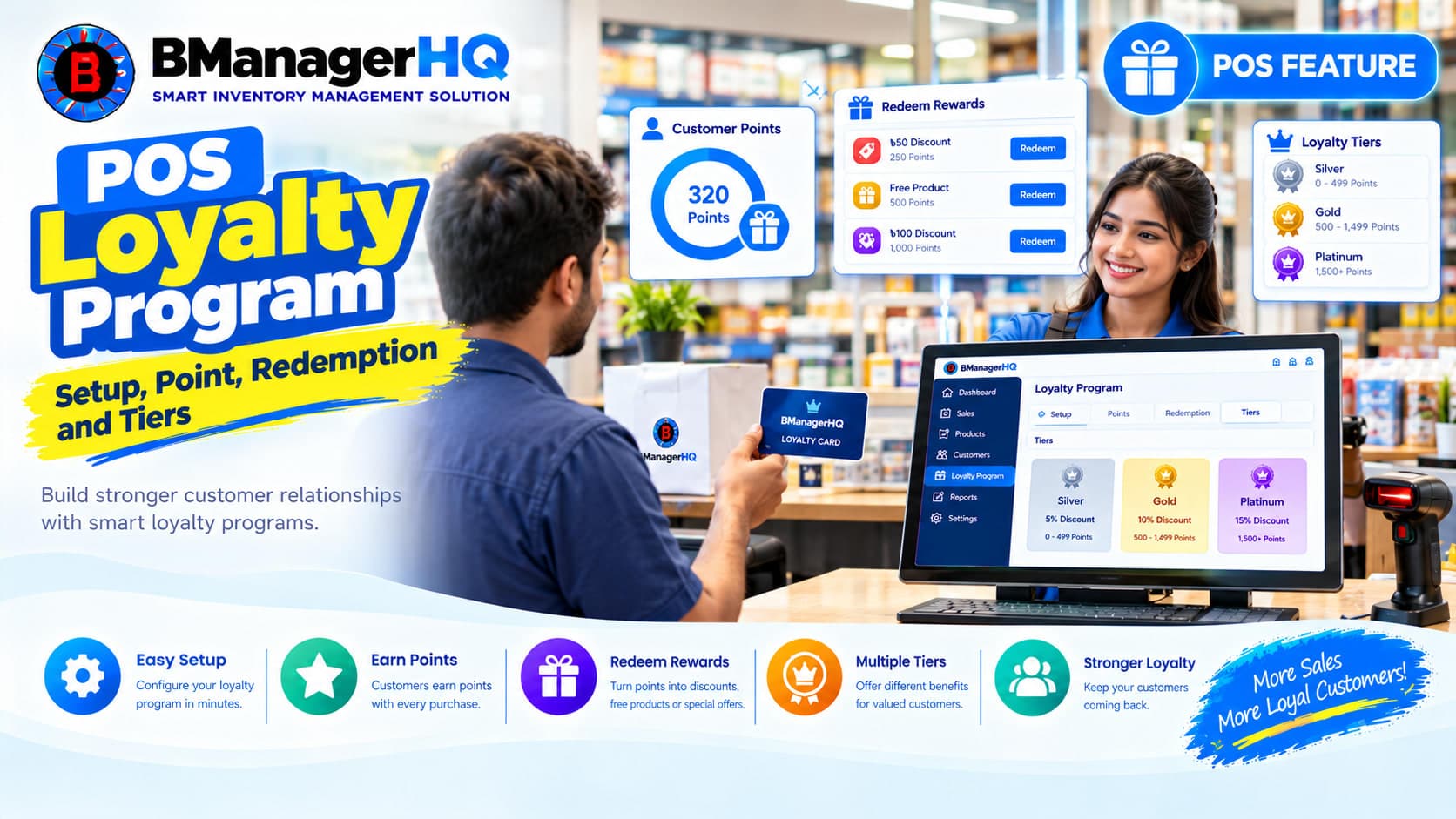
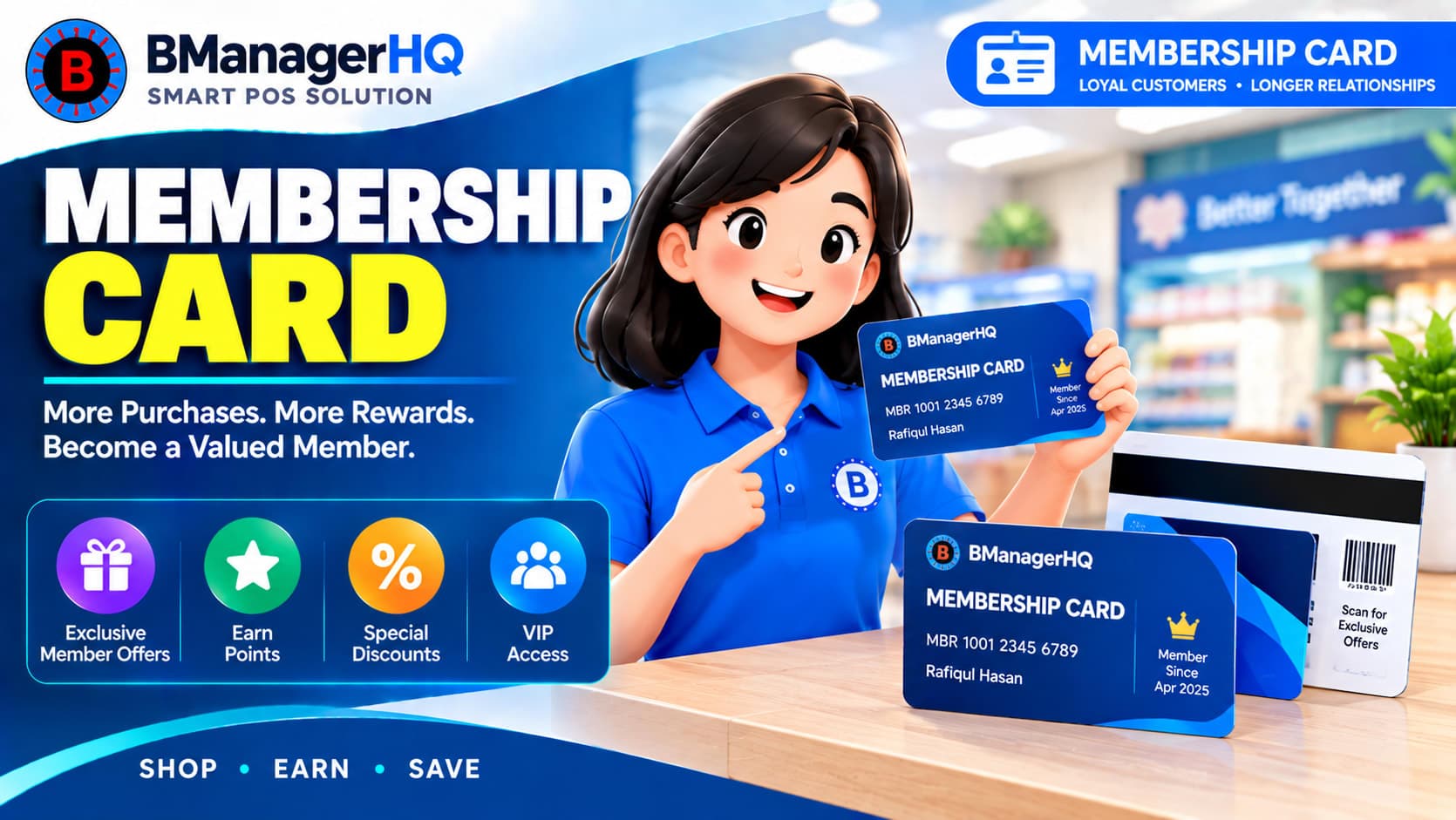
A POS loyalty program helps a business reward returning customers and give them a way to use earned points during future purchases. With BManagerHQ POS, you can enable loyalty features, configure how customers earn and redeem points, manage loyalty programs and tiers, and review customer point transactions.
This guide explains the loyalty settings available in BManagerHQ POS and how to get started.
A POS loyalty program records reward points for customers in connection with POS sales. Depending on the program rules, customers can earn points on qualifying purchases and use eligible points as a payment method at checkout.
In BManagerHQ, loyalty settings are part of the POS module. Loyalty is optional: an authorized user can enable or disable the program in POS Settings.
The POS loyalty tools let your business configure:
Whether the loyalty program is enabled
One or more loyalty programs, including a default program
Points earned per currency amount spent
A minimum purchase amount for earning points
The currency value of points
Minimum points required for redemption
The maximum percentage of a transaction payable with points
Point expiry days
Whether the program uses tiers
Tier point ranges and benefits
Customer point balances and loyalty transaction history
Manual loyalty point adjustments
Available tier settings include point thresholds, point multipliers, discounts, birthday bonuses, and options for free shipping or early access to sales and promotions.
How to enable loyalty in POS
Open your organization’s POS module.
Go to POS Settings.
Open Loyalty Settings.
Turn on Enable Loyalty Program.
Configure a loyalty program’s earning and redemption rules.
Set the program to active and choose the default program if you have more than one.
Save your settings.
The loyalty program must be enabled for loyalty features to be available in the POS workflow.
Configure point earning rules
Each loyalty program can define how points are earned.
Points per currency unit
Set how many points a customer earns for each currency unit spent. For example, a rule of one point per unit means a qualifying purchase of 100 currency units earns 100 points, subject to your program’s settings and the sale workflow.
Minimum purchase
Set an optional minimum purchase amount for earning points. This lets you decide whether points should be earned on every purchase or only when a purchase meets your threshold.
Choose earning rules that are easy for customers and staff to understand. Explain the rate clearly wherever you promote your loyalty program.
Configure point redemption
You can set the rules that control how customers use points at POS checkout.
Point value
Set the currency value of points. This determines how points convert toward an eligible purchase.
Minimum points to redeem
Set the minimum point balance a customer must have before points can be used.
Maximum redemption percentage
Set the maximum percentage of a transaction that can be paid using points. This gives your business control over how much of a sale can be covered by loyalty rewards.
Make sure your staff understand these limits so they can explain the redemption amount during checkout.
Set point expiry
A loyalty program can define an expiry period in days. Configure the expiry rule that suits your business and communicate it to customers before they join or earn points.
If your program does not use an expiry period, configure the setting accordingly.
Manage loyalty tiers
You can optionally use tiers to define different benefits based on customer points. BManagerHQ provides tier names for:
Bronze
Silver
Gold
Platinum
For each tier, authorized users can configure its point range and available settings, including:
Points multiplier
Discount percentage
Birthday bonus points
Free-shipping option
Early access to sales or promotions
Tiers are optional. If your business does not need levels or tier-based benefits, you can run a loyalty program without enabling tiers.
Manage customer points and transaction history
Customer loyalty balances are associated with customer records in POS. The loyalty transaction area lets authorized users view customers and review point activity.
Loyalty transaction records can include activity such as points earned, redeemed, expired, adjusted, bonus points, birthday points, or refunds. Authorized users can also make point adjustments and provide a description for the adjustment.
Use adjustments carefully and keep a clear reason in the transaction record so your team can explain changes to a customer.
Use loyalty points at POS checkout
When loyalty is enabled and the program is configured, loyalty points can be used as a payment method in the POS sales workflow. The customer needs to be selected for the transaction so staff can apply the appropriate customer loyalty balance.
Before completing a sale, confirm:
The correct customer is selected
The customer has enough points
The minimum redemption requirement is met
The redemption does not exceed the program’s transaction limit
The final payment amount is correct
Loyalty points and gift cards are different
Loyalty points and gift cards are separate POS features.
Loyalty points are customer rewards managed under the loyalty program.
Gift cards are managed through the gift card feature and can be enabled separately in POS settings.
Use the appropriate payment option at checkout and make sure staff know the difference.
How multiple loyalty programs work
BManagerHQ POS lets you create and configure more than one loyalty program. However, POS uses only the program selected as Default for loyalty calculations at checkout.
The Default Program’s rules determine how eligible customers earn and redeem points. These rules can include the points earning rate, minimum purchase, point value, redemption minimum, and maximum redemption percentage.
Example
Suppose your business creates two programs:
Program A: Earn 1 point for every 100 currency units spent
Program B: Earn 2 points for every 100 currency units spent
If Program A is selected as the Default Program, POS uses Program A’s rules. Program B will not automatically apply to a different customer.
Change the Default Program
You can select a different program as the Default in Loyalty Settings. POS will then use the selected program’s rules for loyalty calculations.
Customer point balances are not separated by program. The current POS workflow also does not assign individual customers to different programs. Therefore, creating multiple programs does not let you run different earning rules for separate customer groups at the same time.
Recommended setup for a new loyalty program
Before launching a program:
Decide how many points customers earn for a qualifying purchase.
Set a minimum purchase amount, if needed.
Decide how much a point is worth.
Set the minimum points needed for redemption.
Choose the maximum percentage of a sale payable with points.
Set an expiry period, if applicable.
Decide whether to use Bronze, Silver, Gold, and Platinum tiers.
Test a sale and redemption with a customer record.
Train POS staff on the rules and how to explain them.
Review loyalty transaction history and adjustments regularly.
POS Loyalty Program: Setup, Points, Redemption, and Tiers Documentation FAQS
Can I turn off the POS loyalty program?
Yes. Loyalty has an enable/disable setting in POS Loyalty Settings. When the program is disabled, loyalty features are not available as an active POS program.
Can customers earn points based on how much they spend?
Yes. Loyalty programs include a points-per-currency-unit rule and an optional minimum purchase amount.
Can customers redeem points at checkout?
Yes. Loyalty points can be used as a POS payment method when loyalty is enabled and the program’s redemption rules are met.
Can I limit how many points are used on a sale?
Yes. The program includes a minimum redemption threshold and a maximum percentage of a transaction that can be paid with points.
Can I create customer loyalty tiers?
Yes. You can configure optional Bronze, Silver, Gold, and Platinum tiers with point ranges and settings such as multipliers, discounts, and bonuses.
Can I review or adjust a customer’s points?
Authorized users can view loyalty transaction history and make point adjustments. Add a clear description when adjusting points to preserve an understandable record.
Are loyalty points the same as gift cards?
No. Gift cards and loyalty points are separate POS features with separate settings.
Scan product barcodes and create barcodes for products with BManagerHQ POS software. Speed up checkout, identify products quickly, and improve product and inventory management.