POSservices
Shop & Store Management Software in Bangladesh
Content type
Services
Topic
POS
Content type
Services
Topic
POS
Published
Keywords
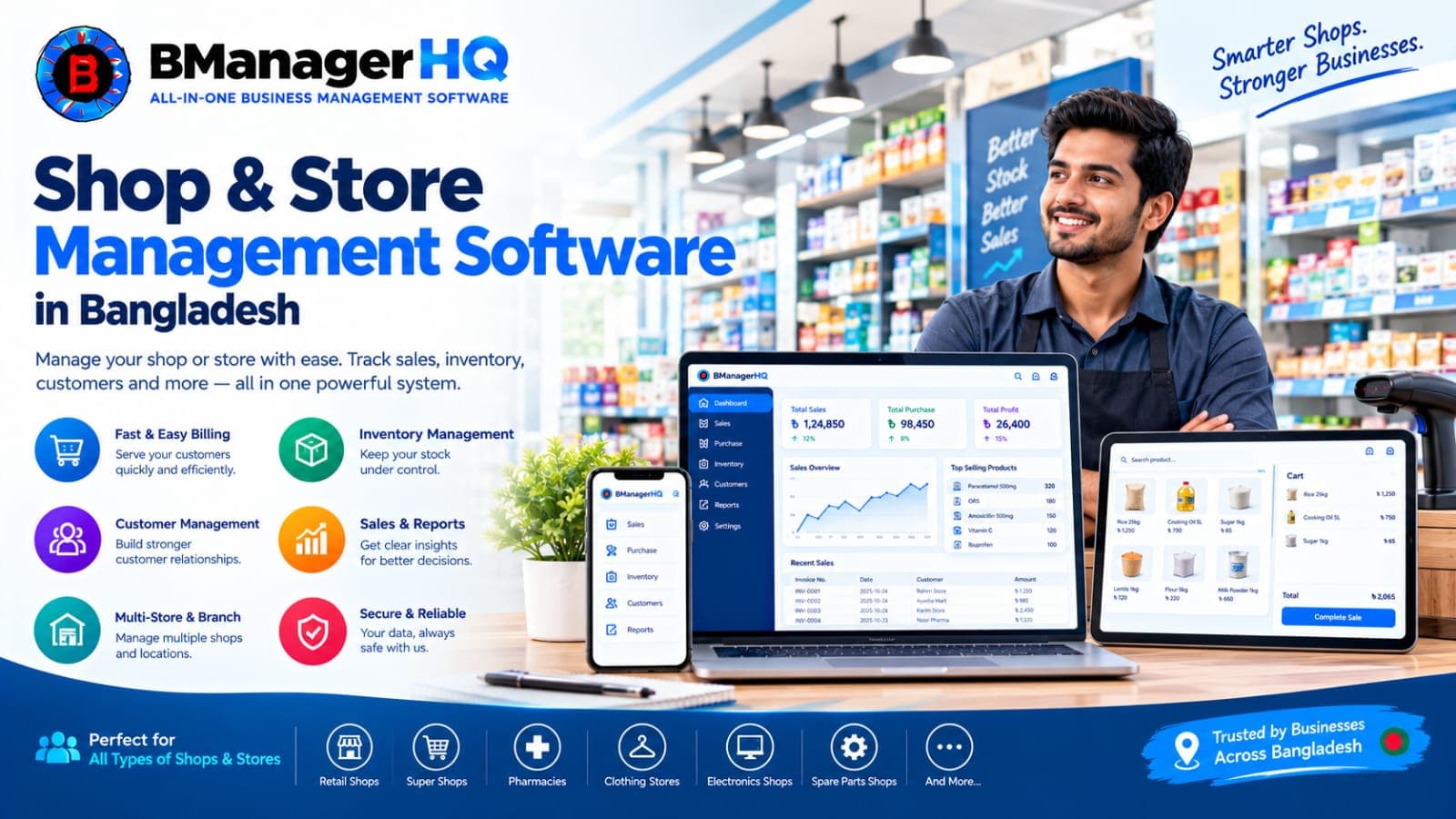
Running a shop means tracking many things at once: what you sold today, what is left on the shelf, which supplier you still owe, which customer has a due, and whether the cashier’s drawer matches the sales. BManagerHQ is shop management software for Bangladesh that brings all of this into one cloud-based system, so you spend less time on notebooks and spreadsheets and more time selling.
Whether you run one shop or several branches and warehouses, you can bill customers, manage stock, record purchases and payments, and review reports from any device with an internet connection.
Start 30-day free trial and View pricing. No payment required.
Shop management software, also called store management software, is a system that helps a retail or wholesale business run its daily operations in one place: sales and billing, inventory, purchases and suppliers, customers and credit, staff access and reports.
A POS (point of sale) system handles the checkout counter. Shop management software goes further by connecting the counter to your stock, suppliers, customers and branches. BManagerHQ gives you both: POS software for selling and inventory management software for stock and purchasing, on one platform.
Not sure which one you need? Read Inventory management vs POS software.
• Fast billing with barcode scanning and barcode generation
• Weighing scale support for items sold by weight
• Product variants, such as size and colour
• Customizable POS and A4 invoice printing
• Cashier drawer and session tracking so you can reconcile cash at the end of each shift
• Promotions, including bundle offers and Buy X Get Y, plus membership cards and loyalty rewards
• Track stock by shop, warehouse and branch with multi-location inventory
• Bin-level tracking to know exactly where items are stored
• Record purchases and track supplier credit
• Stock transfers between shops, warehouses and branches
• Low stock alerts so you reorder before items run out
• Physical stock count to compare counted stock with system stock
• Warranty and expiry tracking for products that need it
• Customer records with sales and customer credit tracking, so you always know who owes you
• Supplier records with purchase and payment tracking
• Ledgers for customer and supplier payments
• Role-based access, so each staff member sees only what they should
• Sales, stock and cashier reports to see how your shop is performing
• One system for every location, so owners can follow all branches without visiting each one
Every business tracks different things. Choose the guide closest to yours:
• Super shops and supermarkets: billing, barcode scanning, weighing scale support and stock control. See super shop POS software.
• Pharmacies and medicine shops: expiry and batch tracking with barcode billing. See pharmacy POS software.
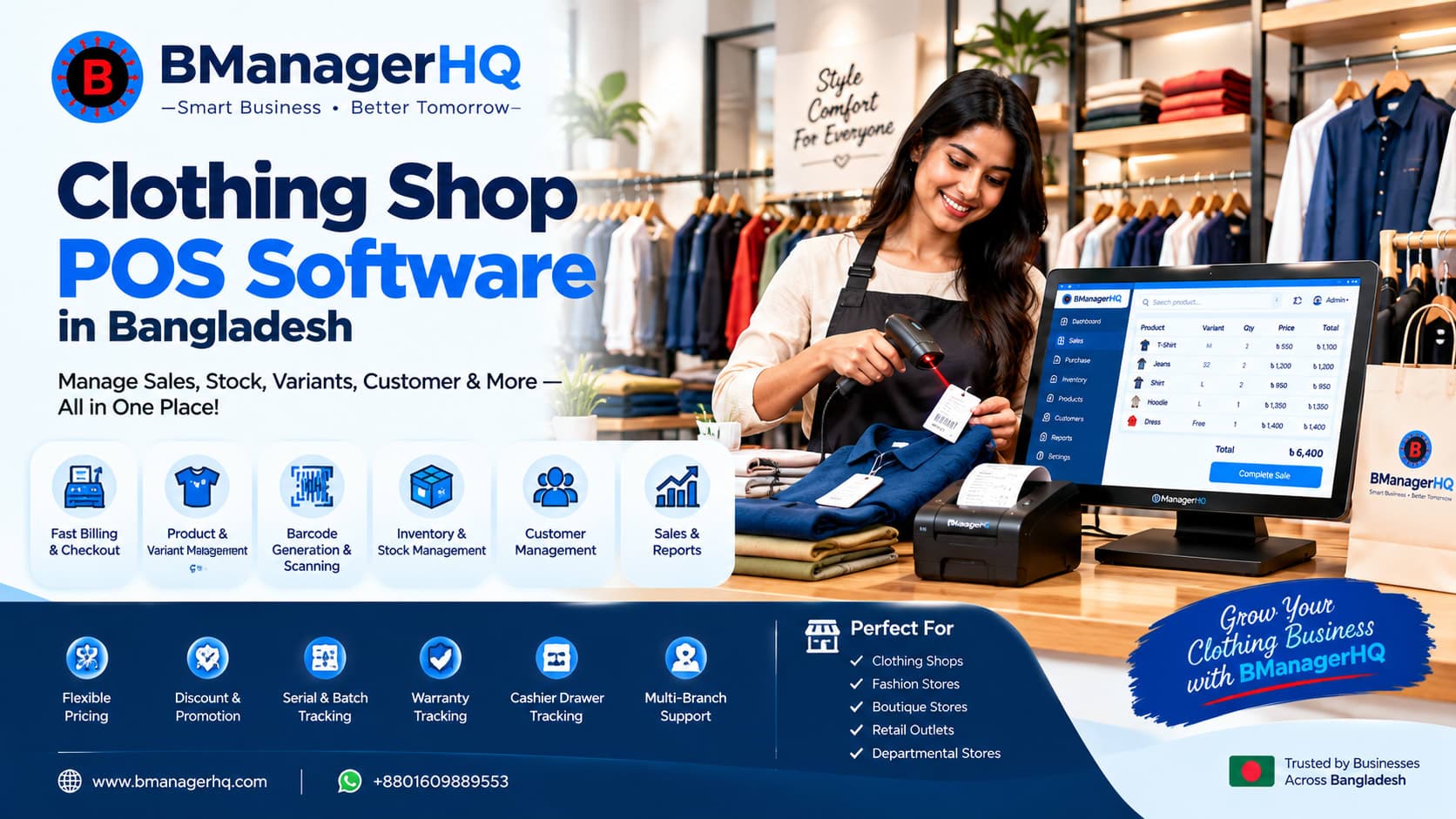
• Clothing and boutique shops: size and colour variants, barcode billing and customer records. See clothing shop POS software.
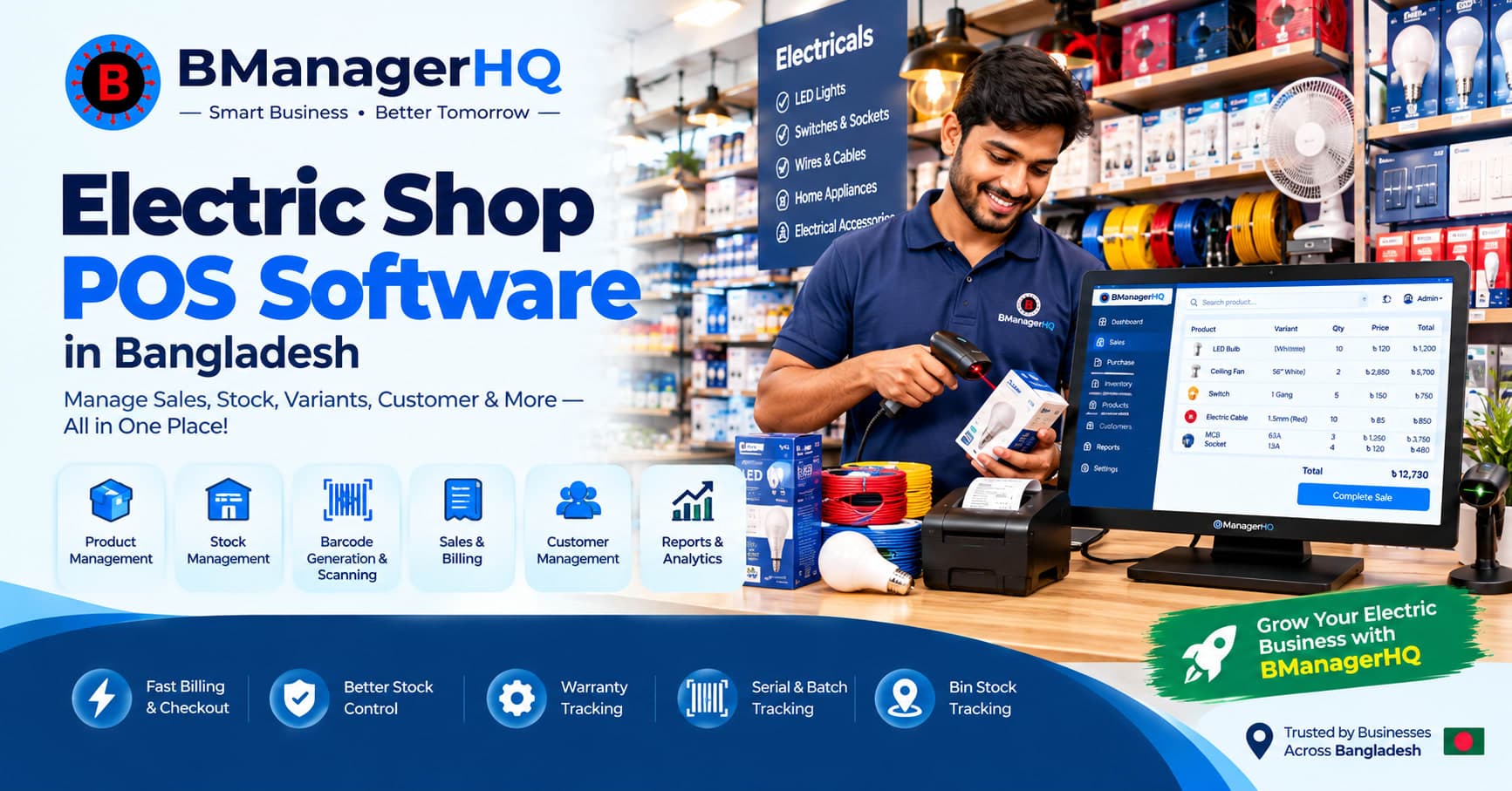
• Electronics and electrical shops: serial and batch tracking with warranty. See electric shop POS software.
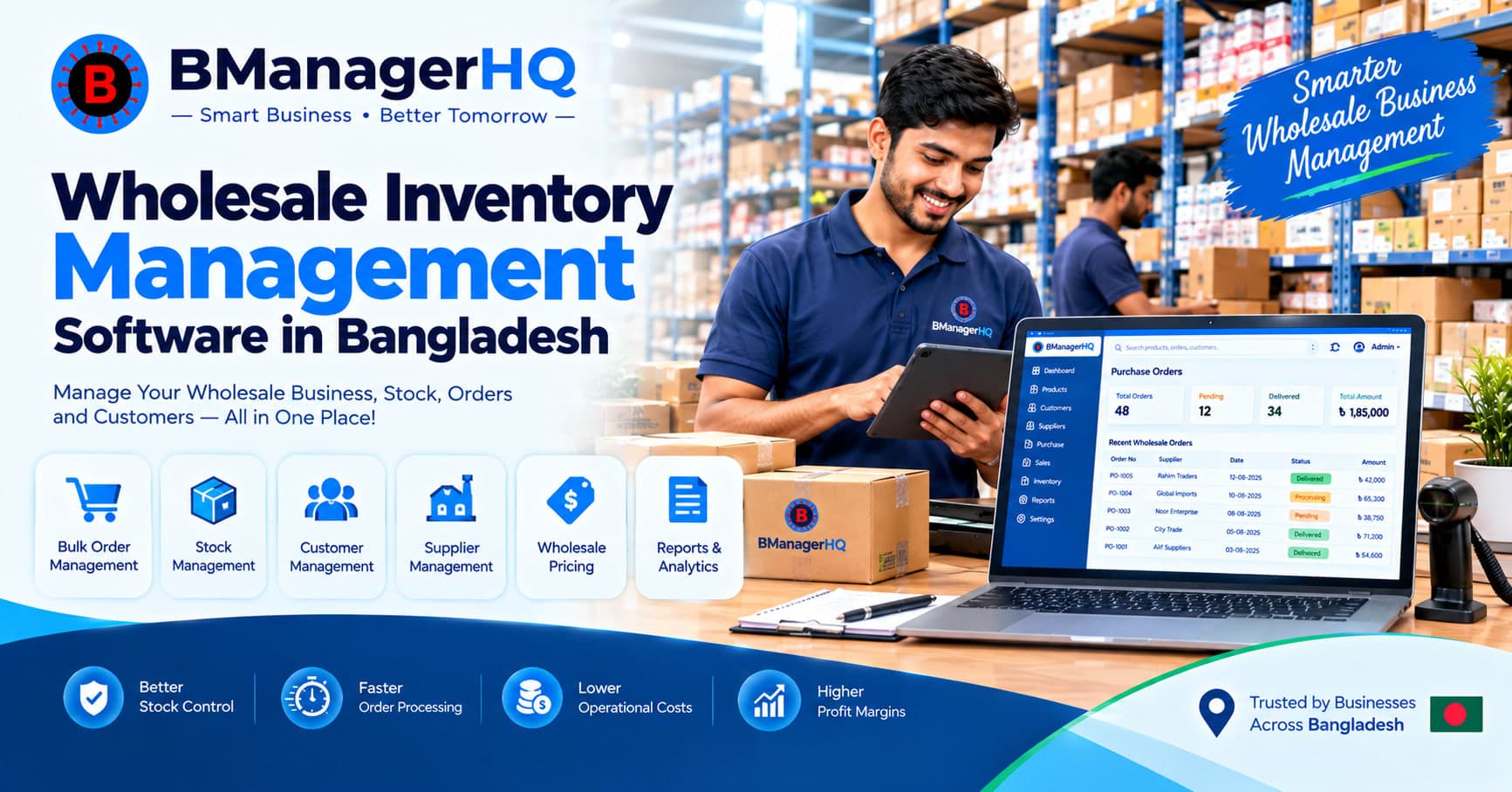
• Wholesalers and distributors: purchases, customer credit, warehouses and stock transfers. See wholesale inventory software and distribution management software.
• Spare parts businesses: see spare parts inventory software.
1. Start your free trial. You get 30 days to try BManagerHQ with no payment required.
2. Add your products, suppliers and locations. Set up your shop, branches or warehouses and invite your staff with the right access.
3. Start billing and tracking stock. Sell from the POS, record purchases, and watch your stock and reports update.
The price of shop management software depends on the modules you choose, the number of users and how you pay (monthly, quarterly or yearly). Many local products are sold as one-time licences, while cloud software like BManagerHQ is a subscription, so compare what each price actually includes.
Every plan starts with a 30-day free trial and no payment is required to begin. See full details on the POS pricing and inventory pricing pages.
What you need | Notebook or Excel | BManagerHQ |
Know current stock | Count and update by hand | Stock updates with every sale and purchase |
Several branches | Separate files that are hard to combine | Stock by shop, warehouse and branch in one place |
Customer dues | Easy to miss or forget | Credit tracking per customer |
Staff access | Anyone with the file sees everything | Role-based access for each person |
Reorder on time | Notice only when shelves are empty | Low stock alerts |
Daily reports | Built manually | Sales, stock and cashier reports |
• One platform for selling and stock. POS and inventory work together, so a sale updates your stock.
• Made for businesses in Bangladesh. Built around how local shops buy, sell and give credit.
• Control over your team. Role-based access and cashier session tracking keep cash and data under control.
• Credit and ledger tracking. Follow what customers owe you and what you owe suppliers.
• Try before you pay. Use everything free for 30 days before you decide.
Start managing your shop the easy way. Try BManagerHQ free for 30 days. No payment required.
Start free trial and View pricing
Shop management software is a system that manages a shop’s sales, billing, stock, purchases, suppliers, customers and reports in one place. It replaces notebooks and scattered spreadsheets with a single, up-to-date record of your business.
Not exactly. POS software handles billing at the counter. Shop management software also covers inventory, purchasing, suppliers, customer credit and multi-branch reporting. BManagerHQ offers POS and inventory modules so you can choose what your business needs.
Yes. BManagerHQ supports multiple shops, branches and warehouses, with stock transfers between locations and reports across your business.
Yes. BManagerHQ includes expiry tracking and batch tracking for products where they apply, along with barcode scanning and stock management. See our pharmacy POS software page.
Yes. You can track customer credit and supplier credit, record payments, and review ledgers so you always know who owes what.
Yes. Role-based access lets you decide which staff can use sales, products, inventory, purchases, cashier operations and reports.
Yes. You can try BManagerHQ free for 30 days, with no payment required.
Prices vary by product, modules and number of users. See the pricing page for current plans.
Distribution management software in Bangladesh for products, suppliers, customer credit, warehouses, stock transfers, sales, payments, ledgers and reports.
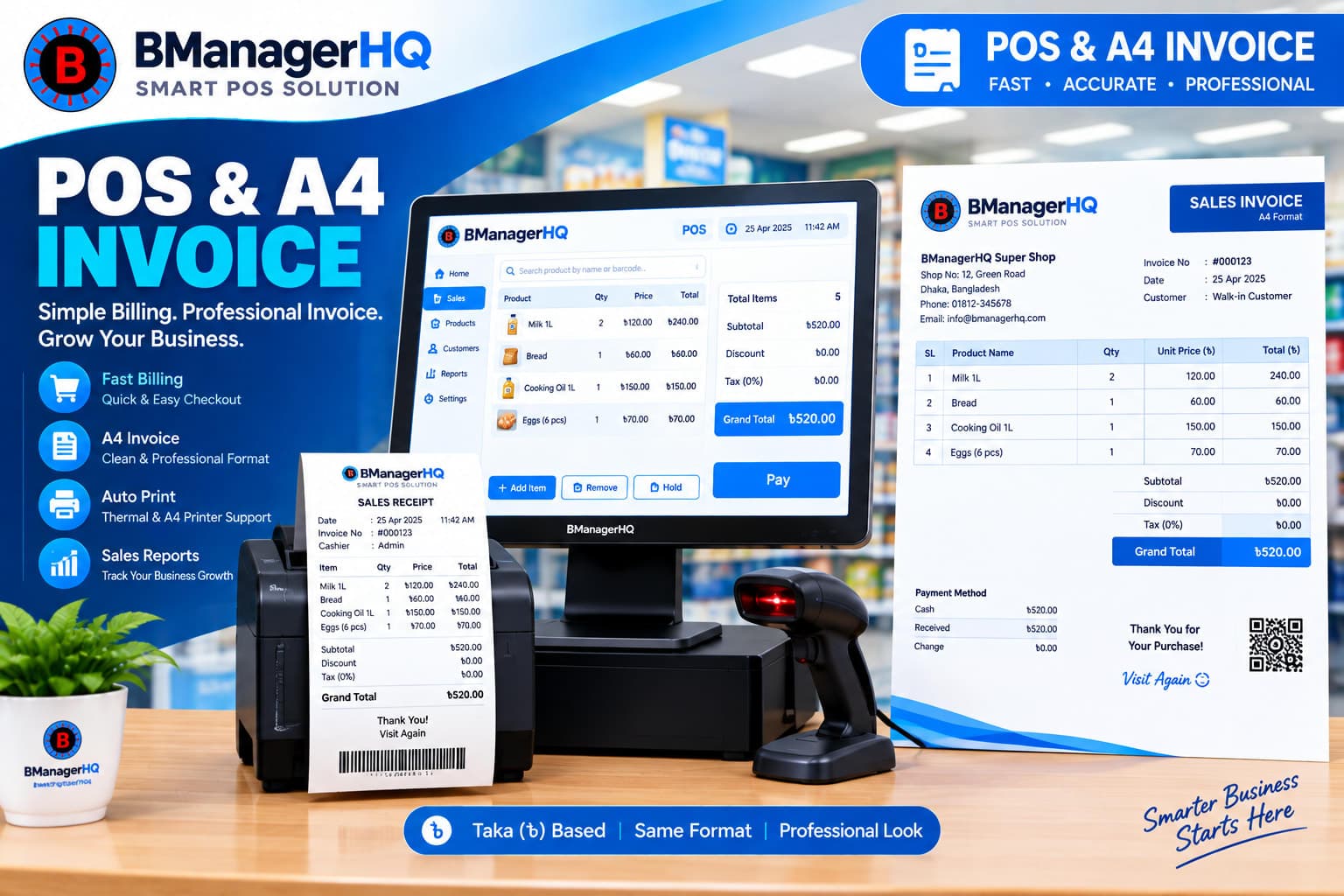
Create and print POS invoices and customizable A4 invoices with BManagerHQ. Manage sales billing and generate professional invoices suited to your business.
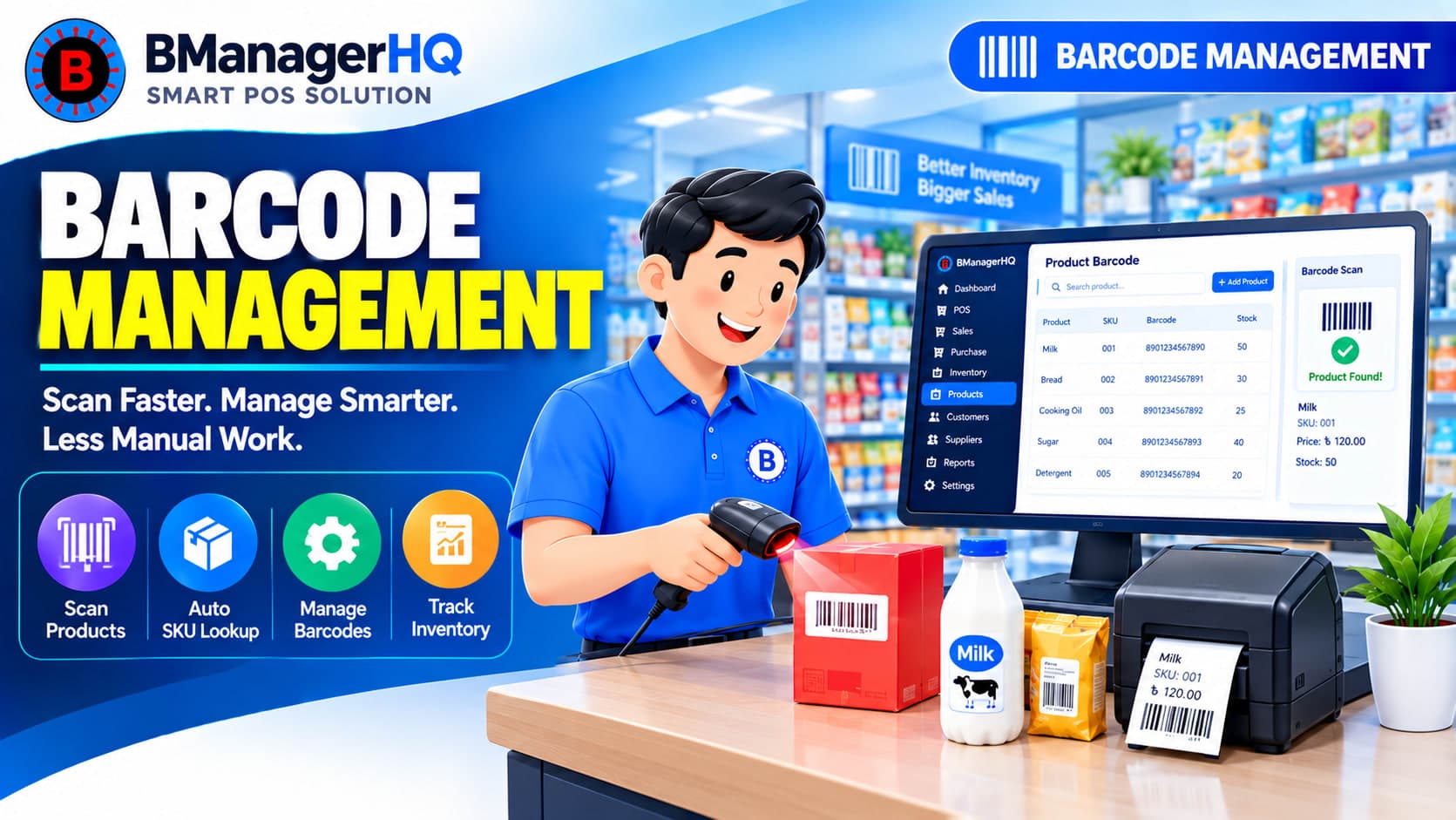
Scan product barcodes and create barcodes for products with BManagerHQ POS software. Speed up checkout, identify products quickly, and improve product and inventory management.
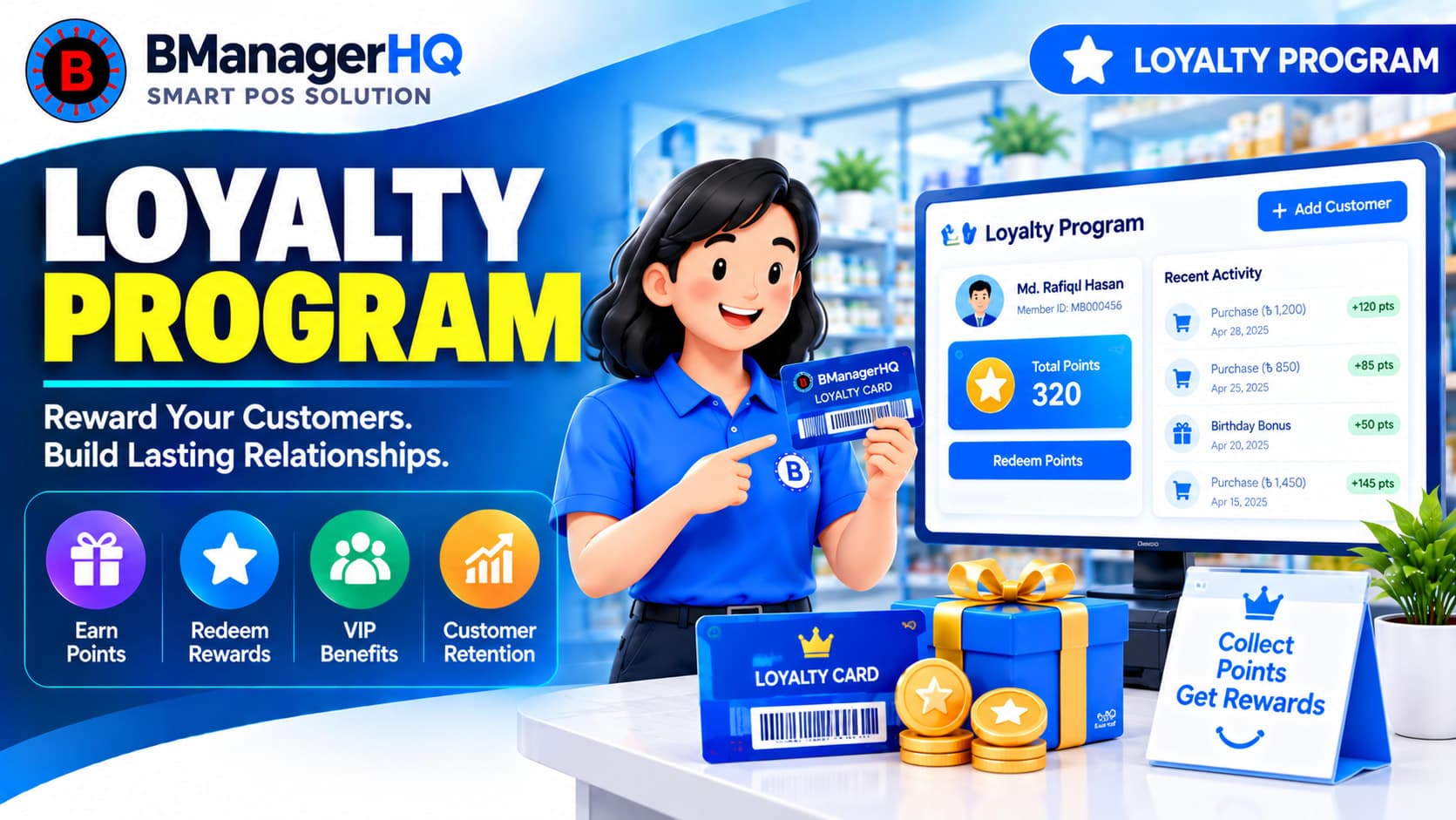
Manage customer loyalty programs with BManagerHQ POS software. Organize customer loyalty activities alongside sales, customer management, memberships, and promotions.
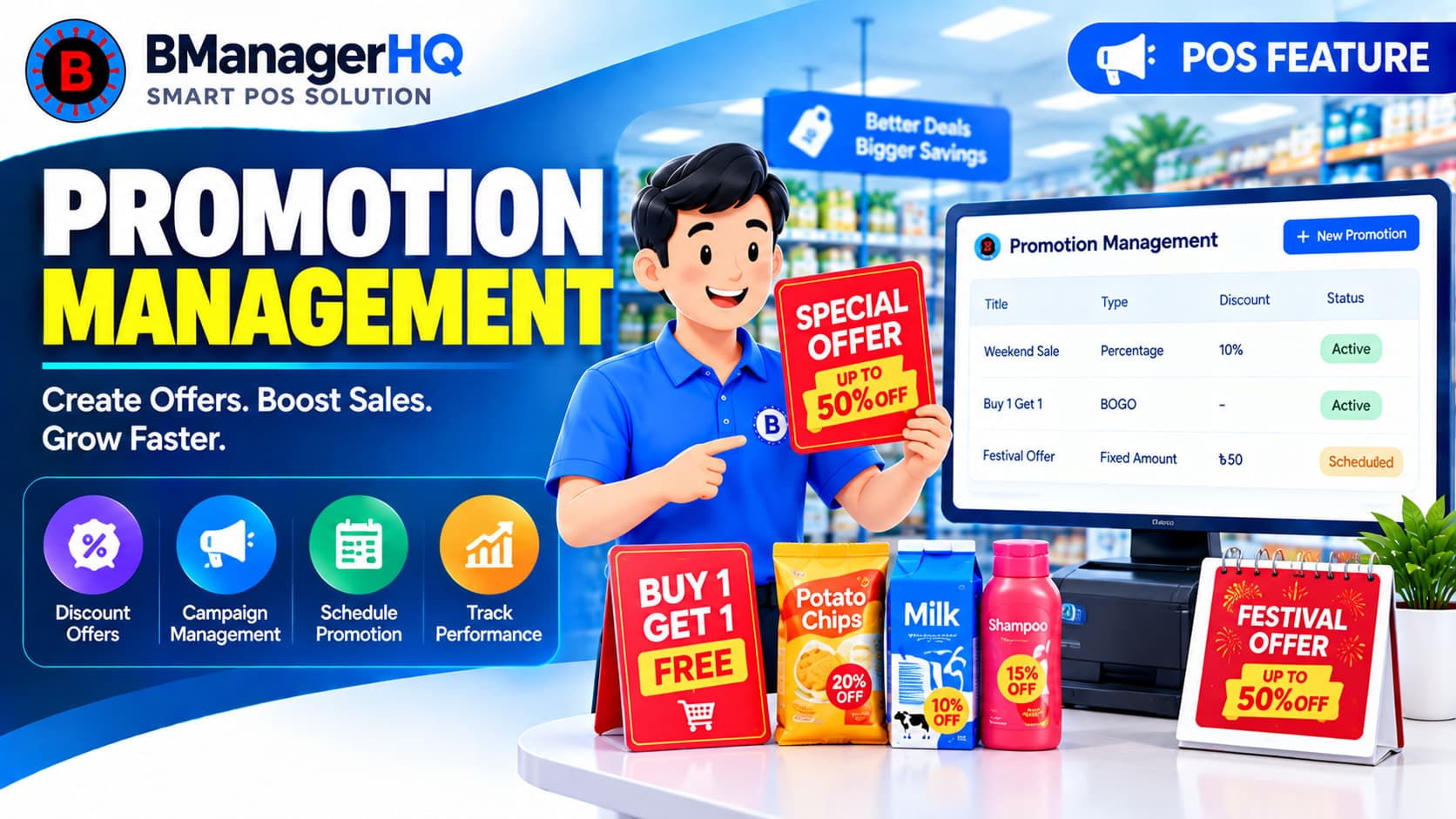
Create and manage product promotions with BManagerHQ POS software, including Bundle offers and Buy X Get Y promotions to increase sales and customer engagement.
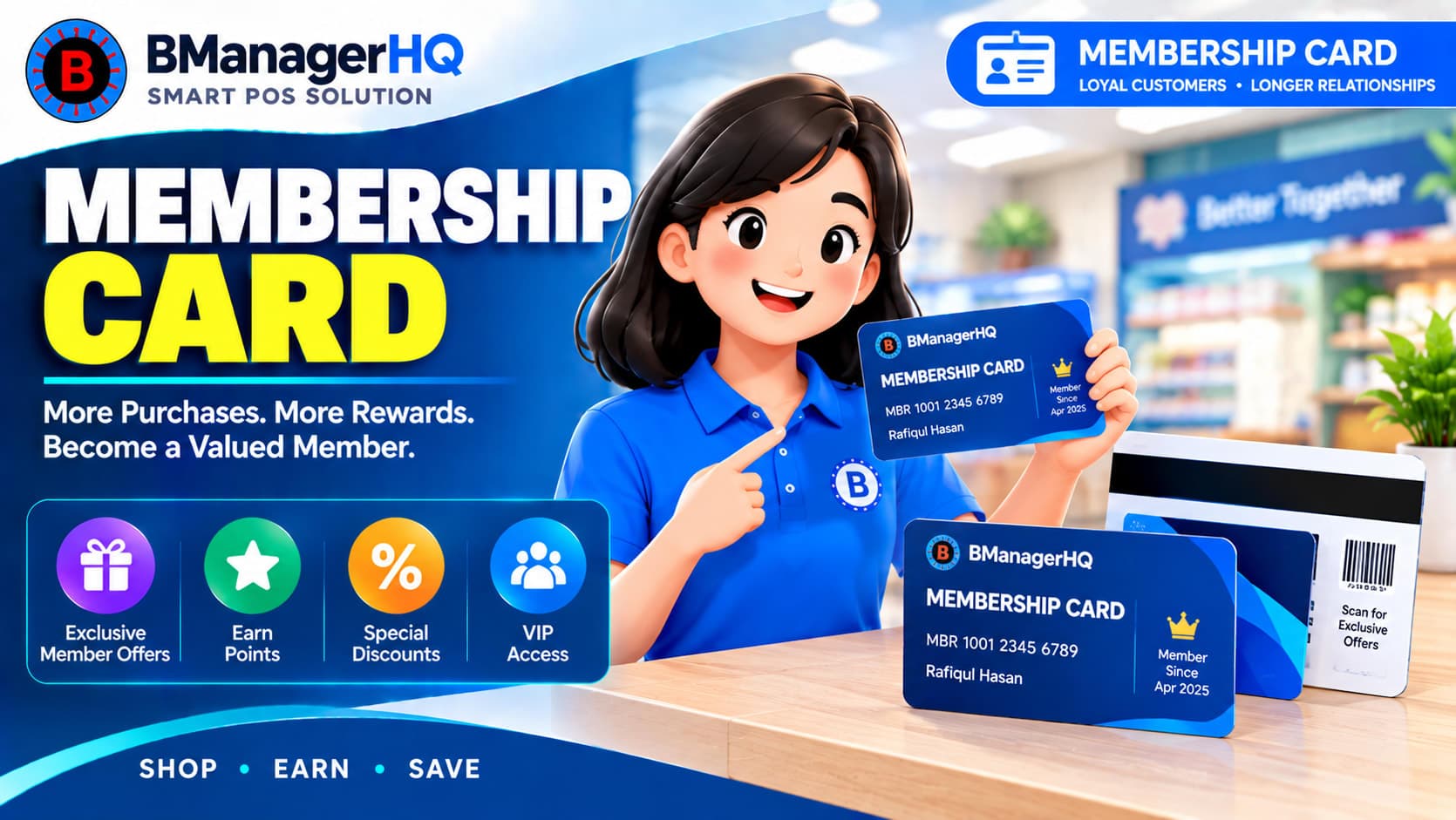
Manage customer membership cards with BManagerHQ POS software. Organize member information and connect membership functionality with customer and sales management.