POSfeatures
POS & A4 Invoice Printing Software | Customizable Invoices
Content type
Features
Topic
POS
Content type
Features
Topic
POS
Published
Keywords
A professional billing process is an important part of everyday business operations. Customers need clear transaction details, while businesses need organized sales records and invoices that represent their business professionally.
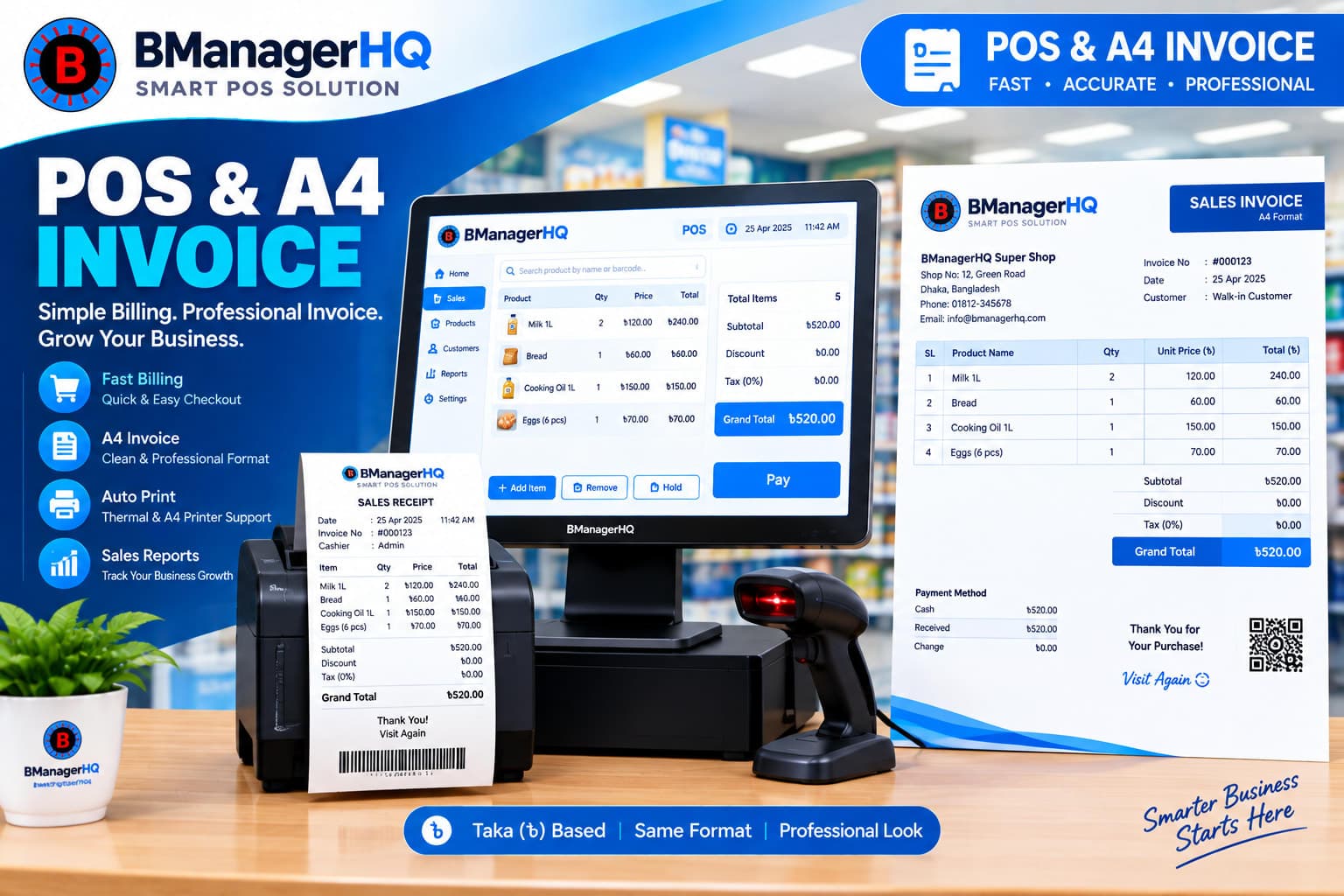
BManagerHQ POS & A4 Invoice Printing helps businesses create invoices as part of their sales and billing workflow. Businesses can use POS invoice printing for regular transactions and generate A4-size invoices with customizable formatting when a more detailed or formal invoice is required.
This makes the feature suitable for retail stores, wholesale businesses, pharmacies, electronics shops, fashion stores, grocery businesses, and other businesses that need organized sales billing and printable invoices.
POS invoice printing is the process of generating a printable sales invoice after completing a transaction through the point-of-sale system.
A typical POS transaction may contain:
Instead of preparing an invoice separately, the business can generate the invoice as part of its POS sales workflow.
A well-integrated billing system should make invoice generation a natural part of completing a sale.
A typical workflow can be:
Select Products → Process Sale → Confirm Transaction → Generate Invoice → Print
This can reduce the need for manually preparing a separate invoice after every transaction.
For businesses processing many sales each day, having invoice generation connected to the POS system can make daily billing operations more organized.
Different businesses have different requirements for printed invoices. A small retail transaction may only require a compact POS invoice, while a wholesale or business transaction may require a more detailed A4 invoice.
BManagerHQ supports customizable A4 invoice printing so businesses can configure their invoice presentation according to their operational requirements. This can be useful when businesses need a more formal document for customers, corporate transactions, or internal business records.
An invoice is more than a record of a sale. It can also represent the business when it is provided to a customer. A professional invoice can help present important business information in an organized format.
Depending on the configured invoice format, businesses can structure information such as:
The exact invoice layout can be customized according to the business's requirements.
Retail businesses often process many transactions throughout the day. For these businesses, invoice generation needs to be simple enough for regular sales operations while still producing clear transaction records.
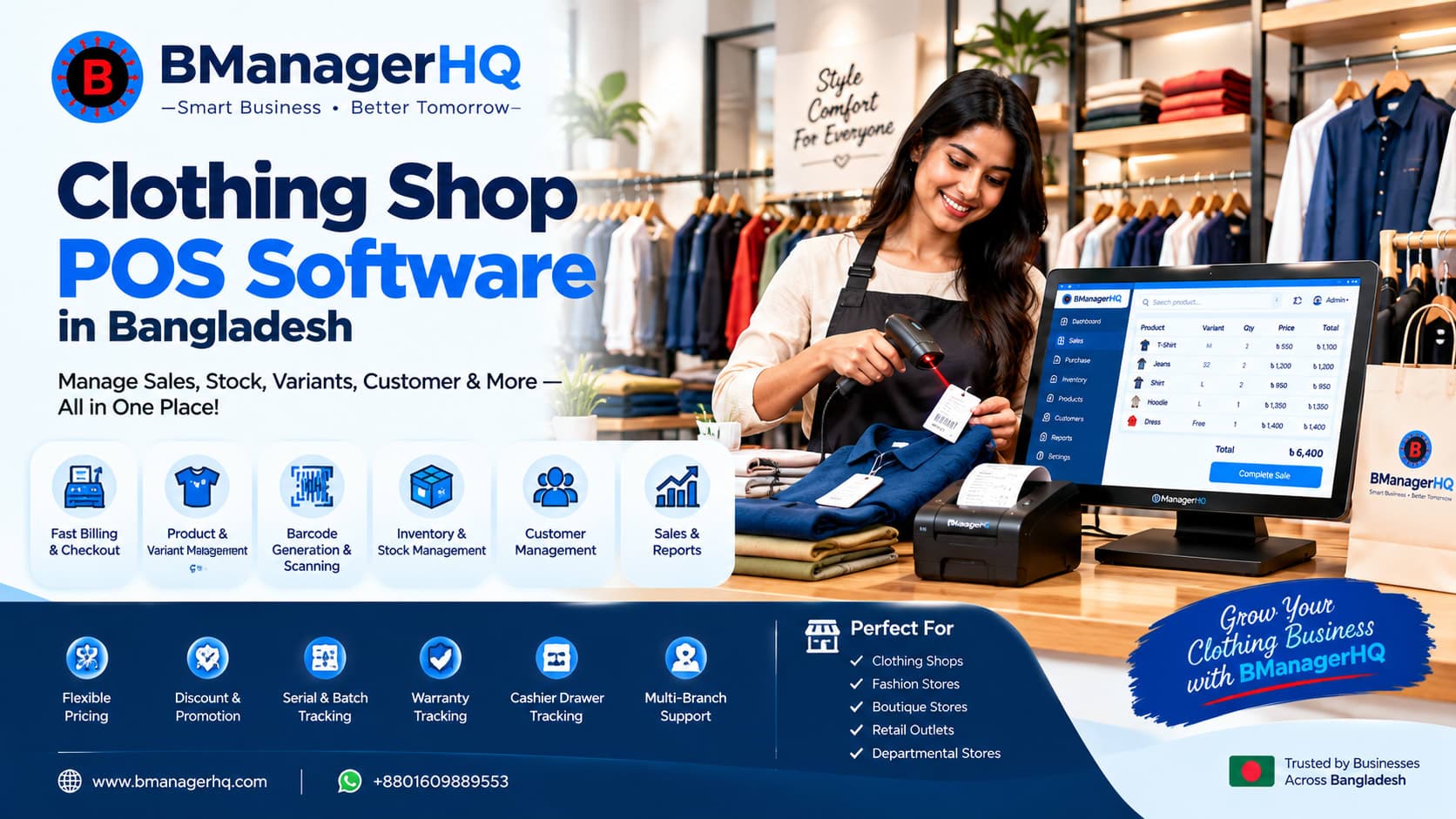
For example, a clothing store may process a customer purchase containing several products. The sales staff can complete the transaction through the POS system and generate the applicable invoice for the customer. This keeps sales, billing, and invoice generation within the same workflow.
A4 invoices can be particularly useful when a transaction requires a more formal or detailed document. For example, a business dealing with larger orders may need an invoice that provides more space for business and transaction information than a compact POS receipt.
An A4 invoice can be useful for:
This provides businesses with flexibility in how they present their sales invoices.
Invoices can become more useful when customer information is maintained within the POS system. For example, a business may record a sale against a customer rather than processing it as an anonymous transaction. The resulting sales record can then be associated with the customer's broader transaction history.
This creates a connected workflow:
Customer → Sale → Invoice → Sales History
BManagerHQ's Customer Management functionality helps businesses organize customer information and sales activity.
Learn more about Customer Management.
Invoice generation is directly connected with sales management. When a transaction is completed, the business needs an organized sales record that can be referenced later.
This can be particularly useful for:
BManagerHQ connects invoice generation with its broader sales management workflow rather than treating invoices as isolated documents.
Explore Sales & Customer Credit Tracking.
An invoice needs accurate product information. The products selected during a sale become part of the transaction and can be presented on the generated invoice. For businesses managing product variants, accurate product identification is particularly important.
For example:
Product: Polo Shirt
Variant: Black / Large
Quantity: 2
The applicable product information can be reflected in the sales transaction and invoice according to the configured invoice format.
Learn more about Product & Variant Management.
Invoice Printing With Barcode-Based Sales
Businesses using barcode scanning can combine fast product identification with invoice generation.
A typical retail workflow could be:
This can provide a streamlined workflow from product identification to customer billing.
Explore Barcode Scanning & Generation.
Invoice printing is also closely related to cashier operations. A cashier may process numerous transactions during a working session. Having invoice generation as part of the POS workflow means the cashier does not need to switch to a separate system to prepare the sales document.
For businesses using cashier sessions, the workflow can connect:
Cashier Session → Sales → Invoice → Session Records
This provides a more organized approach to daily POS operations.
Learn more about Cashier Drawer & Session Tracking.
Businesses may have different requirements for how their invoices should look. For example, one business may prefer a simple sales invoice, while another may require a more formal A4 document containing additional business information. Customization can help businesses maintain a consistent invoice presentation.
This can include configuring the invoice layout and business information according to the available invoice customization options. The exact configuration depends on the business's requirements and the available settings in BManagerHQ.
Businesses operating multiple shops or branches may need invoices to reflect the appropriate business or location information.
For example, a business may operate:
When sales are processed across different locations, maintaining an organized sales and invoice workflow can help the business manage transactions more consistently. BManagerHQ's Multi-Location Management provides the broader infrastructure for businesses operating multiple warehouses, shops, and branches.
Explore Multi-Location Management.
1. Faster Invoice Generation
Generate invoices as part of the sales workflow instead of preparing them manually.
2. Professional Sales Documents
Provide customers with organized invoices representing the completed transaction.
3. Support POS Invoices
Handle everyday retail billing through the POS workflow.
4. Support A4 Printing
Generate A4 invoices when a larger or more formal invoice format is required.
5. Customizable Presentation
Configure the invoice format according to the business's requirements.
6. Connected With Sales
Keep invoices associated with the underlying sales transactions.
7. Works With Customer Management
Connect customer information with sales and invoices where applicable.
8. Suitable for Different Business Types
Use invoice printing across retail, wholesale, pharmacy, electronics, fashion, grocery, and other businesses.
Imagine a clothing store processing a customer purchase. The cashier scans the products, confirms the transaction, and completes the sale. The system can then generate the applicable invoice for the customer.
For a normal retail transaction, a POS-oriented invoice may be sufficient. For a larger or more formal order, the business can use its configured A4 invoice format.
A wholesale business may process larger customer orders containing multiple products. In this situation, an A4 invoice can provide a more suitable format for presenting detailed transaction information.
The business can maintain the sale within its POS system while providing the customer with a professionally formatted invoice.
A typical workflow can be organized into these steps:
Add products to the sales transaction manually or through barcode scanning.
Select or enter the customer when customer information is required.
Check products, quantities, prices, and transaction totals.
Process the applicable payment and complete the sale.
Generate the invoice from the completed sales transaction.
Print the invoice using the configured POS or A4 format.
This keeps the complete process connected from sales entry to invoice generation.
POS & A4 Invoice Printing can be useful for:
Businesses that require both everyday POS billing and more formal printable invoices can particularly benefit from having both options within the same platform.
A complete POS system should not stop at recording a sale. Businesses also need an organized way to provide customers with clear transaction documents. With BManagerHQ POS & A4 Invoice Printing, businesses can generate invoices directly from their sales workflow and use customizable A4 invoice formats when a more detailed document is required.
Combined with customer management, product management, barcode scanning, cashier operations, and sales tracking, invoice printing becomes part of a complete business management workflow.
Deliver a smoother checkout experience with flexible POS transactions and professional invoice printing. With BManagerHQ POS and A4 Invoice Printing, you can process sales, print clear invoices, and customize invoice layouts to match your business requirements and brand identity.
Start your 30-day free trial — no payment required.
Explore BManagerHQ Point of Sale (POS) Feature and create a more professional sales workflow.
POS Invoice Printing allows businesses to generate and print sales invoices directly from their POS transactions.
Yes. BManagerHQ supports A4 invoice printing for businesses that require a larger, more detailed invoice format.
Yes. BManagerHQ provides customizable A4 invoice functionality so businesses can configure their invoice presentation according to their requirements.
Customer information can be used within the sales and invoice workflow where applicable. BManagerHQ also provides Customer Management for maintaining customer records.
Yes. Businesses can use barcode scanning as part of product identification during the sales process and then generate the invoice after completing the transaction.
Yes. A4 invoices can be particularly suitable for larger or more detailed transactions, including wholesale sales.
Invoice generation is part of the broader sales workflow, allowing businesses to maintain invoices alongside their sales transactions.
Yes. BManagerHQ supports businesses operating multiple warehouses, shops, and branches, with invoice generation forming part of the broader POS workflow.
Spare parts inventory management software in Bangladesh for products, suppliers, customers, warehouses, stock transfers, credit, payments, ledgers and reports.
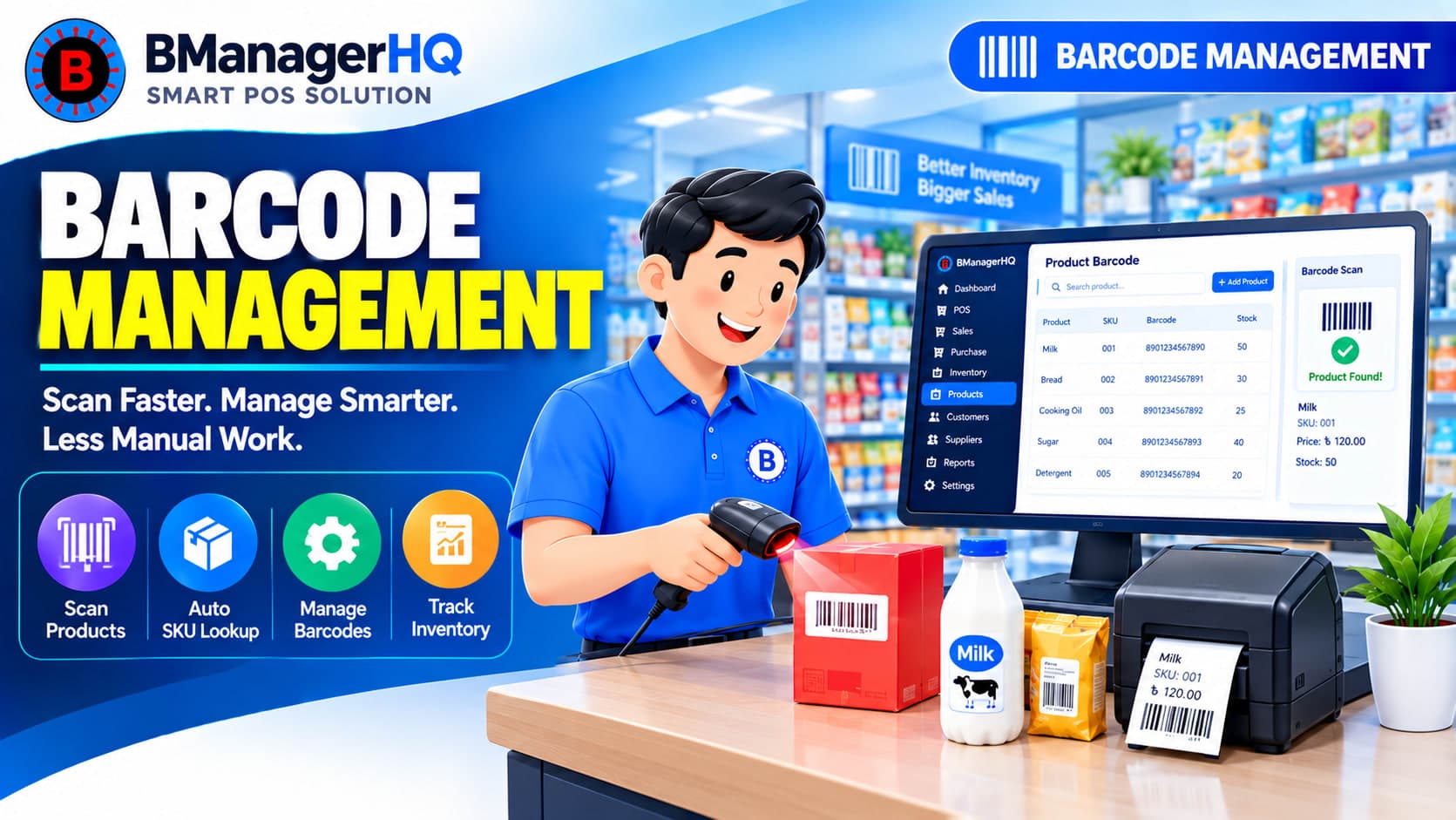
Scan product barcodes and create barcodes for products with BManagerHQ POS software. Speed up checkout, identify products quickly, and improve product and inventory management.

Manage customer loyalty programs with BManagerHQ POS software. Organize customer loyalty activities alongside sales, customer management, memberships, and promotions.
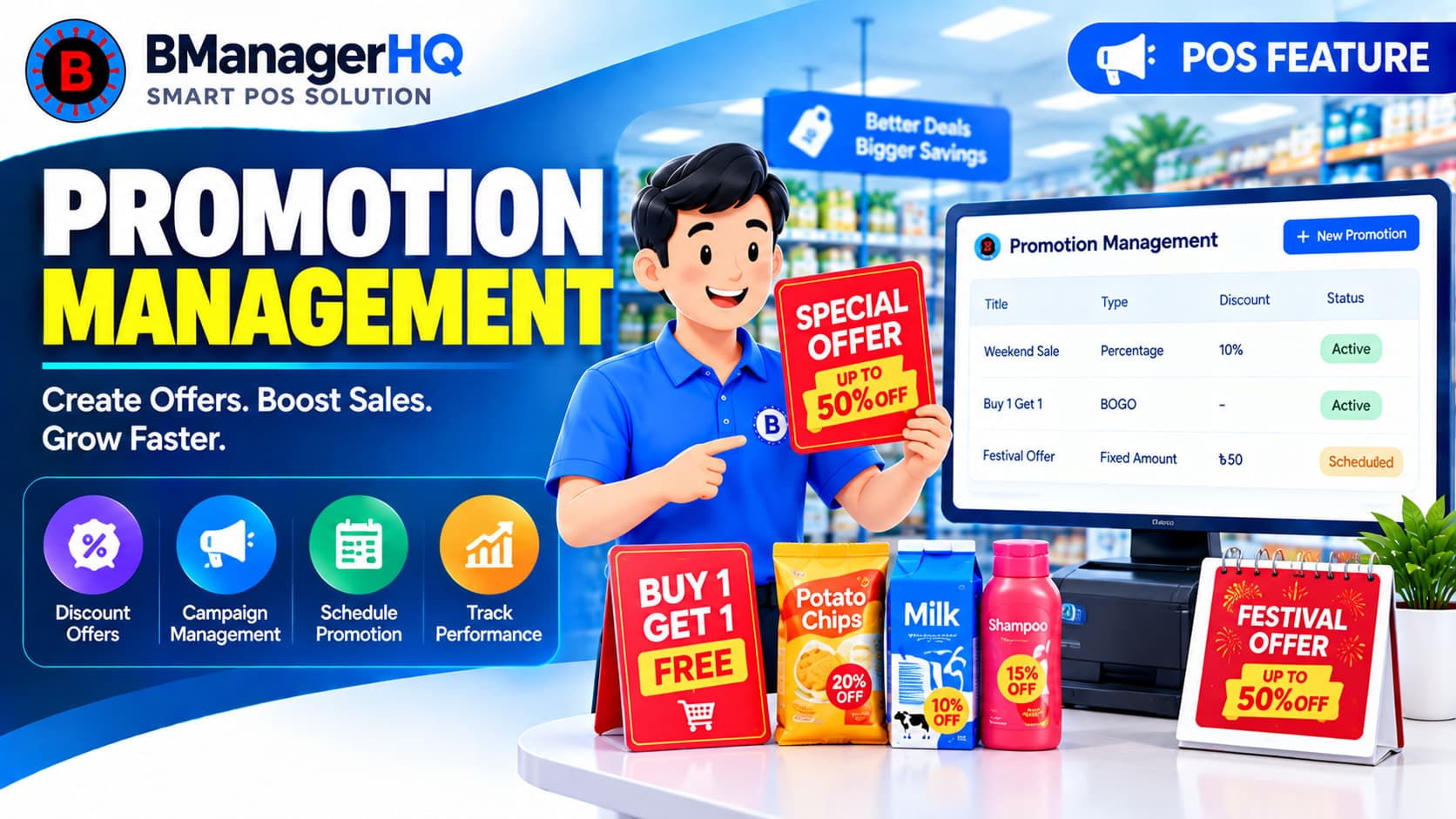
Create and manage product promotions with BManagerHQ POS software, including Bundle offers and Buy X Get Y promotions to increase sales and customer engagement.
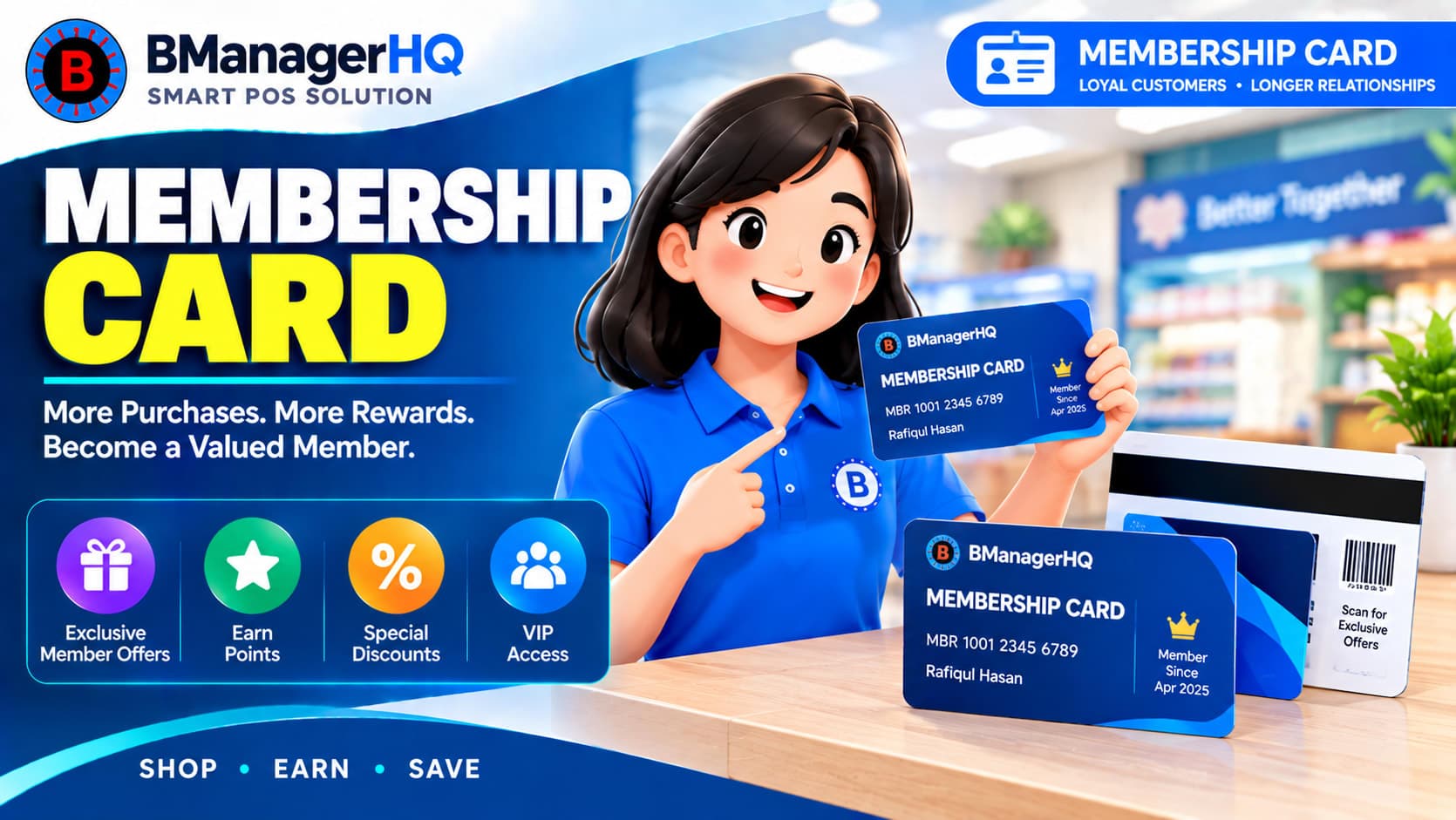
Manage customer membership cards with BManagerHQ POS software. Organize member information and connect membership functionality with customer and sales management.
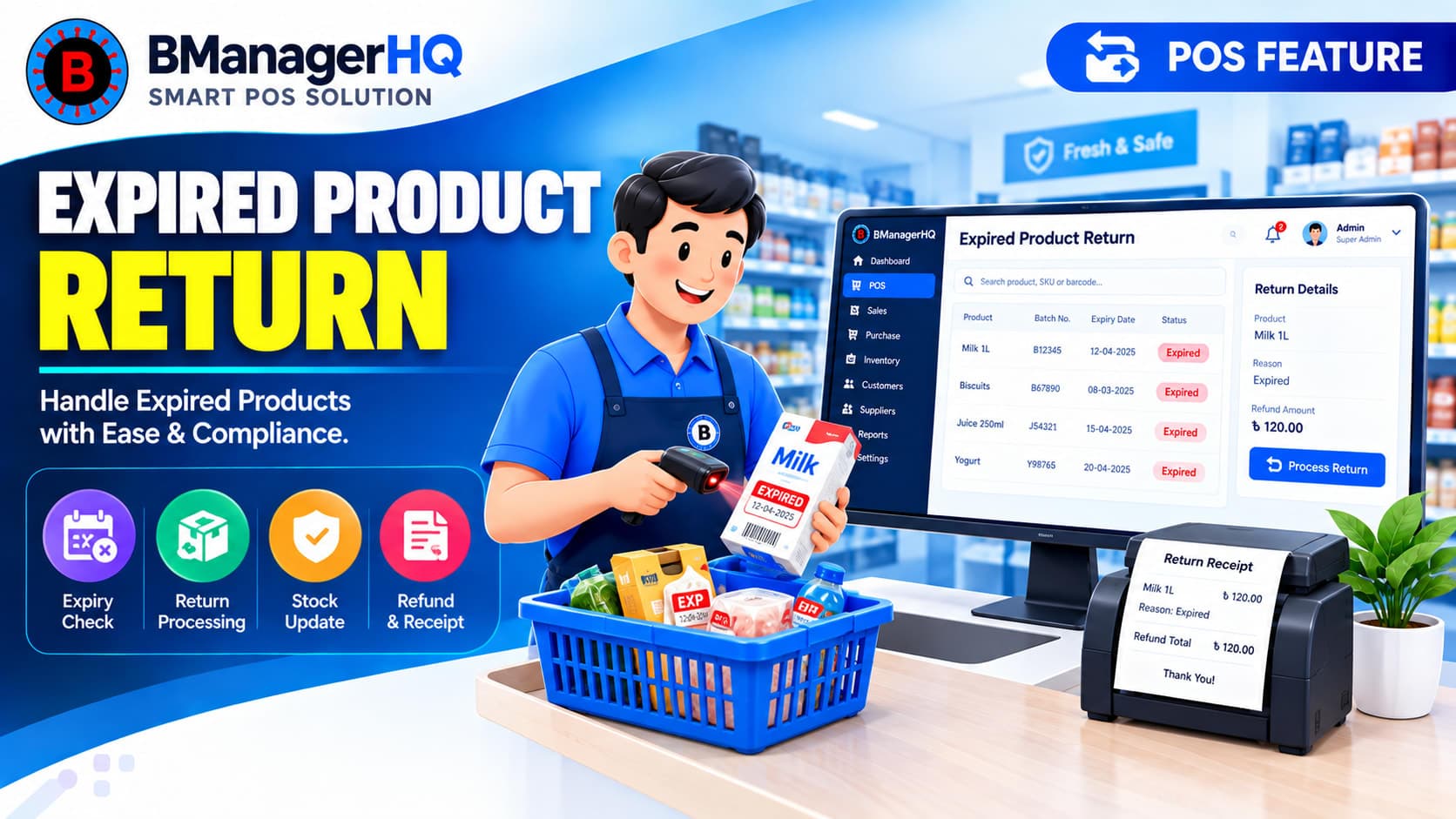
Manage expired product returns and replacements with BManagerHQ. Track expired inventory returned to suppliers or companies and maintain organized replacement records.