POSfeatures
Barcode Scanning & Generation for POS Software
Content type
Features
Topic
POS
Content type
Features
Topic
POS
Published
Keywords
Fast and accurate product identification is important for businesses that process many sales transactions. Manually searching for products during every sale can take additional time, especially when a business has a large product catalog.
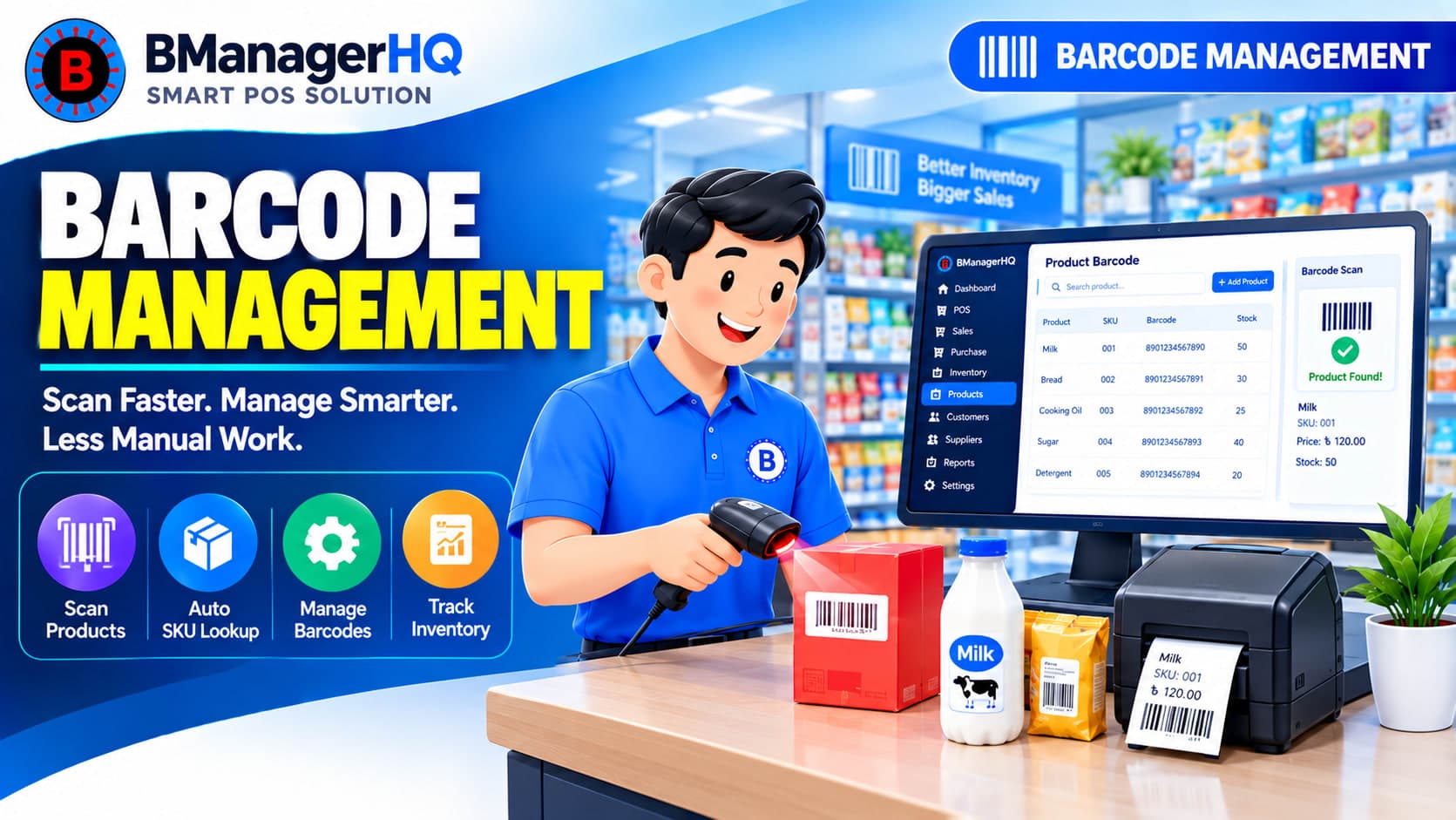
BManagerHQ Barcode Management helps businesses use barcodes as part of their POS and product management workflow. Businesses can scan product barcodes during sales and create barcodes for products, making it easier to identify products and manage them within their POS operations.
Barcode functionality can be particularly useful for retail stores, grocery businesses, electronics shops, pharmacies, fashion stores, mobile shops, and other businesses managing a large number of products.
What Is Barcode Management?
Barcode Management is the process of organizing product barcodes so they can be used for product identification and POS operations. A barcode provides a machine-readable way to identify a product.
Instead of manually searching through a product list, a user can scan the product's barcode to identify the applicable product within the POS workflow. For businesses with hundreds or thousands of products, this can make everyday sales operations more efficient.
One of the primary uses of barcode functionality is product scanning during sales. A cashier can use a compatible barcode scanner to scan a product instead of manually searching for it in the product catalog.
A typical sales process can look like:
Product → Barcode Scan → Product Identified → Add to Sale → Complete Transaction
This can help reduce manual product selection during busy sales periods. For example, a retail store may have hundreds of different products. Rather than searching for each product by name, the cashier can scan the barcode attached to the product.
Barcode scanning is especially useful for businesses where customers purchase multiple products in a single transaction. Consider a grocery store where a customer purchases several products.
The cashier can scan each product one after another, allowing the POS system to identify the products and add them to the transaction.
This can help make checkout more organized and reduce unnecessary manual searching.
Barcode scanning can also be useful for:
Not every product necessarily comes with a barcode that a business wants to use. Businesses may need to create and assign their own product barcodes for products they manage. BManagerHQ provides barcode generation functionality so businesses can create barcodes for their products as part of their product management workflow.
This can be useful for:
Once products are organized with their applicable barcode information, those barcodes can be used as part of the POS workflow.
Barcodes are closely connected with product information. A barcode should identify the correct product so that the POS system can work with the appropriate product record. BManagerHQ's barcode functionality therefore works alongside Product & Variant Management.
For example:
Product: Men's Polo Shirt
Variant: Black / Large
Barcode: Assigned product barcode
When a barcode is scanned, the business can identify the corresponding product or applicable product record. This becomes particularly useful for businesses managing products with multiple variants.
Learn more about Product & Variant Management.
Barcode functionality can also support inventory operations by making product identification easier. When products are consistently identified through their barcodes, businesses can use the same product information across their broader POS and inventory workflow.
This is useful when a business manages:
For businesses with a large inventory, quick product identification can reduce the amount of manual product searching required during daily operations.
Explore Bin-Level Inventory Management and Multi-Location Management.
Speed can be especially important during busy periods. Imagine a supermarket during a high-traffic period. Several customers are waiting at the checkout counter while each transaction contains multiple products. Searching manually for every product can slow down the process. With barcode scanning, the cashier can scan products individually and add them to the sale.
This provides a simple workflow:
The cashier scans the product barcode.
The corresponding product is identified within the POS system.
The product is added to the current sale.
The cashier scans the remaining products.
The transaction is completed through the normal POS process.
Weighted Barcode Scanning
BManagerHQ POS supports weighted barcode scanning for products sold by weight. Cashiers can scan scale-printed barcode labels containing the product code and encoded weight or price.
Learn about the weighted barcode scanning format and setup requirements, including supported barcode prefixes, PLU/SKU matching, and weighing scale label configuration.
Businesses selling products with different sizes, colors, models, or other variants may need to distinguish between those products.
For example, a clothing store could have:
Product: T-Shirt
Variants:
Each applicable product variant may need to be correctly identified during sales. Barcode management can help businesses maintain a structured identification system for products and variants.
This is particularly useful for fashion, footwear, electronics, accessories, and other businesses with variant-based product catalogs.
Businesses operating multiple warehouses, shops, or branches can also benefit from consistent product identification.
For example, a business may have:
The same product catalog may be used across multiple locations. Consistent barcode identification can make it easier for employees to identify products while managing sales and inventory at different locations.
Learn more about Stock Transfer Between Locations.
Barcode scanning can simplify the cashier's product-selection process. Instead of searching for products manually, the cashier can scan products using a compatible barcode scanner. This can be especially helpful when combined with Cashier Drawer & Session Tracking, where businesses already organize their daily cashier operations.
For example, a cashier can:
Explore Cashier Drawer & Session Tracking.
Accurate product identification is an important part of organized inventory management. When the correct product is identified during a transaction, the business can maintain better consistency between its product records and sales activities.
Barcode scanning can therefore complement other inventory capabilities such as:
Barcode functionality does not replace inventory management; rather, it provides a faster way to identify products within the broader system.
1. Faster Product Identification
Scan a product instead of manually searching for it.
2. More Efficient Checkout
Barcode scanning can make product entry faster during sales transactions.
3. Reduce Manual Product Selection
Employees spend less time searching through product lists.
4. Create Barcodes for Products
Generate barcodes for products that need business-specific identification.
5. Support Large Product Catalogs
Barcode scanning becomes increasingly useful as the number of products grows.
6. Support Product Variants
Help distinguish between products and applicable variants.
7. Improve Daily POS Operations
Give sales staff a more structured way to identify products during transactions.
8. Work With Inventory Operations
Use barcode identification alongside broader product and inventory management.
A grocery store manages hundreds of products. During checkout, customers may purchase 10–20 products in a single transaction. Instead of searching for each product manually, the cashier scans the barcode of each product.
The products are identified within the POS workflow, allowing the cashier to continue processing the transaction. This can make the checkout process more organized, particularly during busy periods.
A clothing store manages products with multiple variants.
For example:
Product: Polo Shirt
Variants:
Barcode identification can help the sales staff distinguish the applicable product or variant during the sale. This is particularly useful when a store maintains a large catalog of products with multiple variations.
Suppose a business purchases locally produced products that do not already have usable barcodes. The business can create barcodes for those products as part of its product management process. The generated barcode can then be used to identify the product during applicable POS operations. This gives businesses more flexibility when managing products from different suppliers or sources.
A typical barcode workflow can be organized into several steps:
Add the product to the BManagerHQ product catalog.
Use the applicable barcode information for the product.
Maintain product and variant information together.
Use a compatible barcode scanner to identify the product at the POS.
Continue with the normal sales and billing process.
The product remains part of the broader inventory and sales management workflow.
Barcode Scanning & Generation can be particularly useful for:
Businesses with large product catalogs or frequent transactions can especially benefit from faster product identification.
Manually searching for products can become inefficient as a business grows. With BManagerHQ Barcode Scanning & Generation, businesses can scan products during POS transactions and create barcodes for products that require their own identification system.
Combined with product, inventory, cashier, sales, and multi-location management, barcode functionality becomes part of a broader system for managing everyday business operations.
Speed up product identification, stock management, and checkout with reliable barcode tools. With BManagerHQ Barcode Scanning and Generation, you can create product barcodes, scan items quickly, and improve accuracy across purchasing, inventory, transfers, and sales.
Start your 30-day free trial — no payment required.
Explore BManagerHQ Point of Sale (POS) Feature and make everyday operations faster and more accurate.
Barcode Management allows businesses to organize product barcodes, scan products during POS transactions, and create barcodes for products when needed.
Yes. BManagerHQ supports barcode scanning as part of its POS product identification workflow.
Yes. BManagerHQ supports barcode generation for products that need barcode identification.
For physical barcode scanning, you need a compatible barcode scanner or supported scanning setup. The exact hardware setup can depend on your POS environment.
Yes. Barcode functionality can be used alongside Product & Variant Management to help identify applicable products and variants.
Yes. Grocery stores and supermarkets often manage many products and process frequent transactions, making barcode scanning useful for faster product identification.
Yes. Pharmacies can use barcode functionality as part of their product and POS workflow.
Yes. BManagerHQ supports multi-location business operations, allowing businesses to manage products and sales across warehouses, shops, and branches.
Spare parts inventory management software in Bangladesh for products, suppliers, customers, warehouses, stock transfers, credit, payments, ledgers and reports.
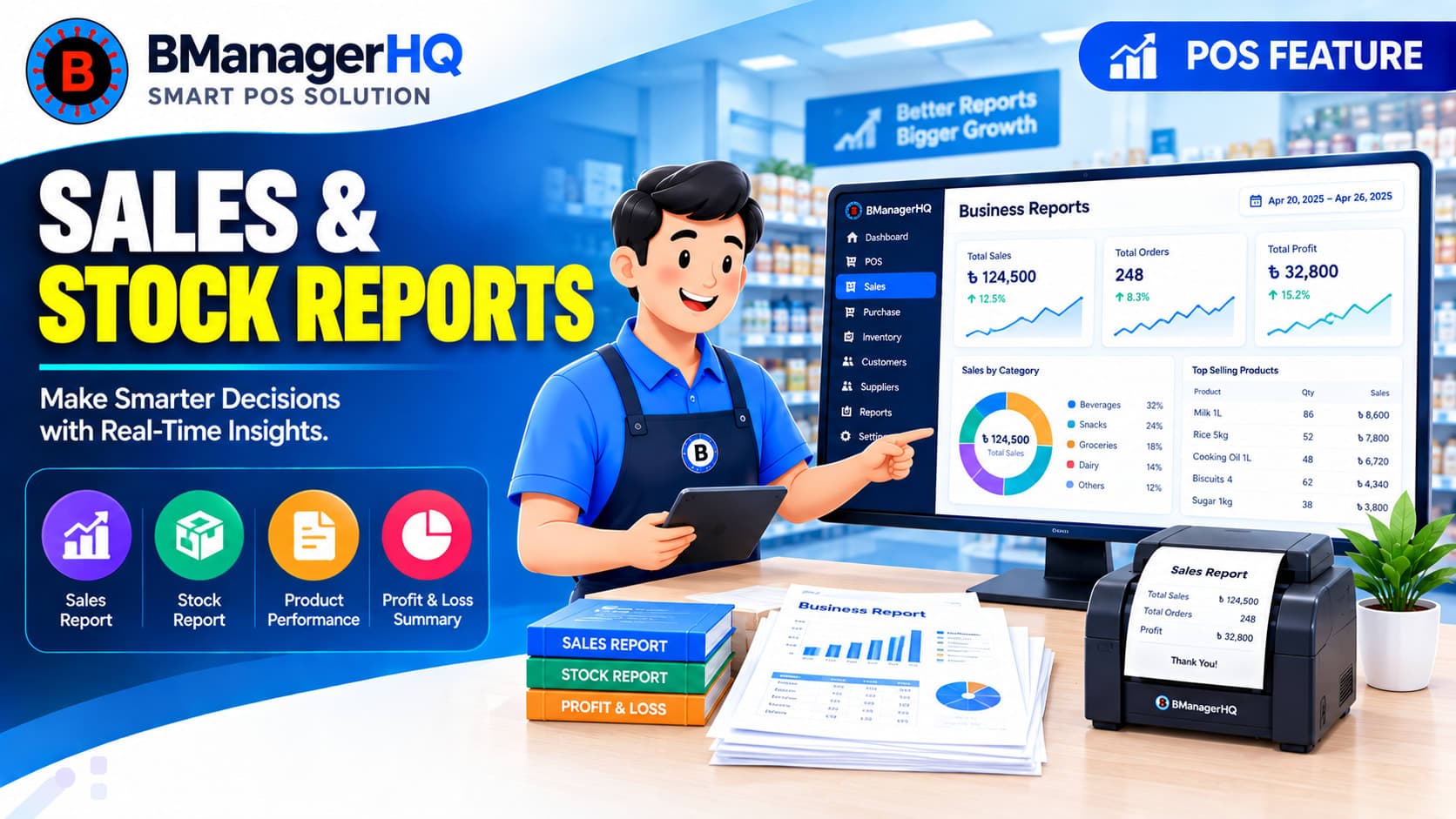
Track daily sales, inventory, and cashier session performance with BManagerHQ POS reports. Get organized business insights to monitor sales, stock, and daily POS operations.
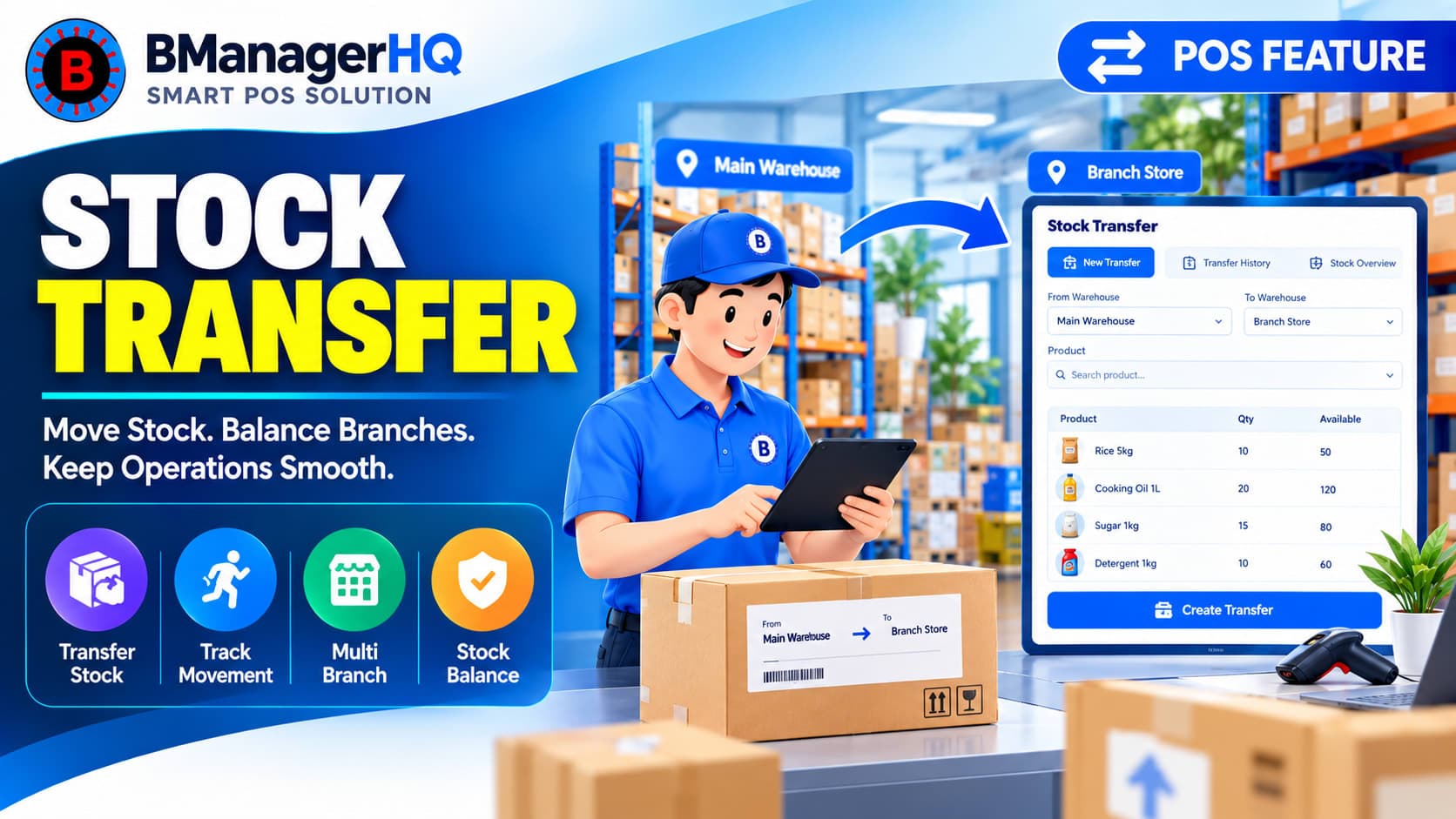
Transfer stock between warehouses, shops, and branches with BManagerHQ. Manage inter-location inventory movement and maintain organized stock records across your business.
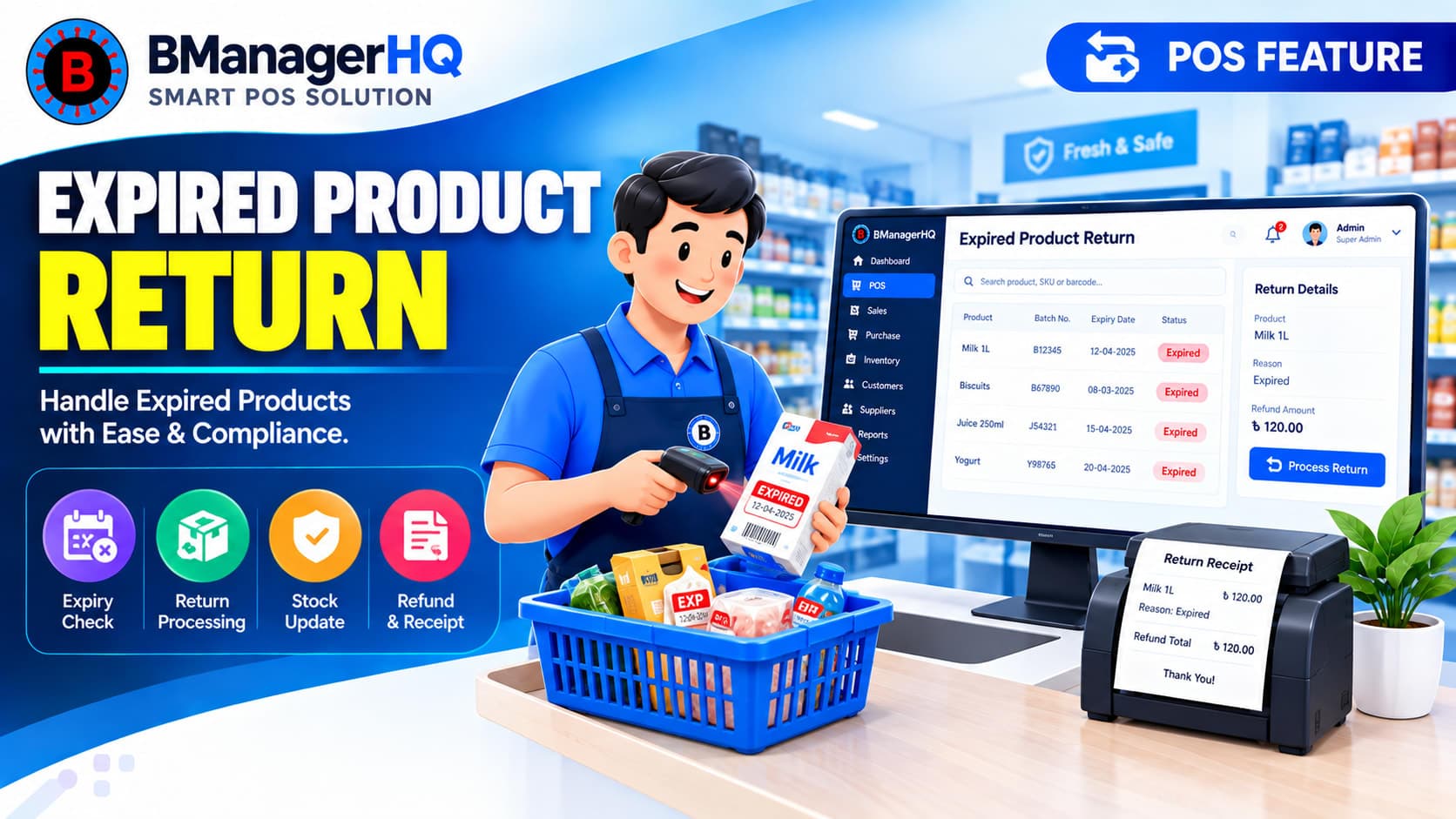
Manage expired product returns and replacements with BManagerHQ. Track expired inventory returned to suppliers or companies and maintain organized replacement records.
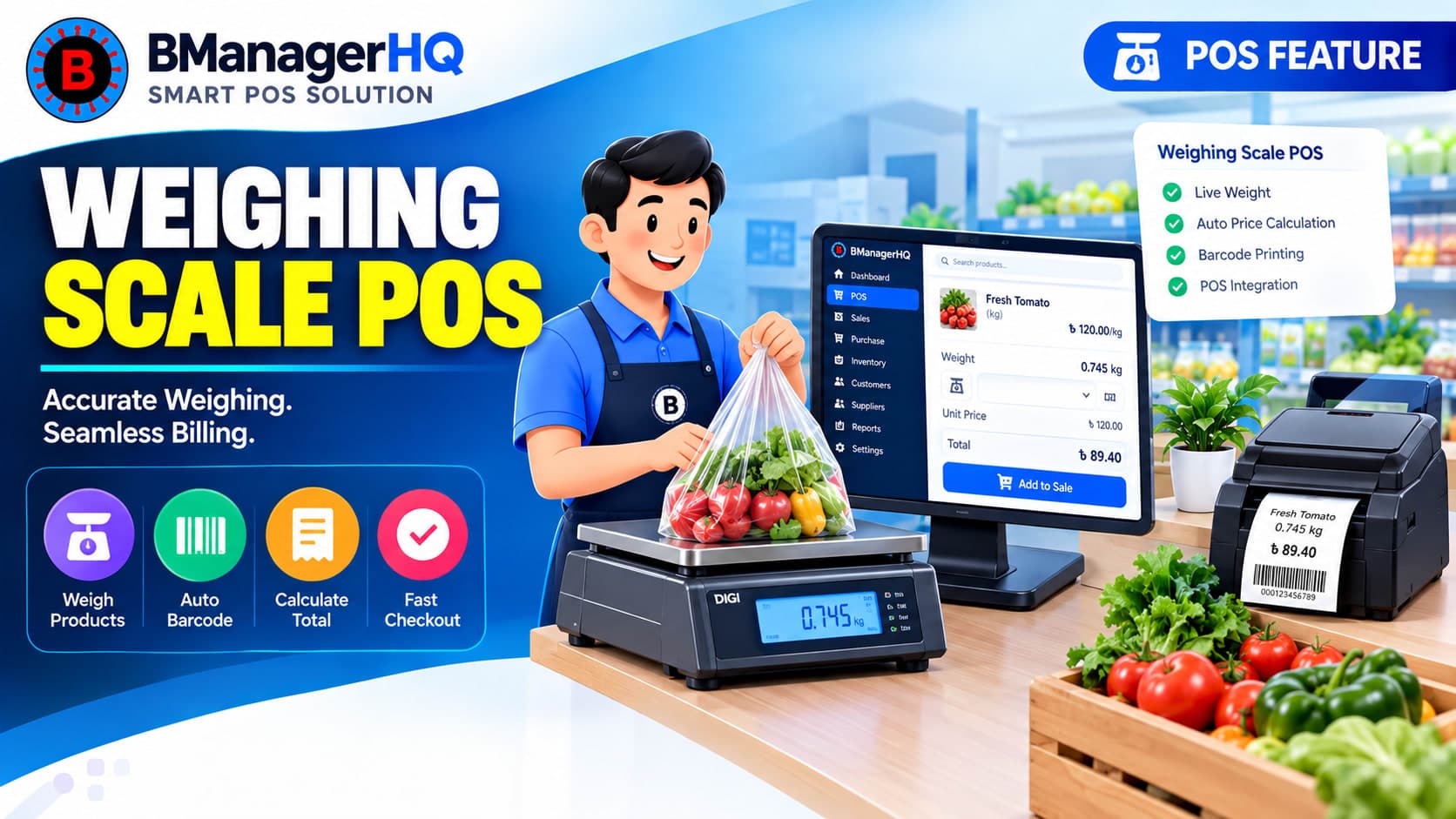
Connect weighing scale operations with your POS workflow using BManagerHQ. Manage weight-based products and streamline sales for grocery, retail, Super Shop and other businesses.

Track product warranty periods and expiry dates with BManagerHQ POS software. Manage warranty information, identify expiring products, and maintain better product records.