Role-Based Access Control for POS Software | BManagerHQ
POSfeatures
Role-Based Access Control for POS Software
Content type
Features
Topic
POS
Published
14/09/2026
Keywords
Role-Based Access Control for POSPOS user permissionsPOS access controlPOS employee permissionsPOS user roles
Managing a POS system becomes more complicated as a business adds employees, cashiers, managers, shops, branches, and warehouses. Not every employee should have access to every part of the business. A cashier may need to process sales, while a manager may need access to reports, inventory, purchasing, or other operational functions.
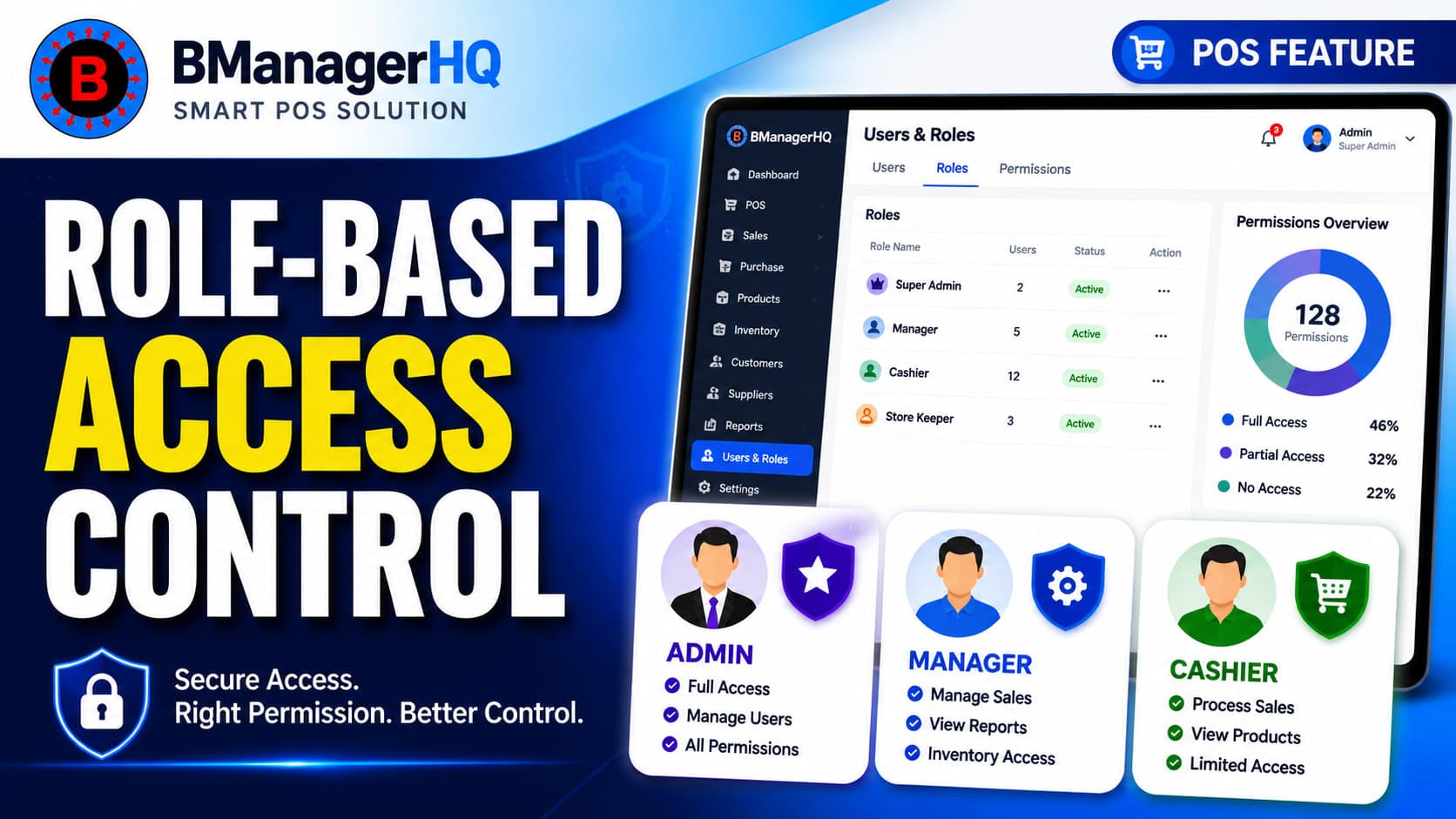
BManagerHQ's Role-Based Access Control for POS helps businesses manage employee access according to their responsibilities. Instead of giving every user the same level of access, businesses can control which areas of the POS system each user can access and manage.
This provides a more organized approach to employee access while helping businesses maintain better control over daily POS operations.
What Is Role-Based Access Control in POS Software?
Role-Based Access Control, commonly known as RBAC, is a permission management approach where users receive access based on their assigned role.
BmanagerHQ have:
CASHIER
MANAGER
SUPERVISOR
SALES ASSOCIATE
STOCK KEEPER
ACCOUNTANT
Each role can have different responsibilities within the business. A cashier primarily works with sales and billing. A manager may need broader access to inventory, purchases, customers, suppliers, and reports. An owner has access to the full spectrum of business operations. These permissions are structured according to actual job responsibilities within the business organization through 'Role-Based Access Control'.
Manage POS User Permissions From One System
BManagerHQ allows businesses to structure employee access around the way their business operates.
POS software user management
cashier permissions
manager permissions
POS security
employee access management
Instead of allowing every employee to access sensitive areas of the system, businesses can provide appropriate permissions for different users.
Depending on the assigned permissions, users may access areas such as:
Sales and billing
Customer management
Supplier management
Product management
Product variants
Purchases
Inventory
Stock transfers
Cashier operations
Business reports
Other administrative functions
This allows businesses to create a more controlled POS environment as their team grows.
User Roles in BManagerHQ POS
BManagerHQ provides role-based access control so businesses can organize employee access according to their responsibilities. Instead of giving every employee the same permissions, businesses can assign appropriate roles and control access to different POS and business management functions.
CASHIER
The CASHIER role is designed for employees responsible for day-to-day POS and checkout operations.
A cashier may work with functions such as:
Processing sales
Creating customer bills
Handling cashier sessions
Managing cash drawer operations
Recording customer payments
Performing assigned POS activities
This helps businesses keep everyday checkout operations separate from administrative and management functions.
MANAGER
The MANAGER role is intended for employees responsible for broader business operations and management activities.
Depending on the permissions assigned by the organization, a manager may access:
Sales
Customers
Suppliers
Products
Purchases
Inventory
Reports
Cashier operations
Other business management functions
Managers can therefore have broader access than users responsible for individual operational tasks.
SUPERVISOR
The SUPERVISOR role can be used for employees who oversee day-to-day activities and staff operations.
A supervisor may be given access to relevant operational functions based on the organization's permission settings, allowing them to monitor and manage assigned business activities without necessarily receiving unrestricted administrative access.
SALES ASSOCIATE
The SALES ASSOCIATE role is suitable for employees primarily involved in customer-facing sales activities.
Depending on assigned permissions, a sales associate may work with:
Customer information
Product information
Sales operations
Customer transactions
Other sales-related functions
This allows businesses to give sales employees the access they need without unnecessarily exposing other business functions.
STOCK KEEPER
The STOCK_KEEPER role is intended for employees responsible for inventory and stock-related activities.
Depending on assigned permissions, a stock keeper may work with:
Product inventory
Stock quantities
Bin-level stock
Stock transfers
Inventory-related operations
Other assigned stock functions
This separation is particularly useful when inventory employees should manage stock without requiring access to all sales, accounting, or administrative functions.
ACCOUNTANT
The ACCOUNTANT role is intended for employees responsible for accounting and financial-related business activities.
Depending on the permissions assigned by the organization, an accountant may access relevant financial records and business information required for their responsibilities.
Separating accounting responsibilities from sales, inventory, and cashier operations can help businesses maintain a more organized workflow.
Control Access to Business Operations
A POS system contains much more than a sales screen. It can contain product information, purchase records, inventory data, customer information, supplier transactions, cashier records, and business reports.
Role-based access control helps businesses organize access to these different areas. For example, you may want a cashier to process sales without giving that user access to broader inventory or reporting functions. Similarly, an inventory employee may need to work with stock information without requiring access to all sales or administrative operations. This separation can help businesses maintain a clearer operational structure.
Improve Employee Accountability
When employees have clearly defined responsibilities, it becomes easier for management to understand how different users interact with the POS system.
Role-based access can support better accountability by ensuring that employees receive access appropriate to their assigned responsibilities.
This is particularly useful when a business has:
Multiple employees
Multiple cashiers
Different departments
Multiple shops
Multiple branches
Warehouses
Managers and operational staff
Instead of managing access informally, businesses can establish a structured permission model.
Role-Based Access Control for Multi-Branch Businesses
Role management becomes especially important when a business operates multiple locations.
For example, a business may operate:
Main warehouse
Retail shop
Branch 1
Branch 2
Branch 3
Different employees may work at different locations and have different responsibilities. A centralized POS management system with appropriate user permissions can make it easier to organize access across these operations. This can help businesses maintain a consistent approach to employee access as they expand.
Why POS Access Control Matters
Without proper access control, employees may receive permissions they do not need for their daily work. This can make a business's POS environment harder to manage and can increase the possibility of unintended changes to important business information. A structured access-control system helps businesses follow the principle of giving users the access they need for their responsibilities.
Key advantages include:
Better access management Give employees access according to their responsibilities.
Reduced unnecessary access Avoid giving every employee access to every business function.
Better operational structure Separate cashier, management, inventory, and administrative responsibilities.
Support for growing teams Add employees and assign appropriate roles as the business grows.
Multi-location support Manage user access as your business operates across shops, branches, and warehouses.
Improved management control Business owners and managers can maintain a more organized approach to POS permissions.
Who Needs Role-Based Access Control?
Role-based access control can be useful for many businesses using POS software.
Retail Stores
Retail stores with multiple cashiers or sales employees can use different permissions to separate checkout and management responsibilities.
Supermarkets and Grocery Stores
Businesses with several employees may need different access levels for cashiers, managers, inventory staff, and administrators.
Pharmacies
Pharmacies may have multiple employees handling sales, inventory, and other operations. Different roles can help organize system access.
Electronics Stores
Electronics businesses may have sales employees, managers, and administrative staff with different responsibilities.
Spare Parts Businesses
Businesses managing large product catalogs and inventory can use role-based permissions to separate sales and inventory responsibilities.
Wholesale Businesses
Wholesale businesses often have employees working with customers, suppliers, purchasing, inventory, and sales. Role-based access can help organize those responsibilities.
Multi-Branch Businesses
Businesses with several shops or branches can benefit from structured user access as their employee count and operations increase.
BManagerHQ POS Role & Permission Matrix
The table below details the system roles and associated operational access permissions within the BManagerHQ Point of Sale (POS) system.
Access control is dynamically governed by a multi-tier verification model incorporating organization membership, system role, physical branch assignment, active employee status, and assigned POS position.
POS Module / Functional Area
Organization Administrator
Store / Branch Manager
Cashier / POS User
Inventory / Warehouse Staff
System Scope & Data Visibility
Organization-wide (All Branches)
Assigned Branch Only
Assigned Branch & Register
Assigned Branch / Warehouse
Global Dashboard & Analytics
Full Access
Branch Summary Only
Restricted
Restricted
Register & Session Management
Full Access
Manage Branch Registers
Assigned Register Sessions
Restricted
Sales, Barcode Scanning & Checkout
Full Access
Full Access (Branch)
Execute Sales & Invoicing
Restricted
Product & Variant Catalog
Full Access
View & Local Pricing
View Only
View Stock & SKUs
Returns & Expired Replacements
Full Access
Approve & Process
Initiate Return Requests
Process Returned Stock
Bin-Level Stock & Inventory
Full Access
Manage Branch Stock
View Available Stock
Full Access (Bin Allocation)
Stock Transfers (Inter-Branch)
Full Access
Request & Confirm
Restricted
Initiate & Receive
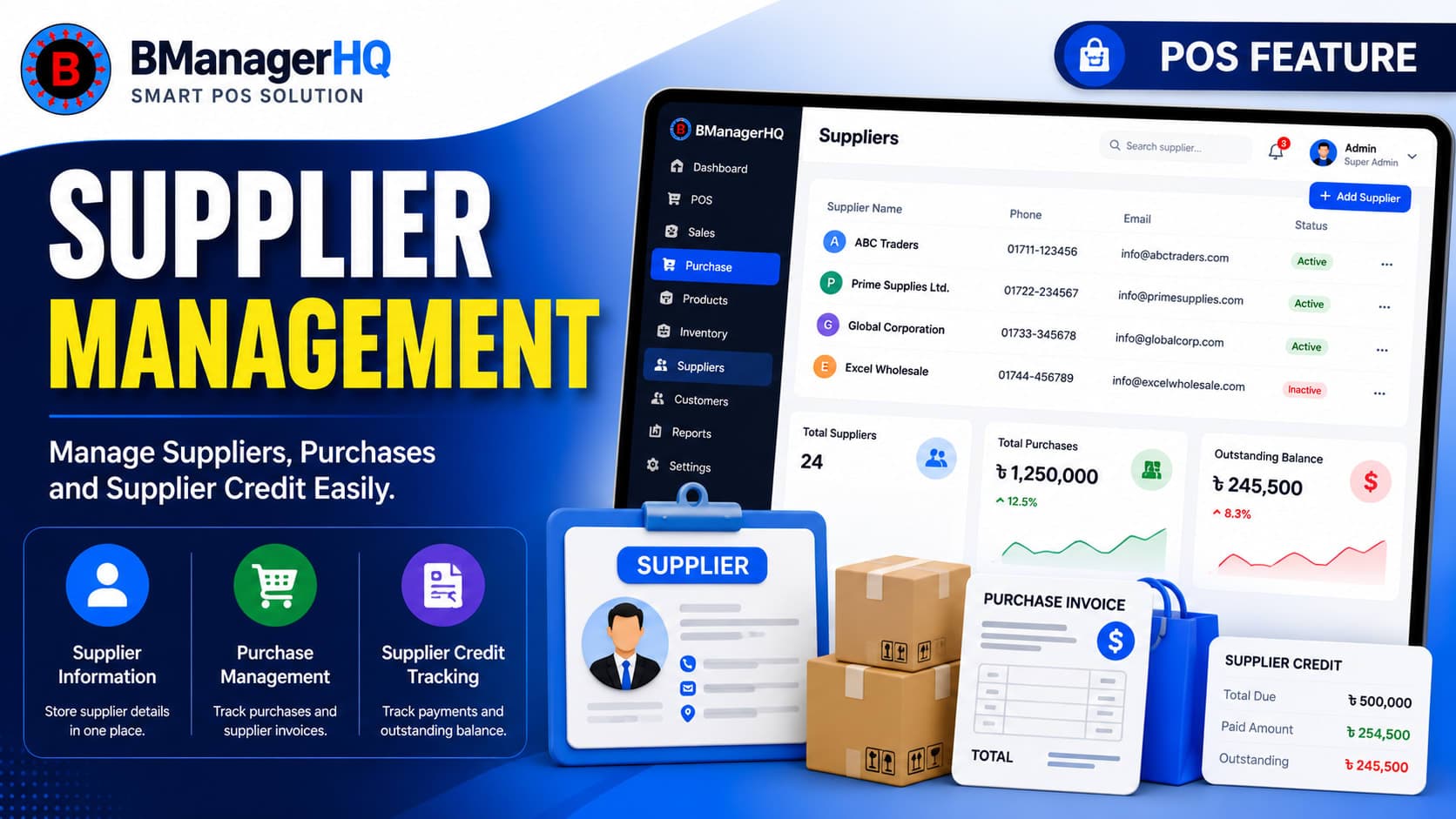
Purchase Orders & Suppliers
Full Access
Manage Branch POs
Restricted
Receive Shipments
Supplier Payments & Ledger
Full Access
Branch Expenses Only
Restricted
Restricted
Office & Register Expenses
Full Access
Approve & Log Expenses
Log Pay-Ins / Pay-Outs
Restricted
Promotions, Discounts & Gift Cards
Create, Edit & Delete
Apply & View
Apply at Checkout
Restricted
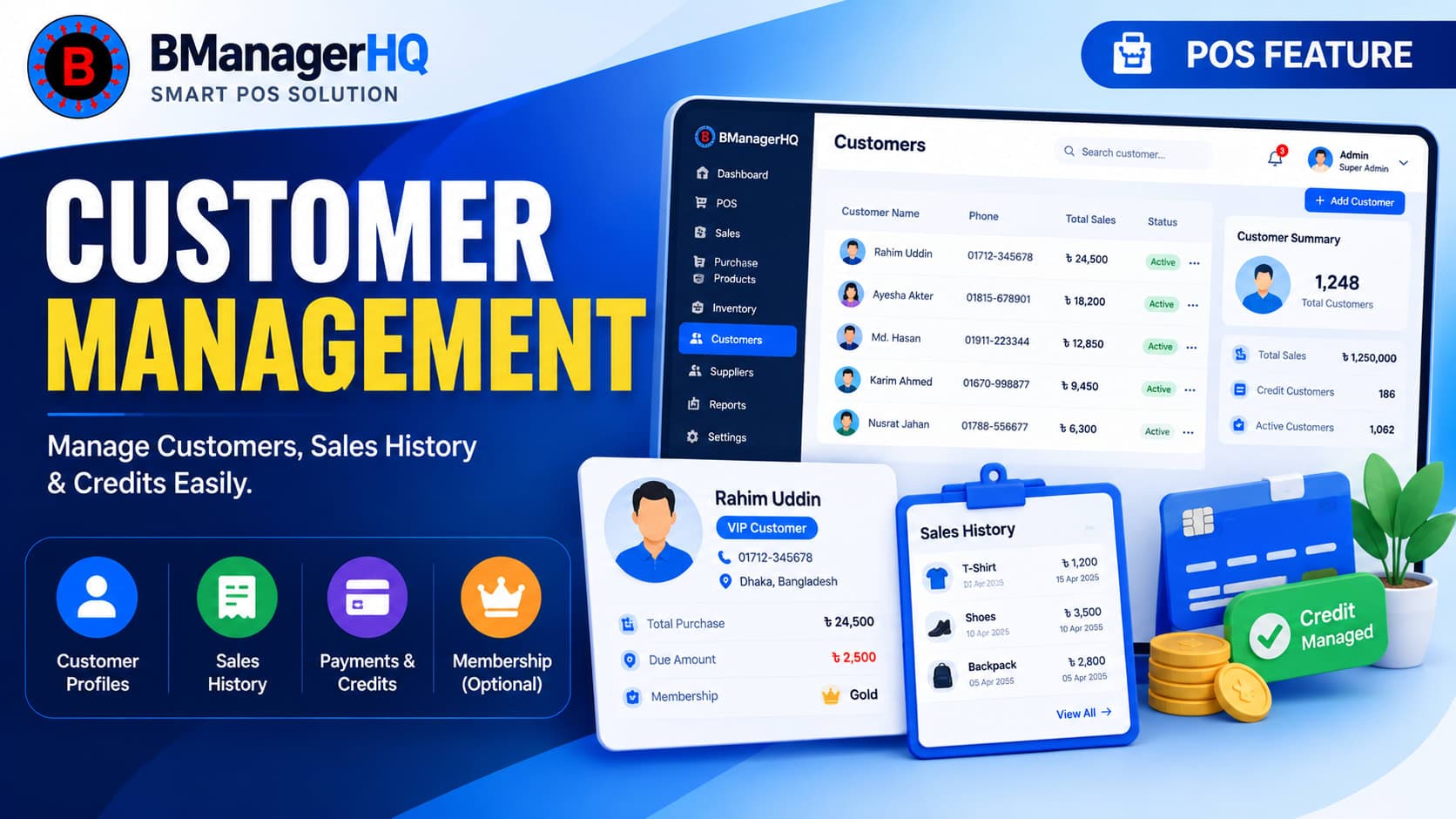
Customer Management & Credit
Full Access
Full Access (Branch)
View & Apply Credit
Restricted
POS Settings & Role Assignment
Full Access
View Branch Settings
Restricted
Restricted
Role-Based Access Works With Other BManagerHQ Features
Access control becomes more useful when combined with other POS capabilities.
For example:
Cashier Drawer & Session Tracking
Cashier permissions can work alongside cashier session management to organize daily checkout operations.
For business owners, controlled access provides a more structured way to manage employees using the POS system.
Instead of asking whether every employee should have access to a particular function, businesses can establish appropriate responsibilities from the beginning.
This becomes increasingly valuable as:
Employee numbers increase
More cashiers are hired
New branches are opened
Inventory operations become larger
Multiple warehouses are introduced
Managers are added
Business operations become more complex
A well-organized permission structure can therefore grow alongside the business.
Manage Your Business with Better Access Control
Give your team access to the information and operations they need while maintaining a structured approach to user permissions. With BManagerHQ Role-Based Access Control, you can organize employee access by responsibility and manage users within the same platform that handles inventory, sales, purchases, customers, reports, payments, and other business operations.
What is role-based access control in POS software?
Role-based access control allows businesses to assign system permissions according to a user's job role and responsibilities.
Why is access control important for a POS system?
A POS system can contain sales, customer, supplier, inventory, purchase, cashier, and reporting information. Access control helps businesses determine which employees can access different functions.
Can a cashier have limited POS access?
Yes. A business can assign permissions appropriate for cashier responsibilities rather than giving the cashier unrestricted access to the entire system.
Can branch managers have broader access than cashiers?
Yes. A Branch Manager Can Access and work for all over the branch he assigned.
Is role-based access useful for multiple branches?
Yes. Businesses operating multiple shops, branches, or warehouses can benefit from structured employee access management.
Is role-based access only useful for large businesses?
No. Even a small business can benefit from separating employee responsibilities. The importance of structured access generally increases as the number of employees and business locations grows.
Create and manage product promotions with BManagerHQ POS software, including Bundle offers and Buy X Get Y promotions to increase sales and customer engagement.