Managing a busy POS environment requires more than recording sales. Businesses also need to keep track of who is operating the POS, when a cashier session starts, how the cash drawer is being managed, and what happens during each cashier session.
When multiple employees use the same POS system, maintaining clear cashier session records becomes especially important. BManagerHQ's Cashier Drawer & Session Tracking helps businesses organize cashier operations around sessions and cash drawer activity. This provides businesses with a structured way to manage daily cashier operations and review session-related information.
What Is Cashier Drawer & Session Tracking?
Cashier Drawer & Session Tracking is a POS feature used to organize cashier activity according to individual operating sessions. A cashier session can represent a specific period during which a cashier operates the POS and manages the associated cash drawer.
For example:
Cashier: Cashier A Session: Morning Shift Opening: 9:00 AM Closing: 2:00 PM
Another cashier may then start a separate session later in the day. This creates a clearer separation between different cashier operating periods.
Why Cashier Sessions Matter
In a busy retail environment, several employees may use the same POS terminal throughout the day. Without session tracking, it can become difficult to determine:
Which cashier operated the POS
When a cashier's session started
When it ended
Which sales were associated with the session
What cash activity occurred during the session
POS cash management
cashier shift management
cashier session management
cash register tracking
retail cashier management software
POS cash drawer software
Session-based tracking provides a more organized structure for reviewing cashier operations.
Manage Cashier Sessions
BManagerHQ can organize cashier activity around sessions so that daily POS operations can be separated into identifiable periods.
A typical day might contain:
Morning Session
Cashier A
9:00 AM – 2:00 PM
Afternoon Session
Cashier B
2:00 PM – 8:00 PM
Evening Session
Cashier C
8:00 PM – Closing
This structure can be particularly useful for businesses operating multiple cashier shifts.
Cash Drawer Tracking
A cashier drawer is an important part of many retail POS operations. The drawer may contain different denominations and currencies used for daily transactions. BManagerHQ supports Cashier Drawer Notes (Currency) Tracking, helping businesses maintain organized information about the cash drawer associated with cashier operations.
This is useful when businesses need to understand the cash position associated with a particular cashier session.
Track Different Currency Notes
Cash drawers may contain different denominations.
For example:
৳1
৳2
৳5
৳10
৳20
৳50
৳100
৳200
৳500
৳1,000
Tracking the number of notes by denomination can provide a more detailed view of the physical cash associated with a drawer.
For example:
Currency
Quantity
৳1,000
10
৳500
8
৳200
5
৳100
15
৳50
10
The total physical cash can then be calculated from the denomination quantities. This is particularly useful during cashier opening and closing procedures.
Cashier Operations for Branch-Based Businesses
Businesses may have different employees with different responsibilities, but sales counter access is specifically controlled by role.
In BManagerHQ, the roles responsible for sales counter operations at a branch are:
CASHIER — Handles day-to-day sales and POS counter operations.
MANAGER — Can handle sales counter operations along with the operational responsibilities assigned to the branch.
At the business level, OWNER and ADMIN have broader access to the business and can manage sales and other required business operations according to their assigned access. This role-based structure helps businesses separate day-to-day counter operations from broader business management responsibilities.
For example, a branch may have a CASHIER handling customer sales throughout the day, while the MANAGER can oversee sales and other branch operations. Meanwhile, the OWNER and ADMIN can manage broader business activities across the organization.
Cashier Session Example
Consider a retail shop where a cashier starts a session at 10:00 AM.
Session Start
The cashier begins the session and records the relevant drawer information.
During the Session
The cashier processes customer sales through the POS.
Session End
At the end of the operating period, the cashier closes the session and the business can review the session-related information.
This creates a simple structure:
Open Session → Process Sales → Manage Drawer → Close Session
Useful for Shift-Based Businesses
Cashier session tracking is particularly useful when businesses operate different employee shifts.
For example:
Morning Shift
9:00 AM – 3:00 PM
Evening Shift
3:00 PM – 9:00 PM
Each shift can have its own cashier session. This makes it easier for management to review cashier operations by operating period rather than treating the entire business day as one undifferentiated session.
Cash Management at the POS
Cash management is an important part of retail operations. Businesses may need to monitor the relationship between:
Cashier → Session → Sales → Cash Drawer
Keeping these elements organized helps businesses review daily POS activity more systematically. Cashier drawer tracking is therefore not simply about storing cash; it is about maintaining a structured record around the cashier's POS session.
Cashier Session Tracking and Sales
Sales are a core part of a cashier's daily activity. When sales are associated with cashier sessions, businesses can use session information as an additional way of reviewing POS operations.
For example, management may want to understand:
Which session handled particular sales
How many transactions occurred during a session
What sales activity took place during a shift
What cashier was operating the POS
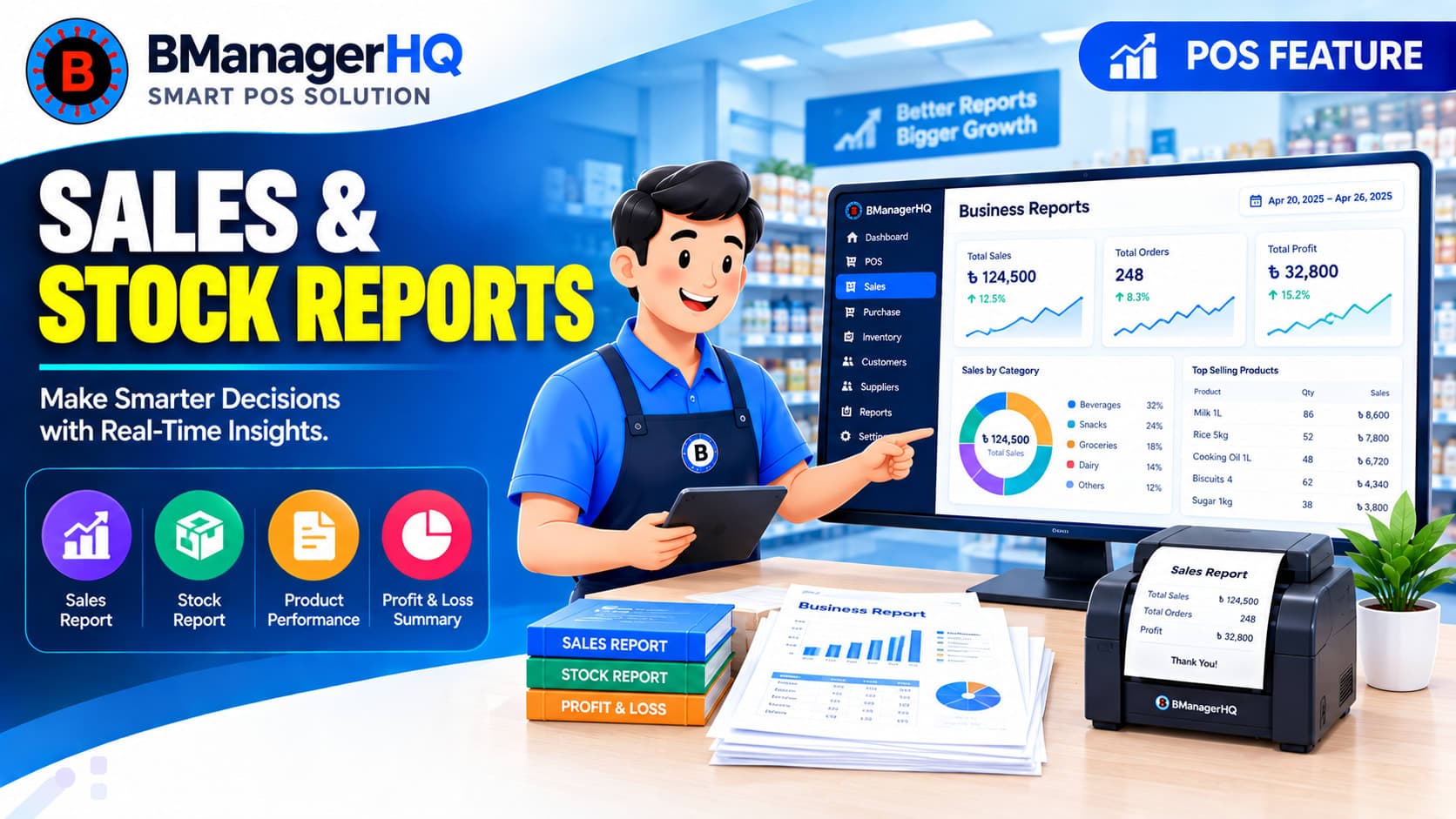
This can complement broader Sales, Stock & Cashier Reports.
Without organized cashier session records, businesses may face challenges such as:
Difficult Shift Tracking
It may be harder to distinguish one cashier's operating period from another.
Unclear Drawer Information
Cash drawer information can become difficult to reconcile manually.
Less Operational Visibility
Management may have less structured information about daily cashier activity.
Manual Record Keeping
Businesses may need to maintain separate notebooks or spreadsheets for cashier operations.
Difficult Multi-Cashier Management
The problem becomes more significant when several employees operate POS terminals throughout the day.
Benefits of Cashier Drawer & Session Tracking
Organized Cashier Sessions
Separate cashier activity according to operating sessions.
Better Drawer Visibility
Maintain structured information about cash drawer notes and currency.
Easier Shift Management
Keep different cashier operating periods organized.
Improved Operational Tracking
Connect cashier sessions with daily POS activity.
Better Multi-Cashier Organization
Maintain clearer records when multiple employees use the POS.
Supports Multi-Location Operations
Organize cashier activity across different shops and branches.
Example: Daily Cashier Operations
Imagine a retail store that operates from 9:00 AM to 10:00 PM. The business has two cashier shifts.
Session 1
Cashier: Employee A Time: 9:00 AM – 4:00 PM
The cashier handles customer transactions during the first part of the day.
Session 2
Cashier: Employee B Time: 4:00 PM – 10:00 PM
The second cashier operates during the evening.
Instead of recording the entire day as one cashier operation, the business can maintain separate session records. This can make daily operational review more structured.
Cashier Drawer Tracking for Retail Businesses
Cashier drawer management can be useful for businesses where physical cash is an important part of daily sales operations.
Examples include:
Retail shops
Grocery stores
Clothing stores
Electronics shops
Mobile accessory stores
Pharmacies
Spare parts shops
Super shops
Businesses with multiple cashiers can particularly benefit from keeping cashier activity organized into sessions.
How Cashier Session Tracking Works
A typical workflow can be:
1. Start Cashier Session
The cashier begins the POS operating session.
↓
2. Record Drawer Information
Relevant cash drawer notes or currency information can be maintained.
↓
3. Process Sales
Customer transactions are processed through the POS.
↓
4. Continue Session
The cashier continues operating during the assigned session.
↓
5. Close Session
The cashier session is closed at the end of the operating period.
↓
6. Review Session Information
Management can review the relevant cashier and session information.
Combine Cashier Tracking With Role-Based Access
Cashier session management works more effectively when it is combined with controlled employee access. In BManagerHQ, CASHIER and MANAGER can handle sales counter operations at a branch, while OWNER and ADMIN have broader business-level access for managing sales and other business operations according to their assigned permissions. This creates a more structured workflow where businesses can control who can operate the sales counter while also maintaining organized cashier session records.
For example, a CASHIER can handle day-to-day sales during a session, while a MANAGER can oversee sales counter activities and other assigned branch operations. At the business level, OWNER and ADMIN can manage broader sales and operational activities.
By connecting cashier session tracking with role-based access, businesses can maintain clearer responsibility over POS operations and employee activities.
Explore Role-Based Access Control to learn more about managing employee access and permissions.
Who Needs Cashier Drawer & Session Tracking?
Retail Stores
Manage cashier shifts and daily drawer operations.
Grocery & Super Shops
Useful where several cashiers handle frequent transactions.
Clothing Stores
Track cashier activity during different operating periods.
Electronics Stores
Maintain organized cashier sessions for retail sales.
Pharmacies
Useful for businesses with multiple employees handling POS transactions.
Multi-Branch Businesses
Maintain cashier operations across different locations.
Why Use BManagerHQ?
BManagerHQ combines POS sales, cashier operations, inventory, products, customers, suppliers, and reporting within one business management platform.
Cashier Drawer & Session Tracking adds a structured layer around daily POS operations by connecting:
Cashier → Session → Drawer → Sales → Reports
This can make cashier management easier to organize, especially for businesses with multiple employees or shifts.
Key Capabilities
BManagerHQ's Cashier Drawer & Session Tracking feature is designed to help businesses organize:
Cashier sessions
Cashier operating periods
Cash drawer information
Currency note tracking
POS activity by session
Multiple cashier operations
Multi-location cashier management
Session-related reporting
Manage Cashier Sessions With Greater Organization
Cashier operations are an important part of daily POS management, particularly when multiple employees or shifts are involved. BManagerHQ's Cashier Drawer & Session Tracking helps businesses organize cashier sessions, drawer information, and currency notes while connecting cashier activity with the wider POS and reporting workflow.
Whether you operate one busy retail shop or multiple branches, structured cashier session management can provide better operational visibility.
Track Cashier Drawers and Sessions with Confidence
Improve cash accountability by managing cashier sessions, drawer balances, opening amounts, sales collections, and closing records. With BManagerHQ Cashier Drawer and Session Tracking, you can understand how cash moves through your business and identify discrepancies more efficiently.
Cashier session tracking organizes POS activity into identifiable operating periods for individual cashiers.
What is cash drawer tracking?
Cash drawer tracking involves maintaining information about the physical cash associated with cashier operations, including currency note information where applicable.
Can I track currency notes in the cashier drawer?
BManagerHQ includes Cashier Drawer Notes (Currency) Tracking, allowing businesses to organize information about different currency denominations in the drawer.
Is cashier session tracking useful for multiple shifts?
Yes. Separate sessions can help businesses organize cashier activity across morning, afternoon, and evening shifts.
Can cashier tracking work with multiple branches?
Yes. Cashier operations can be organized alongside BManagerHQ's multi-location structure.
Can cashier sessions be connected with sales reports?
Cashier session information can complement BManagerHQ's broader sales, stock, and cashier reporting functionality.
Scan product barcodes and create barcodes for products with BManagerHQ POS software. Speed up checkout, identify products quickly, and improve product and inventory management.