Inventory Managementfeatures
Supplier Management & Credit Limit Software in Inventory Management
Content type
Features
Content type
Features
Topic
Inventory Management
Published
Keywords
Manage Suppliers, Credit Limits & Supplier Transactions in One Place
Managing suppliers becomes more important as your business grows. Supplier purchases, credit limits, outstanding amounts, and payments can create a large number of transactions that need to remain organized.
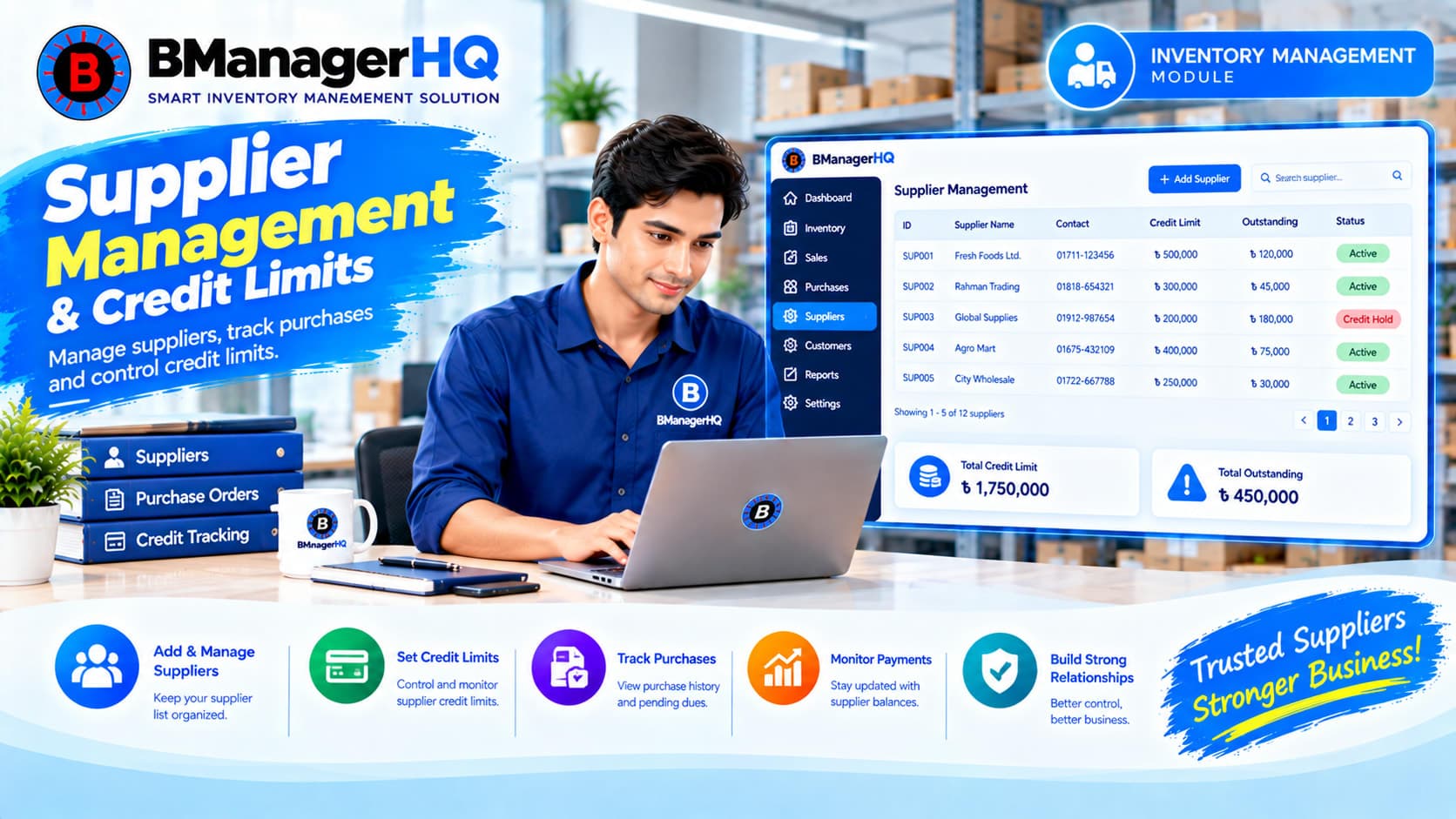
BManagerHQ provides Supplier Management with Credit Limits and Limit Excess Alerts, helping businesses manage supplier information and monitor supplier-related credit within their inventory management system. Connect your supplier records with purchases, supplier credit, payments, and ledgers to create a more structured supplier management workflow.
Start your 30-day free trial - no payment required.
What Is Supplier Management in BManagerHQ?
Supplier Management allows businesses to maintain supplier information and connect suppliers with inventory and financial transactions. Instead of managing supplier information separately from purchase and payment records, BManagerHQ connects these activities within the Inventory Management module.
A typical supplier workflow can be:
Supplier → Purchase → Supplier Credit → Payment → Supplier Ledger
This gives businesses a centralized way to manage supplier-related inventory transactions.
Maintain supplier records within your inventory management system and connect them with relevant purchase and financial transactions.
Supplier Credit Limits
Set a credit limit for a supplier according to your business requirements.
Supplier Limit Excess Alert
BManagerHQ can provide a limit excess alert when applicable supplier credit exceeds the configured limit.
Purchase Integration
Connect suppliers with purchase transactions to maintain a relationship between the products you purchase and the suppliers providing them.
Supplier Payment Tracking
Track payments made to suppliers and connect those records with supplier-related transactions.
Maintain supplier-related transaction and payment records through the supplier ledger.
Businesses may purchase products from suppliers on credit. For example, a business may establish an agreed credit limit with a supplier. As purchases and payments are recorded, the supplier's applicable credit position can be monitored.
BManagerHQ allows you to configure Supplier Credit Limits within supplier management. This provides a structured way to manage supplier credit alongside your inventory operations.
Supplier
   ↓
Credit Limit
   ↓
Purchase on Credit
   ↓
Supplier Credit
   ↓
Payment
   ↓
Updated Supplier Position
A business may want to know when supplier credit goes beyond its configured limit. BManagerHQ provides Supplier Limit Excess Alerts to help identify situations where applicable supplier credit exceeds the configured limit. This gives users an additional point of awareness when managing supplier-related purchases.
For example:
Configured Supplier Credit Limit
↓
Supplier Credit Transactions
↓
Credit Exceeds Limit
↓
Limit Excess Alert
The alert helps users identify the situation so they can take the appropriate business action.
Role-Based Access for Supplier Management
Supplier information can contain important business and financial records. Different employees may have different responsibilities when working with suppliers. BManagerHQ provides Role-Based Access so organizations can control employee access according to their assigned roles and permissions.
For example, an organization may have users responsible for:
Access to relevant business functions can be configured according to the organization's permission structure. This allows businesses to maintain a more structured approach to supplier and inventory management while keeping employee access aligned with their responsibilities.
With Role-Based Access, supplier-related operations can work within the organization's broader employee permission system.
Supplier Management → Purchase → Credit → Payment → Ledger
Access to these operations can depend on the permissions assigned to the employee.
Explore BManagerHQ Inventory Management
Supplier management and purchasing are closely connected. When your business purchases products, the supplier associated with that purchase is an important part of the transaction. BManagerHQ connects Supplier Management with Purchase & Supplier Credit Tracking.
This creates a workflow such as:
Supplier → Purchase → Inventory → Supplier Credit
This makes supplier information part of the wider inventory process rather than an isolated customer database.
Explore Purchase & Supplier Credit Tracking
Purchases made on credit eventually require payment. BManagerHQ provides Supplier Payment Tracking so businesses can maintain payment-related information alongside supplier transactions.
The workflow can be viewed as:
Purchase → Supplier Credit → Supplier Payment
This helps businesses keep supplier purchases and payments connected.
Explore Supplier & Customer Payment Tracking
Supplier transactions can involve purchases, credit, payments, and outstanding amounts. BManagerHQ provides Supplier Ledger functionality to help businesses maintain organized supplier-related transaction records.
The ledger works together with supplier management, purchasing, credit tracking, and payment tracking.
Explore Supplier & Customer Ledger
Supplier management is especially important for businesses that regularly purchase and maintain stock.
For example:
Wholesale Businesses
Manage suppliers while purchasing products in larger quantities and tracking applicable supplier credit.
Distribution Businesses
Connect supplier transactions with inventory and purchasing operations.
Spare Parts Businesses
Maintain supplier information while managing large product inventories.
Retail Businesses
Manage supplier purchases, credit, payments, and inventory replenishment.
Without centralized supplier records, businesses may need to maintain supplier information, purchases, credit, and payments across different systems or spreadsheets. BManagerHQ brings these activities together.
Centralized Supplier Information
Maintain supplier records in one place.
Credit Limit Control
Configure supplier credit limits according to business requirements.
Limit Excess Awareness
Receive alerts when applicable supplier credit exceeds the configured limit.
Connected Purchasing
Connect supplier records with purchase transactions.
Payment Tracking
Track payments made to suppliers.
Supplier Ledger
Maintain organized supplier transaction records.
BManagerHQ connects supplier management with the wider inventory workflow.
Create and maintain the supplier record.
Set the applicable supplier credit limit.
Record purchases associated with the supplier.
Monitor applicable supplier credit resulting from credit-based purchases.
BManagerHQ can identify when applicable supplier credit exceeds the configured limit.
Track payments made to the supplier.
Review supplier-related transaction and payment records.
Supplier Management does not operate separately from inventory. It connects with several parts of your BManagerHQ Inventory Management system.
                  Supplier
                     │
          ┌──────────┴──────────┐
          ↓                     ↓
      Purchases            Credit Limit
          │                     │
          ↓                     ↓
     Inventory             Limit Alert
          │
          ↓
      Payments
          │
          ↓
    Supplier Ledger
This creates a connected supplier workflow across purchasing, inventory, credit, and payments.
These two functions serve different purposes.
Credit Limit
Defines the configured amount of credit available for a supplier relationship.
Payment Tracking
Records payments made to the supplier.
Together they provide a more complete supplier financial workflow:
Credit Limit → Purchase/Credit → Payment → Ledger
BManagerHQ Supplier Management is useful for businesses that regularly purchase inventory from suppliers, including:
As the number of suppliers increases, supplier records can become difficult to manage manually.
BManagerHQ helps businesses centralize:
This provides a structured supplier management workflow inside the inventory management system.
Manage suppliers, credit limits, purchases, supplier credit, payments, limit excess alerts, and supplier ledgers from one inventory management platform.
Try BManagerHQ with a 30-day free trial — no payment required. Start managing your supplier relationships and inventory operations with BManagerHQ.
Supplier Management Software helps businesses organize supplier information and connect suppliers with purchases, credit, payments, and related transaction records.
Yes. BManagerHQ allows businesses to configure Supplier Credit Limits.
Yes. BManagerHQ supports Supplier Limit Excess Alerts when applicable supplier credit exceeds the configured limit.
Yes. Supplier records can be connected with purchase and supplier credit tracking.
Yes. BManagerHQ provides Supplier Payment Tracking.
Yes. BManagerHQ provides Supplier Ledger functionality for supplier-related transaction and payment records.
Yes. Supplier purchases, applicable credit, payments, and ledger records are connected within the inventory management workflow.
Yes. Supplier Management is one of the core features of the BManagerHQ Inventory Management module.
Yes. It can be used by wholesale, distribution, retail, spare-parts, warehouse-based, and other inventory-focused businesses.
Yes. BManagerHQ is designed for businesses in Bangladesh and provides supplier management as part of its Inventory Management Software.
BManagerHQ is a cloud-based POS software for managing sales, billing, products, customers, suppliers, inventory, multiple locations, cashier operations, promotions, and reports.
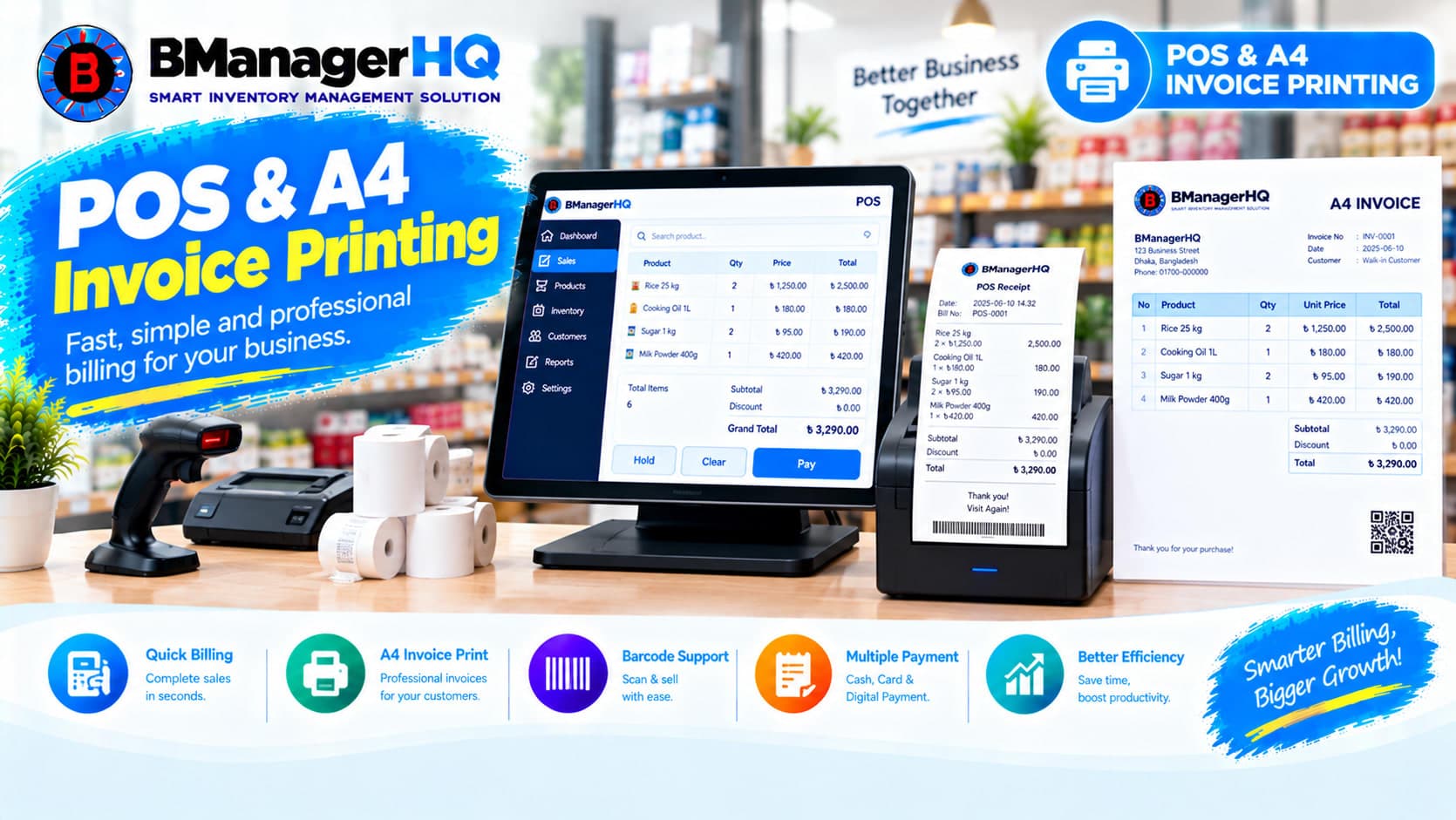
Manage POS sales and print professional A4 invoices with BManagerHQ POS & A4 Invoice Printing Software for retail, wholesale, and other businesses.

Track product stock history, inventory movements, purchases, sales, transfers, and quantity changes with BManagerHQ Product Ledger Software.
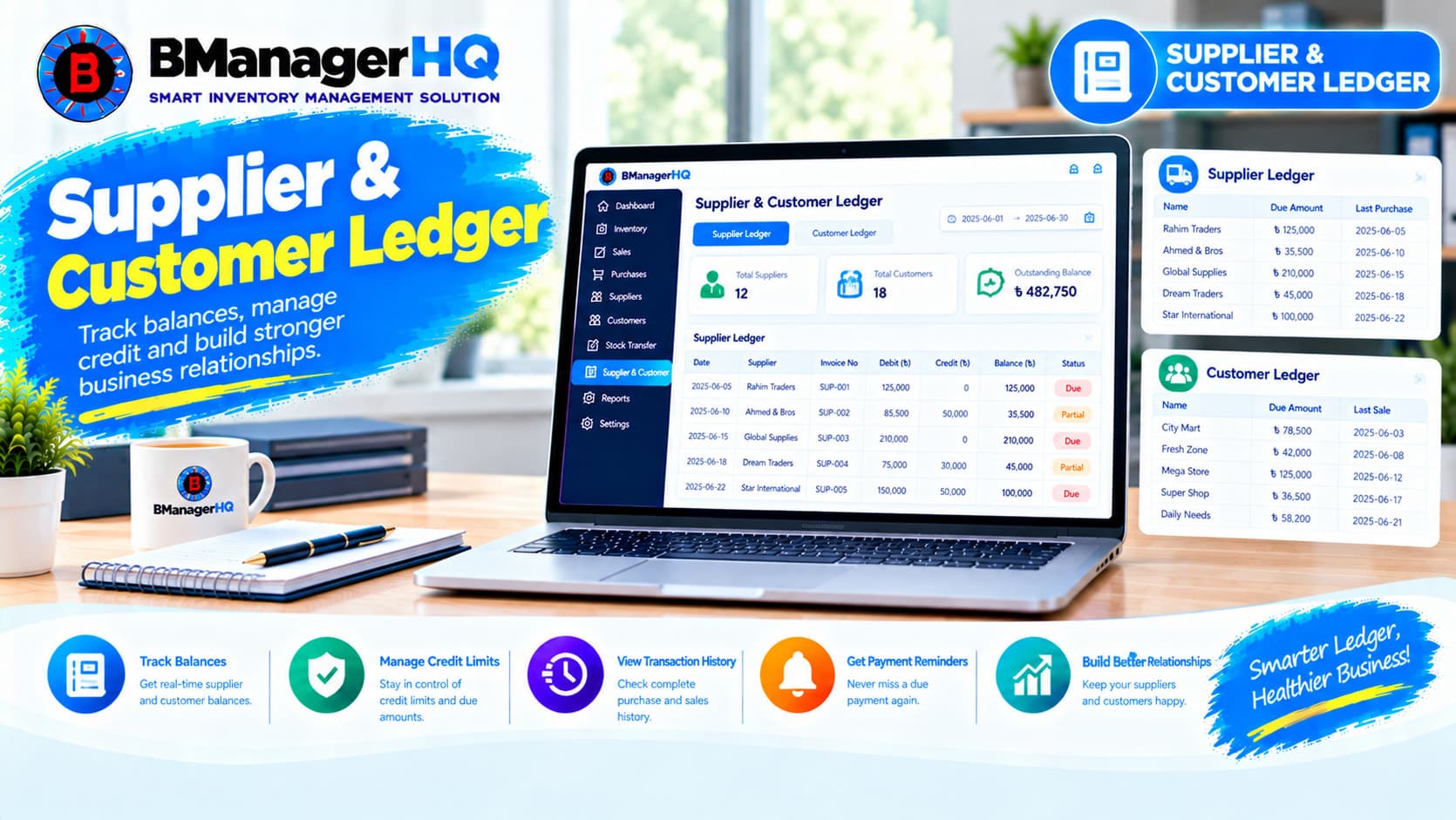
Manage supplier and customer ledgers, transaction history, credit balances, payments, purchases, and sales with BManagerHQ Inventory Management Software.
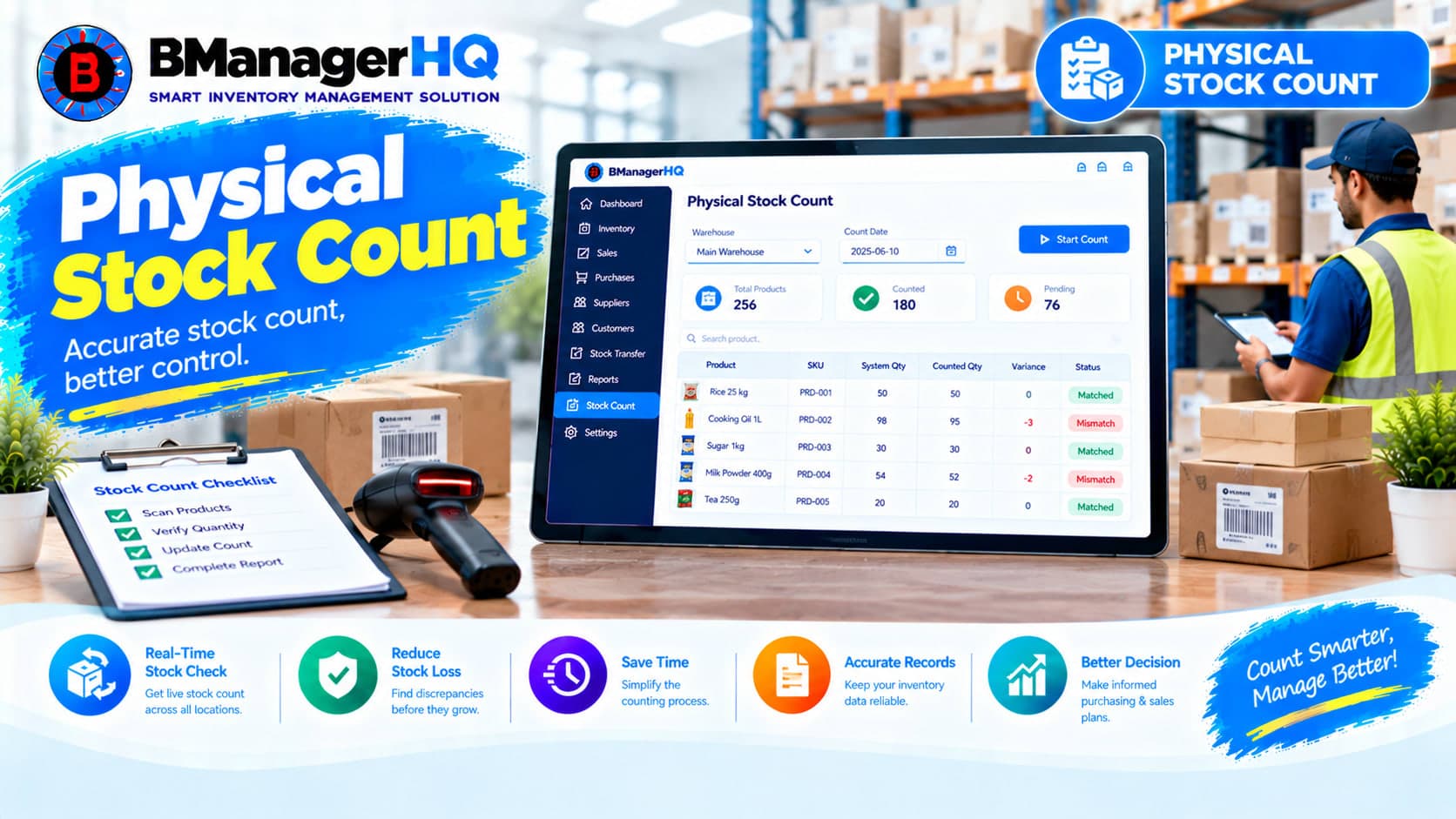
Compare physical inventory with recorded stock quantities using BManagerHQ Physical Stock Count Software for accurate and organized inventory management.
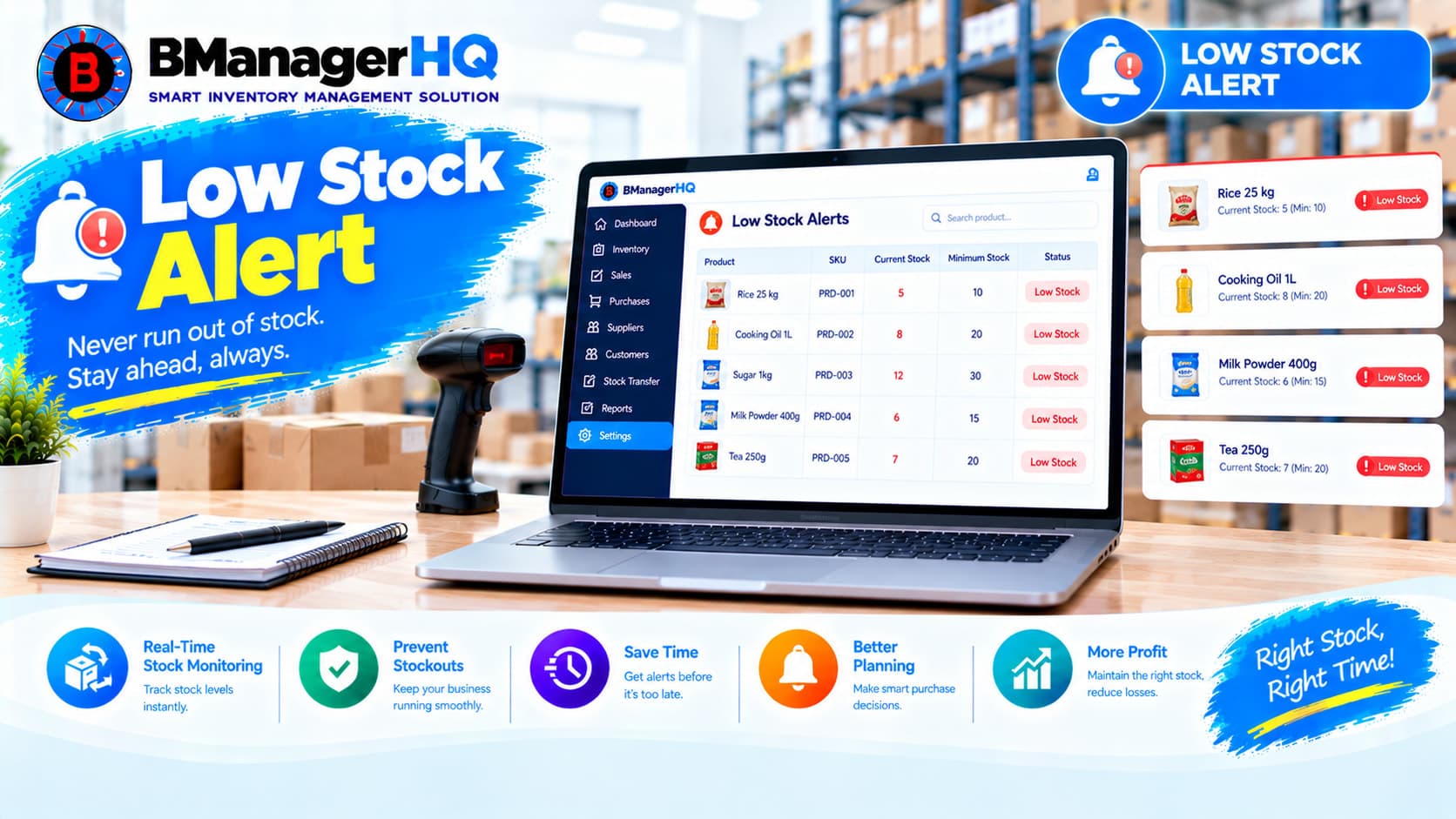
Monitor low inventory levels and identify products that need attention with BManagerHQ Low Stock Alerts Software for businesses in Bangladesh.