Running out of an important product at the wrong time can affect sales and customer satisfaction. For retail businesses with hundreds or thousands of products, manually checking every product's stock level is difficult. A product may gradually run low while employees are focused on daily sales and other business operations.
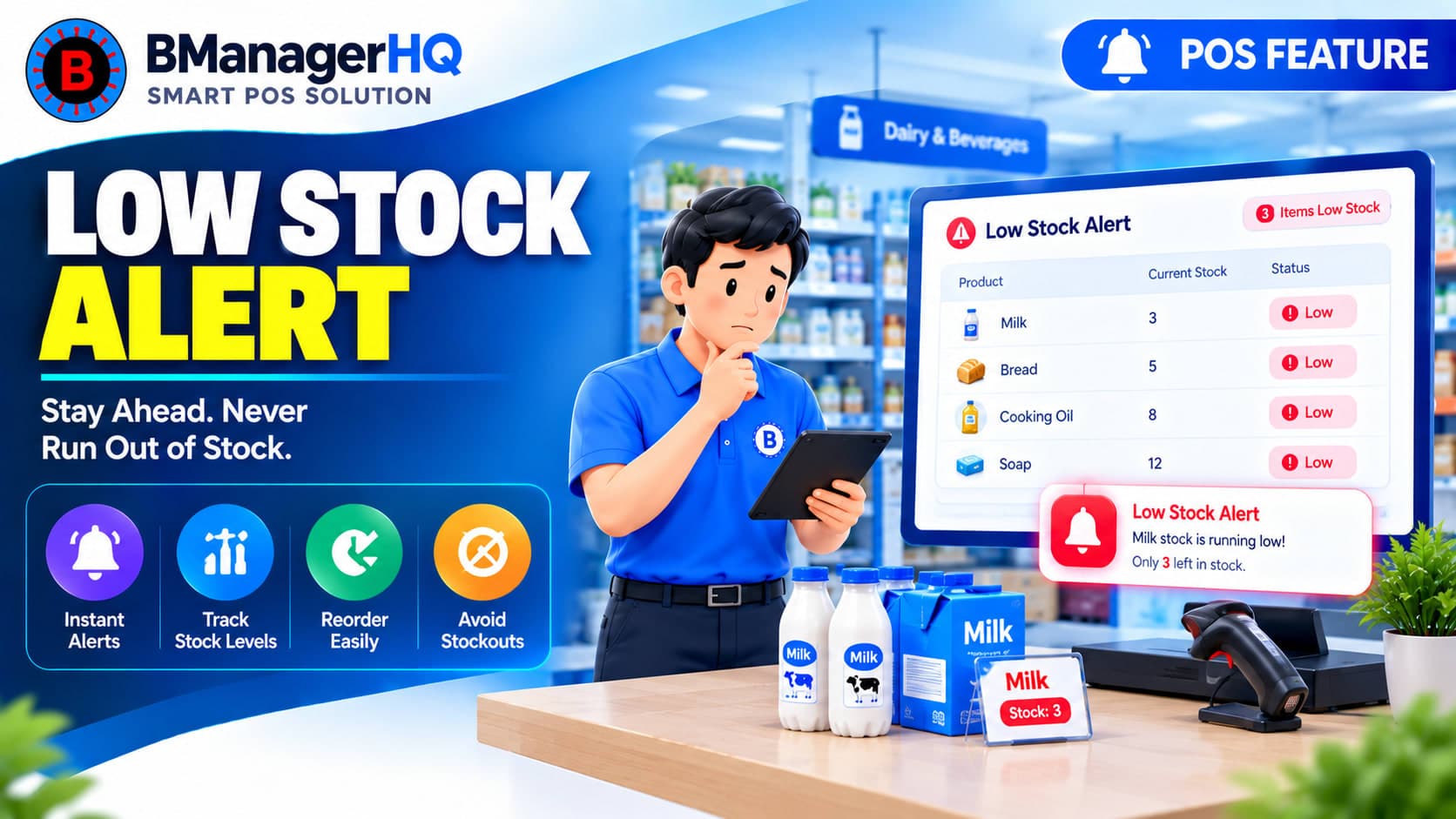
BManagerHQ provides Low Stock Alerts to help businesses identify products that require attention when their inventory reaches a low level. By connecting low-stock monitoring with product and inventory management, businesses can maintain better visibility into products that may need replenishment.
What Are Low Stock Alerts?
A Low Stock Alert is a notification or indication that a product's available inventory has reached a level where the business should consider replenishing its stock.
For example, a business may normally want to maintain at least 10 units of a particular product. If available stock reaches that level, the product can be identified as requiring attention.
This helps businesses monitor inventory proactively rather than waiting until a product completely runs out.
Why Low Stock Monitoring Matters
Inventory shortages can create several problems for retail businesses. A customer may ask for a product that is no longer available. Employees may discover the shortage only after receiving an order. A popular product may sell quickly while management is unaware that the remaining stock is becoming low. Low-stock monitoring helps businesses identify these situations earlier.
It can help businesses:
Identify products with low inventory
Prioritize replenishment
Reduce unexpected stock shortages
Monitor fast-moving products
Improve inventory planning
retail inventory alerts
low inventory notification
stock replenishment software
POS inventory management
inventory management software Bangladesh
Maintain better product availability
Set Attention Levels for Products
Different products may require different stock levels.
For example:
Product
Example Low Stock Level
Product A
10 units
Product B
20 units
Product C
5 units
Product D
50 units
A product that sells quickly may need a higher minimum stock level than a product with slower demand. This allows businesses to approach stock monitoring according to their individual inventory requirements rather than applying the same threshold to every product.
Identify Products That Need Replenishment
Low-stock alerts can help employees and managers focus their attention on products that require action. Instead of manually reviewing the entire product catalog, the business can prioritize products that have reached a low inventory level.
For example:
Product A — Low Stock
Product B — Normal Stock
Product C — Low Stock
This makes it easier to identify which products may need replenishment.
Combine Low Stock Alerts With Purchase Management
Low-stock monitoring is closely connected with purchasing. When a product reaches a low stock level, the business may need to purchase additional inventory from its supplier.
This creates a connection between inventory monitoring and supplier purchasing. BManagerHQ's Purchase & Supplier Credit Tracking can complement this process by helping businesses manage purchase transactions and supplier-related payment and credit information.
Low Stock Alerts Across Multiple Locations
Businesses operating multiple shops, branches, or warehouses may have different stock levels at each location.
For example:
Product A
Central Warehouse — 100 units
Branch A — 25 units
Branch B — 4 units
Branch C — 18 units
The overall business may have sufficient stock, but Branch B may still require attention. This is why location-based inventory management is important for growing businesses.
Low-stock monitoring can work alongside Multi-Location Management to provide a more useful view of inventory requirements across locations.
Low Stock and Stock Transfer
A low-stock situation does not always mean that a business needs to purchase more products. Another location may already have sufficient inventory.
For example:
Branch A — 3 units
Branch B — 35 units
If Branch A requires more stock, the business may decide to transfer some inventory from Branch B instead of immediately purchasing additional stock.
Warehouse businesses may also organize products according to bins or storage locations. When inventory is organized at a bin level, employees can identify where products are physically stored while monitoring stock levels.
For example:
Warehouse → Bin A-05 → Product → Available Quantity
This can make replenishment and stock handling more organized.
This connects low-stock monitoring with the other inventory and purchasing features available within the business-management workflow.
Low Stock Monitoring for Growing Businesses
A business with a small number of products may be able to monitor stock manually. As the product catalog grows, however, manually checking every item becomes increasingly difficult.
This is particularly true when a business has:
Hundreds or thousands of products
Multiple product variants
Multiple warehouses
Multiple shops
Multiple branches
High daily sales volume
Automated low-stock identification can therefore become increasingly valuable as the business expands.
Why Low Stock Alerts Matter
Inventory management is not simply about knowing how much stock exists today. Businesses also need to identify which products are approaching insufficient stock levels so that action can be taken at the right time. Low Stock Alerts provide a proactive approach to inventory monitoring.
Instead of discovering a shortage only after a customer asks for a product, businesses can identify products that need attention earlier and decide whether to purchase or transfer additional inventory.
Stay Ahead of Inventory Shortages
Running out of important products can create unnecessary problems for a growing business. BManagerHQ's Low Stock Alerts help businesses identify products that require attention and connect inventory monitoring with purchasing, stock transfers, product management, and multi-location operations. By monitoring stock levels proactively, businesses can make better replenishment decisions and maintain more organized inventory operations.
Stay Ahead of Low Stock and Expired Products
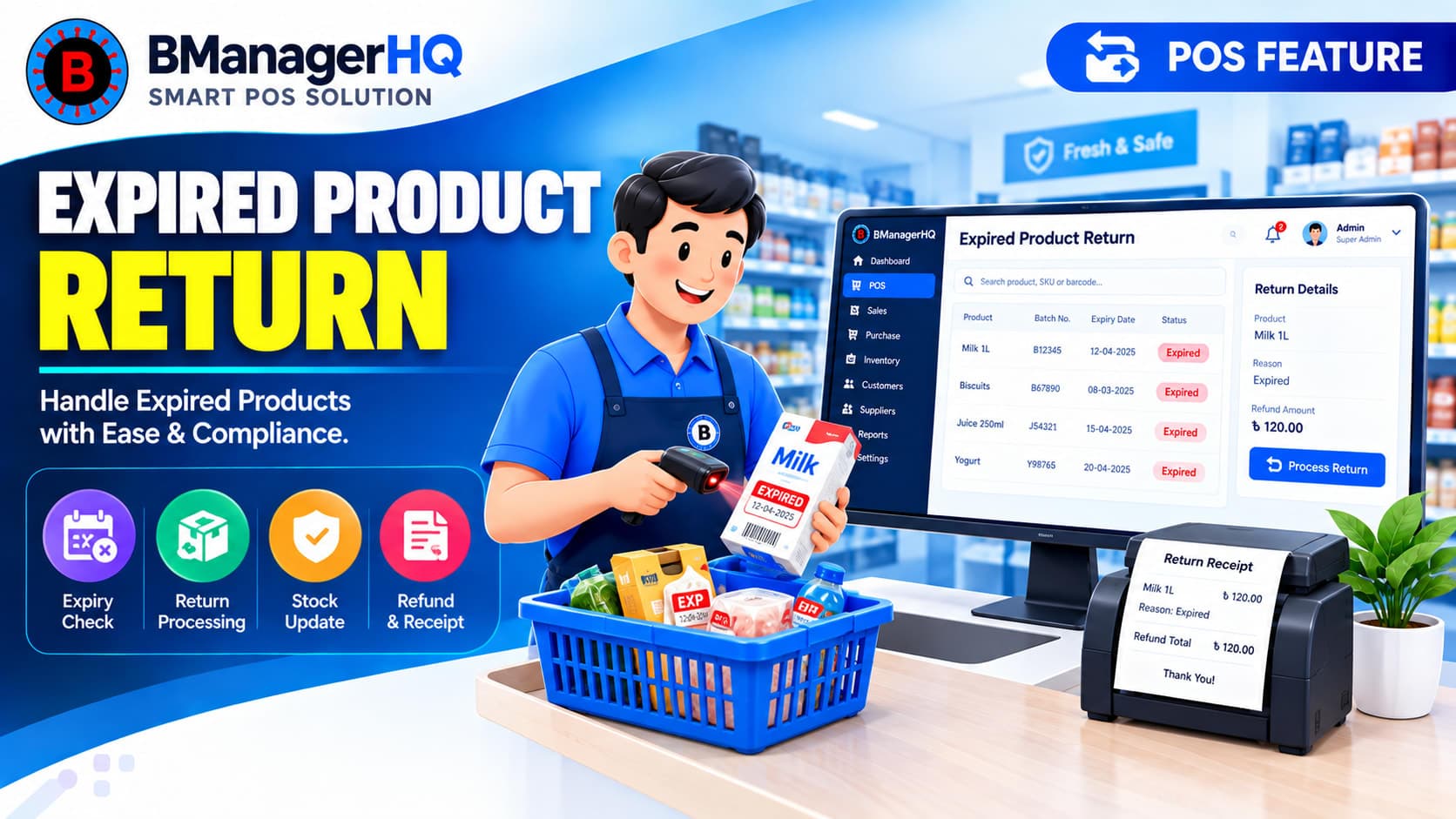
Receive timely alerts before inventory problems affect your sales, customers, or operations. With BManagerHQ Low Stock and Expired Product Alerts, you can identify products that need replenishment, review items approaching expiry, and take action before problems grow.
Low stock alerts identify products whose inventory has reached a defined level that may require replenishment or management attention.
Why are low stock alerts useful?
They help businesses identify products that are running low before they completely run out of stock.
Can low stock monitoring work with product variants?
Yes. Businesses selling products with different variants can monitor inventory at the relevant product or variant level.
Can low stock alerts be used with multiple branches?
Yes. Multi-location businesses can combine stock monitoring with their location-based inventory management.
Does a low stock alert automatically mean I need to purchase?
Not necessarily. A business may decide to purchase new stock or transfer existing stock from another location depending on its inventory situation.
Can low stock alerts work with stock transfers?
Yes. A low-stock situation at one location can be considered when deciding whether inventory should be transferred from another location.
Can low stock monitoring work with supplier management?
Yes. When products need replenishment, supplier and purchase information can help businesses plan their next inventory purchase.
Scan product barcodes and create barcodes for products with BManagerHQ POS software. Speed up checkout, identify products quickly, and improve product and inventory management.