Running a business requires more than recording sales and maintaining inventory. Business owners and managers also need to understand what is happening across daily operations.
How much did the business sell today? How is the available stock changing? What happened during cashier sessions? Which locations are generating sales?
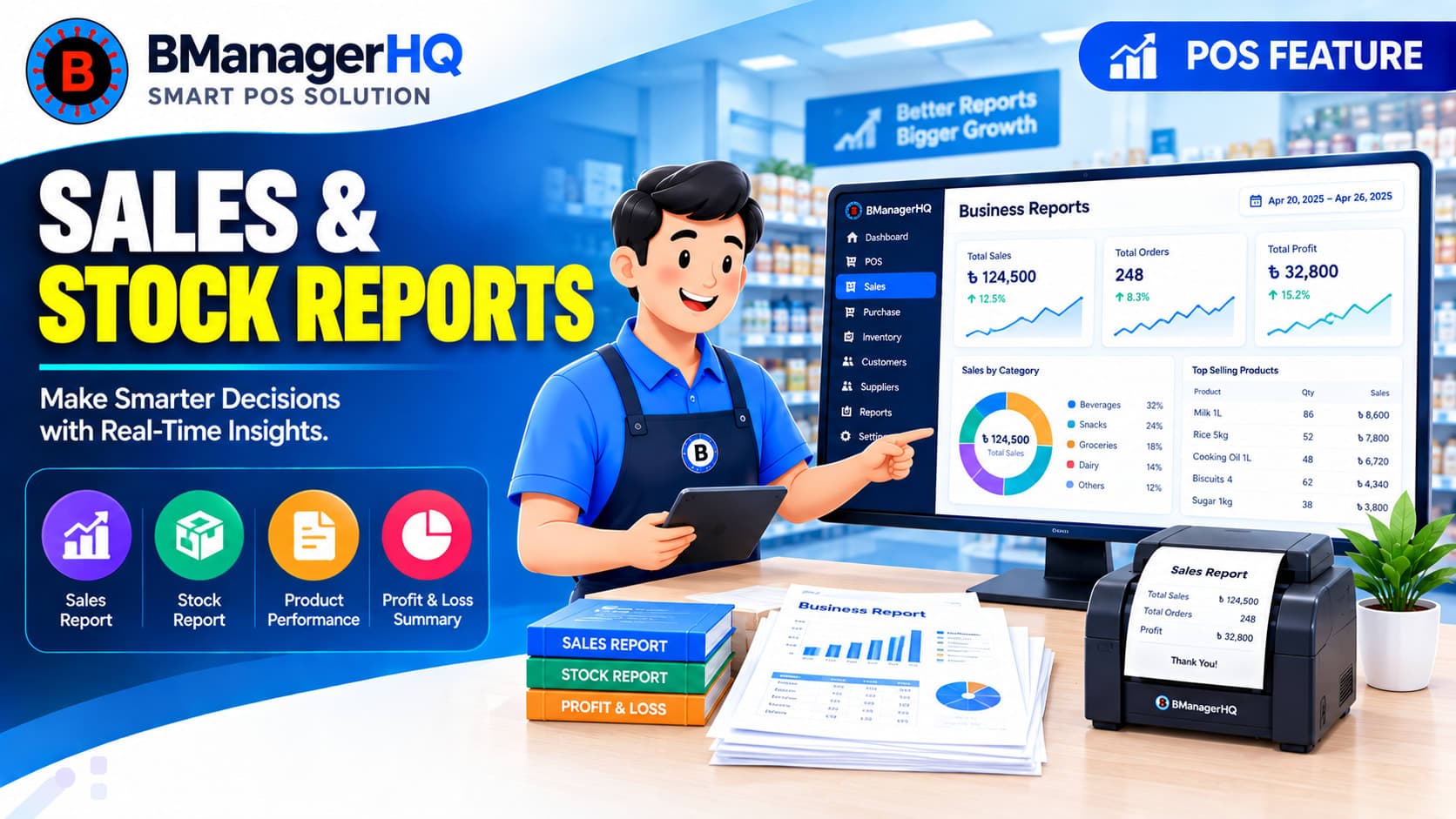
BManagerHQ provides Sales, Stock & Cashier Reports to help businesses review important information from their POS and inventory operations in a more organized way. By bringing sales, stock, and cashier-related information into the reporting workflow, businesses can make it easier to review daily activities and understand business performance.
What Are Sales, Stock & Cashier Reports?
Sales, Stock & Cashier Reports provide businesses with organized information about three important areas of daily POS operations:
Sales
Understand sales activity and transaction records over the relevant reporting period.
Stock
Review inventory-related information and monitor stock across the business.
Cashier Sessions
Review cashier-related session activity and daily POS operations.
Together, these reports provide a broader view of what is happening within the business rather than looking at individual transactions separately.
Daily Sales Reports
Daily sales information is important for almost every retail business. Instead of reviewing individual invoices one by one, businesses need a convenient way to review their sales activity for a particular day or reporting period.
Sales reporting can help businesses review information such as:
cashier session report
POS business reports
retail sales reports
inventory reports
cashier performance reports
POS reports Bangladesh
Daily sales activity
Sales transactions
Sales totals
Customer-related sales
Sales across business locations
Sales associated with POS operations
For example, a business owner may want to review the day's sales at the end of business hours to understand how the business performed during that day.
Review Sales Performance
Sales reports can provide a useful overview of business activity. For example, a manager may compare sales across different periods or locations to understand where sales activity is higher or lower.
A multi-location business could review:
Branch A → Sales Activity
Branch B → Sales Activity
Branch C → Sales Activity
This can help management understand differences between locations and identify areas that may require further attention.
Sales reporting also works alongside Sales & Customer Credit Tracking, where businesses can manage sales and customer payment information.
Stock Reports for Inventory Visibility
Sales are only one side of a retail business. Businesses also need to know what inventory they currently have and how stock is distributed.
Stock reports can help businesses review their inventory information and maintain better visibility of available products. This becomes increasingly important as the number of products and business locations grows.
For example, a business operating several branches may need to understand how inventory is distributed across:
Central warehouse
Shop
Branch
Other managed locations
This information can support inventory planning and operational decisions.
Sales and inventory are directly connected. When products are sold, inventory changes.
For example:
Opening Stock → Sales → Remaining Stock
Reviewing sales and stock together can therefore provide a more useful picture of business operations. A business may notice that a particular product has strong sales activity and consequently requires closer inventory monitoring.
This makes sales reports and stock reports complementary parts of the same business-management workflow.
Cashier Session Reports
Cashier operations are another important part of a POS business. A cashier may operate a sales session during a particular period, and businesses may need to review the activities associated with those sessions. Cashier session reporting can help management maintain a clearer view of daily POS operations.
For example:
Who operated the sales counter
Session-related sales activity
Cashier session records
Relevant drawer information
Daily cashier operations
This can be particularly useful for businesses where different employees operate the sales counter during different shifts.
Businesses with multiple branches often need reporting that can help them understand activity at different locations.
For example:
Business → Branch A → Sales & Stock
Business → Branch B → Sales & Stock
Business → Branch C → Sales & Stock
This provides management with a more structured way to review business activity across locations. It can also complement stock transfers, allowing businesses to understand inventory movement and location-based stock requirements.
Consider a retail business that operates several shops.
At the end of the day, management may want to review:
Sales
How much sales activity occurred during the day?
Stock
Which products have changed significantly in quantity?
Cashier
What cashier sessions were operated during the day?
Instead of maintaining separate manual records for each area, a connected POS reporting system provides a more structured way to review the information.
Reports for Business Owners and Managers
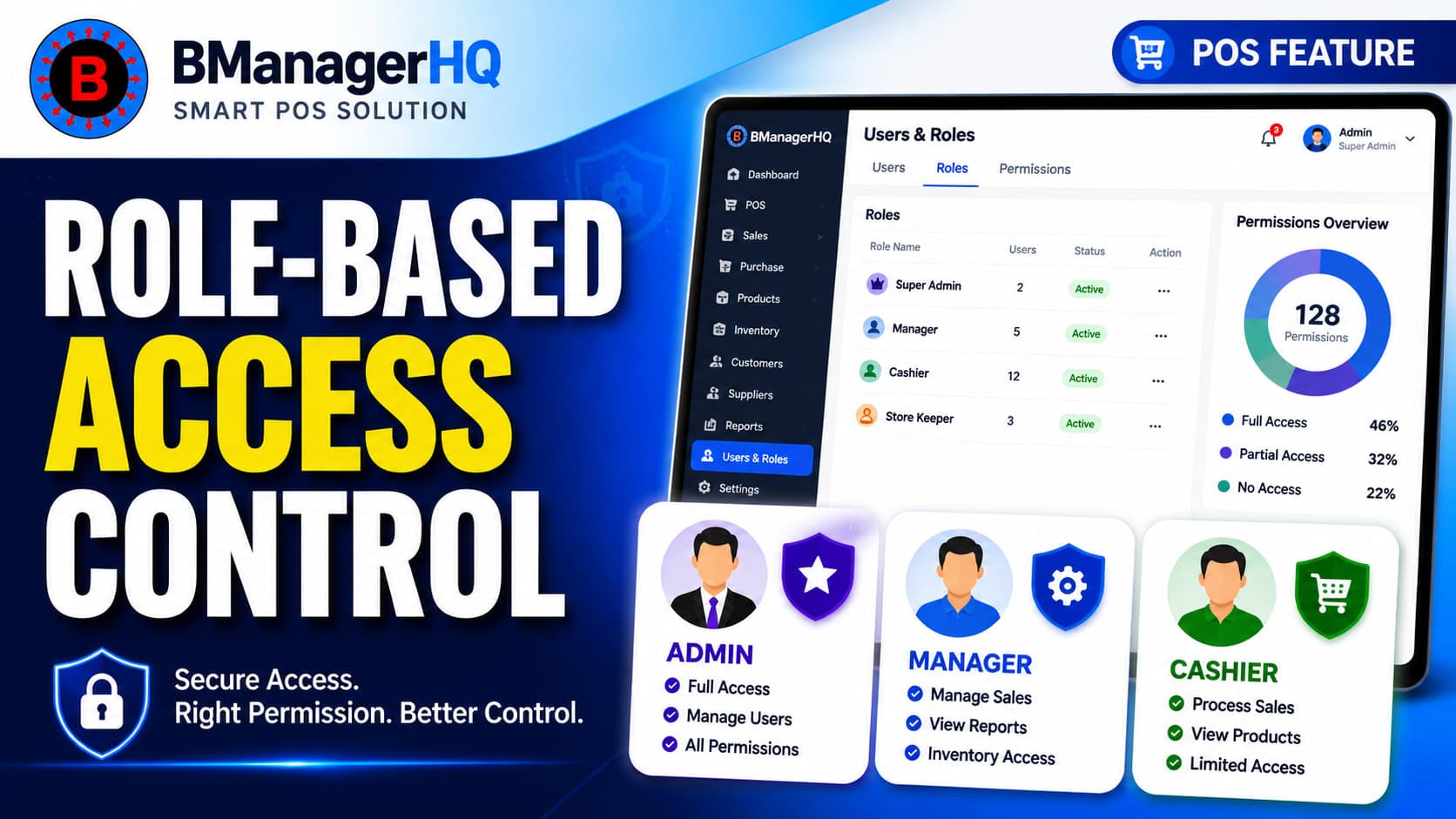
Different people within a business may need access to different operational information. For example, an owner may want a broader overview of business activity, while a manager may focus more closely on day-to-day branch operations. BManagerHQ's Role-Based Access Control can help businesses manage employee access according to their assigned permissions.
This allows reporting access to be managed as part of the broader employee and business-management workflow.
This means reports can bring together information generated through everyday business operations.
Why Business Reporting Matters
Without organized reporting, business owners may have to manually review invoices, stock records, cashier notes, and other information to understand what happened during the day. As a business grows, this becomes increasingly difficult. A structured reporting system provides a more convenient way to review important operational information and understand the relationship between sales, stock, and cashier activity.
For growing businesses, this can make day-to-day management more organized and provide management with better visibility into ongoing operations.
Get Better Visibility Into Your Business
Sales, inventory, and cashier operations generate important information every day. BManagerHQ brings these areas together through Sales, Stock & Cashier Reports, helping businesses review their daily POS operations and maintain better visibility across their business.
Whether you operate a single retail shop or multiple warehouses, shops, and branches, organized reporting can help you understand your business operations more clearly.
Understand Your Sales, Stock, and Cashier Performance
Turn daily business activity into useful insights with clear reports for sales, inventory, purchases, and cashier operations. With BManagerHQ Sales, Stock, and Cashier Reports, you can review performance, identify trends, and make better operational decisions using accurate business information.
POS sales reports organize information about sales transactions and sales activity within a business.
What are stock reports?
Stock reports provide information about inventory and help businesses review their available product stock.
What are cashier session reports?
Cashier session reports help businesses review information associated with cashier sessions and POS counter operations.
Can reports be useful for multiple branches?
Yes. Multi-location businesses can benefit from reviewing sales and inventory activity across their different business locations.
Can sales and stock reporting work together?
Yes. Sales directly affect inventory, so reviewing sales and stock information together can provide a more useful view of business operations.
Who can access business reports?
Access can be managed according to the employee permissions configured by the organization.
Scan product barcodes and create barcodes for products with BManagerHQ POS software. Speed up checkout, identify products quickly, and improve product and inventory management.