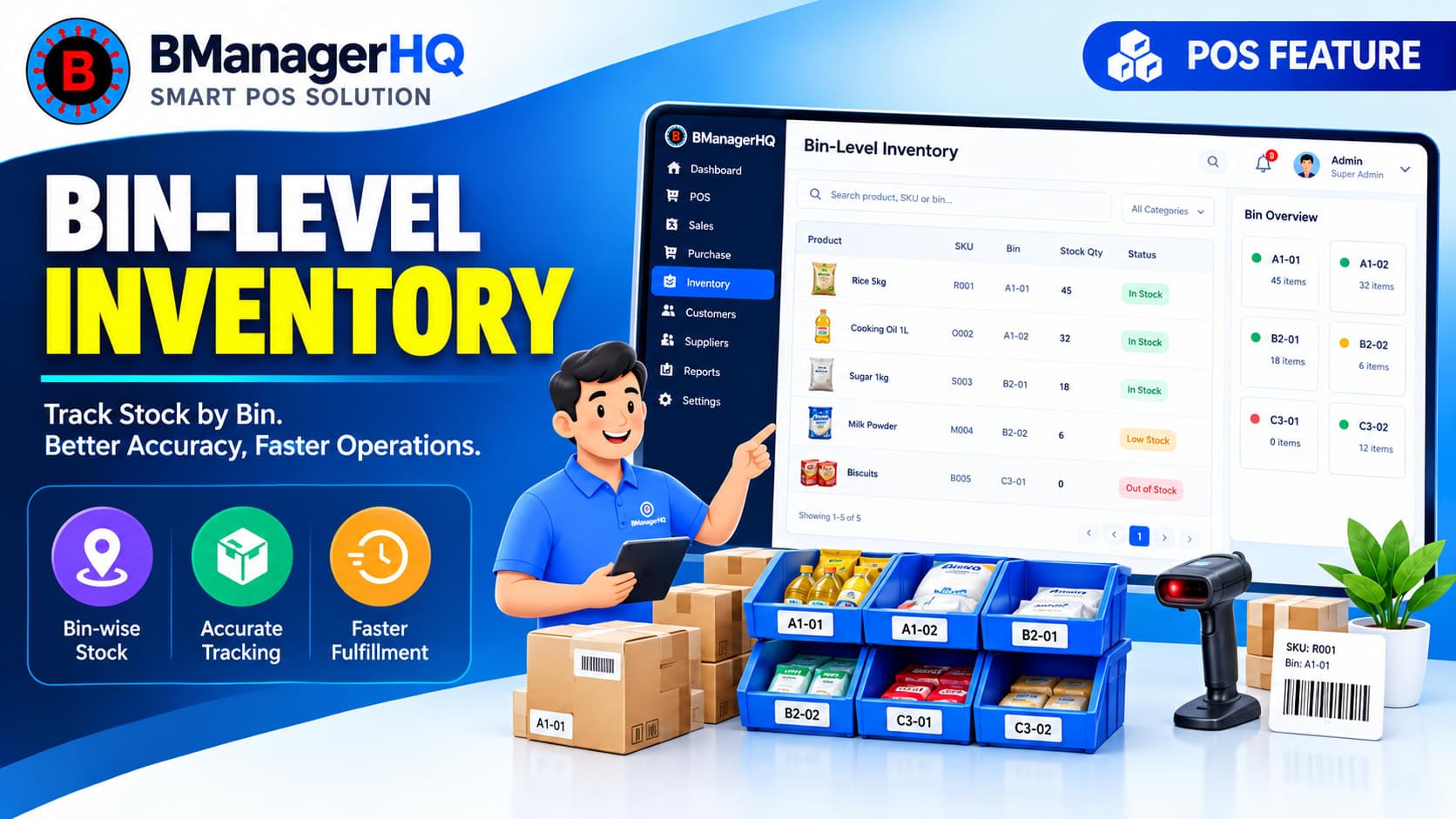
Managing inventory becomes more difficult when a warehouse contains hundreds or thousands of products. Knowing that a product exists somewhere inside a warehouse is not always enough. Warehouse staff also need to know where the product is stored so that they can locate it quickly when it is needed. BManagerHQ's Bin-Level Inventory Management helps businesses organize inventory at a more detailed storage level. Instead of managing stock only by warehouse or branch, businesses can organize products according to their assigned bins or storage locations.
This provides a more structured approach to warehouse inventory management and can make everyday stock handling easier.
What Is Bin-Level Inventory Management?
Bin-level inventory management is a method of organizing warehouse stock according to specific bins or storage locations.
For example, a warehouse might contain:
Warehouse A
Bin A-01
Bin A-02
Bin A-03
Bin A-04
Products can then be organized according to where they are physically stored.
For example:
Product: USB-C Cable Warehouse: Main Warehouse Bin: A-03
Instead of searching throughout the entire warehouse, staff can use the recorded storage location to identify where the product should be found.
Why Bin-Level Stock Management Matters
A warehouse can contain a large number of products with similar packaging, product names, or variants. Without organized storage locations, employees may need to search manually for products.
inventory location management
stock bin management
warehouse stock tracking
POS inventory management
inventory management software Bangladesh
This can result in:
Longer picking times
Difficulty locating products
Stock handling delays
Confusion between similar products
Less efficient warehouse operations
Bin-level inventory organization provides a structured way to associate products with their storage locations.
Organize Products by Storage Location
Different products can be assigned to different bins according to the warehouse's physical layout.
For example:
Bin
Products
A-01
Mobile Accessories
A-02
Chargers
A-03
USB Cables
B-01
Earphones
B-02
Power Banks
This creates a logical relationship between the digital inventory record and the physical warehouse. When employees need a particular product, they can refer to its assigned storage location.
Manage Inventory at a More Detailed Level
Traditional inventory management often focuses on questions such as:
How much stock do we have?
Multi-location management adds another question:
Which warehouse or shop has the stock?
Bin-level management goes one step further:
Where inside that warehouse is the stock stored?
This creates a more detailed inventory structure:
Business → Warehouse → Bin → Product → Stock
This level of organization can be especially useful for businesses with larger warehouses and extensive product catalogs.
Bin-Level Management Within Multiple Warehouses
Businesses may operate more than one warehouse.
For example:
Main Warehouse
A-01
A-02
A-03
Secondary Warehouse
B-01
B-02
B-03
A product can therefore be associated with the appropriate warehouse and storage location. This works particularly well with BManagerHQ's Multi-Location Management functionality.
One of the practical advantages of bin-level inventory management is making products easier to locate. Suppose an employee needs to find a particular product.
Instead of:
Search warehouse → Look through shelves → Check different areas → Find product
a structured system can provide a more direct process:
This can help reduce unnecessary searching during day-to-day warehouse operations.
Useful for Large Product Catalogs
Bin-level inventory becomes increasingly valuable as the number of products grows. A small store with a few dozen products may not require detailed storage-location management. However, a warehouse containing hundreds or thousands of SKUs can benefit significantly from organized storage locations.
This can be useful for businesses dealing with:
Electronics
Mobile accessories
Spare parts
Clothing
Grocery products
Pharmacy products
Hardware
Wholesale inventory
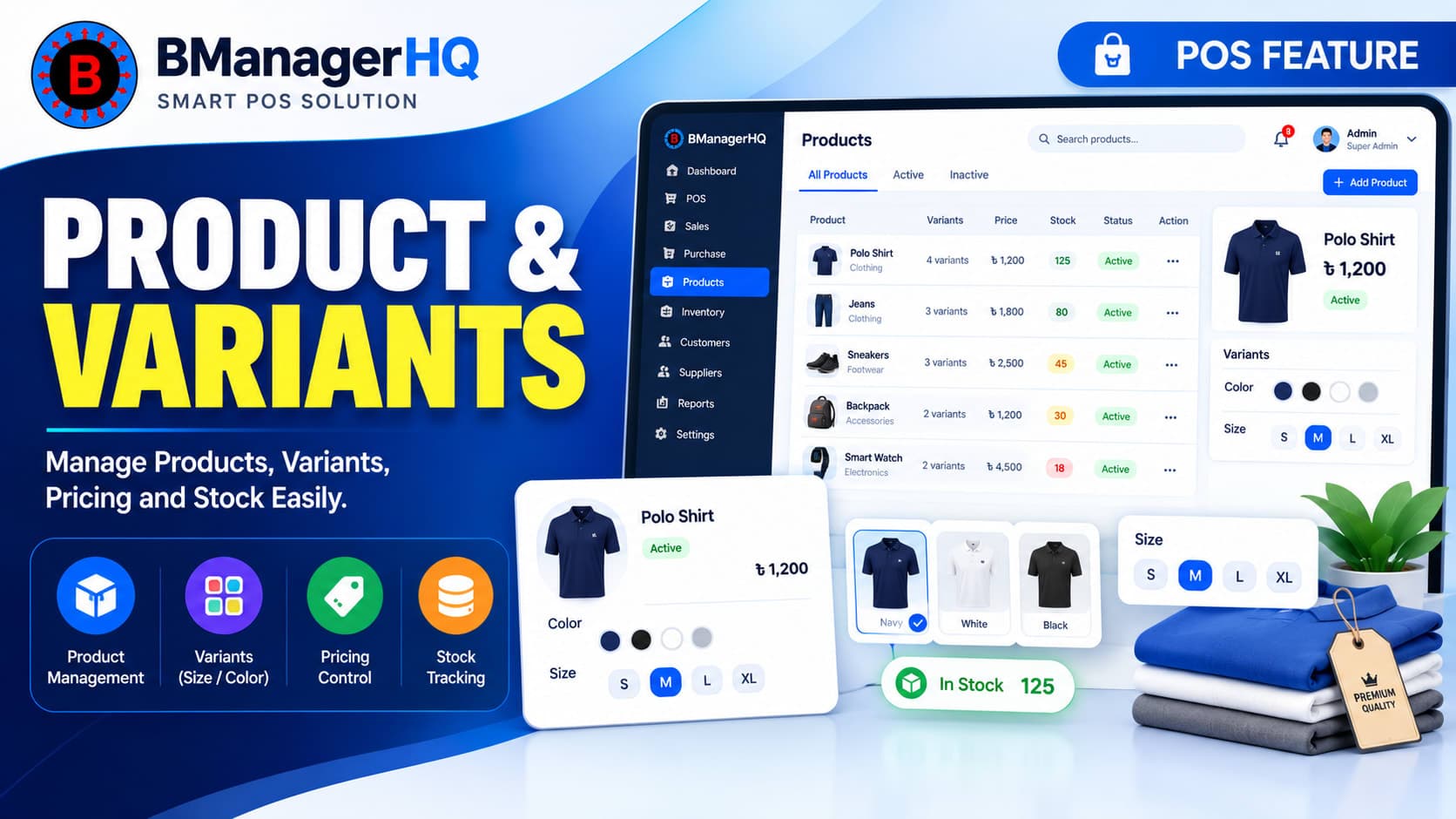
Manage Product Variants by Location
Some products have multiple variants.
For example, a clothing business may have:
T-Shirt
Black — M
Black — L
Black — XL
White — M
White — L
White — XL
These variants may be stored in different bins. A structured product and variant system combined with bin-level inventory can help businesses maintain a clearer relationship between:
Spare parts businesses are a strong example of where detailed storage organization can be useful. A parts warehouse may contain hundreds of visually similar components.
For example:
Brake components
Bearings
Filters
Electrical parts
Engine components
Fasteners
If each product has an identifiable storage location, warehouse staff can locate parts more efficiently. This can reduce the time spent searching for products during sales or stock operations.
Bin-Level Inventory for Electronics
Electronics and mobile accessory businesses often maintain large numbers of small products.
For example:
USB cables
Chargers
Earphones
Adapters
Cases
Power banks
Screen protectors
A warehouse can organize these products across different bins based on category, product type, brand, or another internal storage strategy. BManagerHQ can provide the system-level structure for maintaining these storage locations alongside inventory records.
Bin-Level Inventory for Wholesale Businesses
Wholesale businesses often maintain large quantities of products in warehouses before distributing them to shops or customers. With bin-level organization, warehouse staff can maintain a more structured storage system.
For example:
Warehouse → Rack → Bin → Product
When stock needs to be picked for a customer order or transferred to another location, knowing the relevant storage location can simplify the process.
Combine Bin-Level Inventory With Stock Transfers
Multi-location businesses may frequently move products between warehouses, shops, and branches. When stock moves between locations, the receiving location may have its own storage structure.
For example:
Main Warehouse → Bin A-03
Transfer
→
Dhaka Branch → Bin D-05
Keeping location and storage information organized can make inventory movement easier to manage.
Bin-level organization can also complement stock monitoring. For example, a warehouse may have a product stored in a particular bin, while the overall available quantity is approaching its desired stock level.
When combined with Low Stock Alerts, businesses can identify products that need replenishment and then locate their existing inventory more easily.
Imagine an electronics wholesaler with the following warehouse structure:
Warehouse: Main Warehouse
Bin A-01
USB-C Cables
Bin A-02
Lightning Cables
Bin B-01
Mobile Chargers
Bin B-02
Power Banks
Bin C-01
Bluetooth Earphones
When a salesperson needs a USB-C cable, warehouse staff can identify its designated storage location instead of searching the entire warehouse. This is a simple example of how bin-level organization can connect digital inventory records with physical stock storage.
Benefits of Bin-Level Inventory Management
Faster Product Location
Know the designated storage location of products within a warehouse.
Better Warehouse Organization
Create a structured relationship between warehouses, bins, and products.
Reduced Searching
Help warehouse employees spend less time manually searching for stock.
Better Stock Handling
Make product picking, storage, and movement more organized.
Supports Large Inventories
Useful for businesses managing large product catalogs and warehouse stock.
Works With Multi-Location Management
Combine warehouse-level and bin-level organization for a more detailed inventory structure.
How Bin-Level Inventory Management Works
A typical process can be structured as:
1. Create Warehouse
Set up the relevant warehouse location.
↓
2. Define Storage Bins
Create or organize bins according to the warehouse structure.
↓
3. Assign Products
Associate products with their relevant storage locations.
↓
4. Manage Stock
Maintain inventory information according to the applicable location.
↓
5. Locate Products
Use the recorded storage information when products need to be found.
↓
6. Transfer or Replenish Stock
Move products or replenish inventory when required.
This creates a structured connection between the physical warehouse and digital inventory records.
Who Needs Bin-Level Inventory Management?
Large Retail Businesses
Businesses with large back-stock areas can use bins to organize products.
Wholesale Businesses
Useful for businesses maintaining high-volume warehouse inventories.
Spare Parts Businesses
Helpful when many similar parts need organized storage.
Electronics Businesses
Useful for storing large numbers of small accessories and devices.
Pharmacy Businesses
Can help organize products across designated storage areas.
Clothing Businesses
Useful when large quantities of sizes, colors, and variants are stored in warehouses.
Why Use BManagerHQ?
BManagerHQ connects inventory management with products, variants, warehouses, shops, branches, sales, purchasing, and stock transfers. Bin-level inventory adds another layer of organization for businesses that need more detailed warehouse management.
The overall structure can be viewed as:
Product → Variant → Location → Bin → Stock
This helps businesses build a more organized inventory management workflow without treating warehouse storage as a completely separate process.
Key Capabilities
BManagerHQ's Bin-Level Inventory Management is designed to help businesses organize:
Warehouse storage locations
Product bin assignments
Location-specific inventory
Product storage information
Multiple warehouse structures
Product variants within storage locations
Warehouse stock organization
Inventory movement between locations
Organize Your Warehouse Inventory With Greater Precision
When inventory grows, simply knowing the total quantity of a product may not be enough. Businesses also need to know where the product is stored. BManagerHQ's Bin-Level Inventory Management provides a structured way to organize products within warehouse storage locations while working alongside product management, multi-location inventory, stock transfers, and low stock monitoring.
For businesses with growing warehouses and large product catalogs, this can provide a more organized approach to everyday inventory operations.
Control Inventory at Bin Level
Know exactly where your products are stored and improve the way your team receives, organizes, and picks stock. With BManagerHQ Bin-Level Inventory Management, you can assign products to specific bins, track stock locations, and reduce time spent searching for inventory.
Bin-level inventory management organizes products according to specific storage bins or locations inside a warehouse.
Why is bin management useful?
It can make it easier for warehouse staff to identify where products are stored, especially when a warehouse contains a large number of products.
Can bin-level inventory work with multiple warehouses?
Yes. Bin-level organization can complement multi-location management by allowing businesses to organize storage locations within their warehouses.
Is bin-level inventory useful for small businesses?
It depends on the warehouse size and inventory complexity. Businesses with relatively small inventories may not need detailed bin organization, while larger inventories can benefit considerably.
Can product variants be managed with bin-level inventory?
Product and variant management can be combined with location-based inventory organization to provide a more detailed structure for products and their variants.
Can bin-level inventory work with stock transfers?
Yes. Bin-level organization can complement stock transfers by helping businesses organize where products are stored at their respective locations.
Connect weighing scale operations with your POS workflow using BManagerHQ. Manage weight-based products and streamline sales for grocery, retail, Super Shop and other businesses.