Generalpages
Inventory Management vs POS Software: Choose the Right Module
Content type
Pages
Topic
General
Published
26/09/2026
Content type
Pages
Topic
General
Published
Keywords
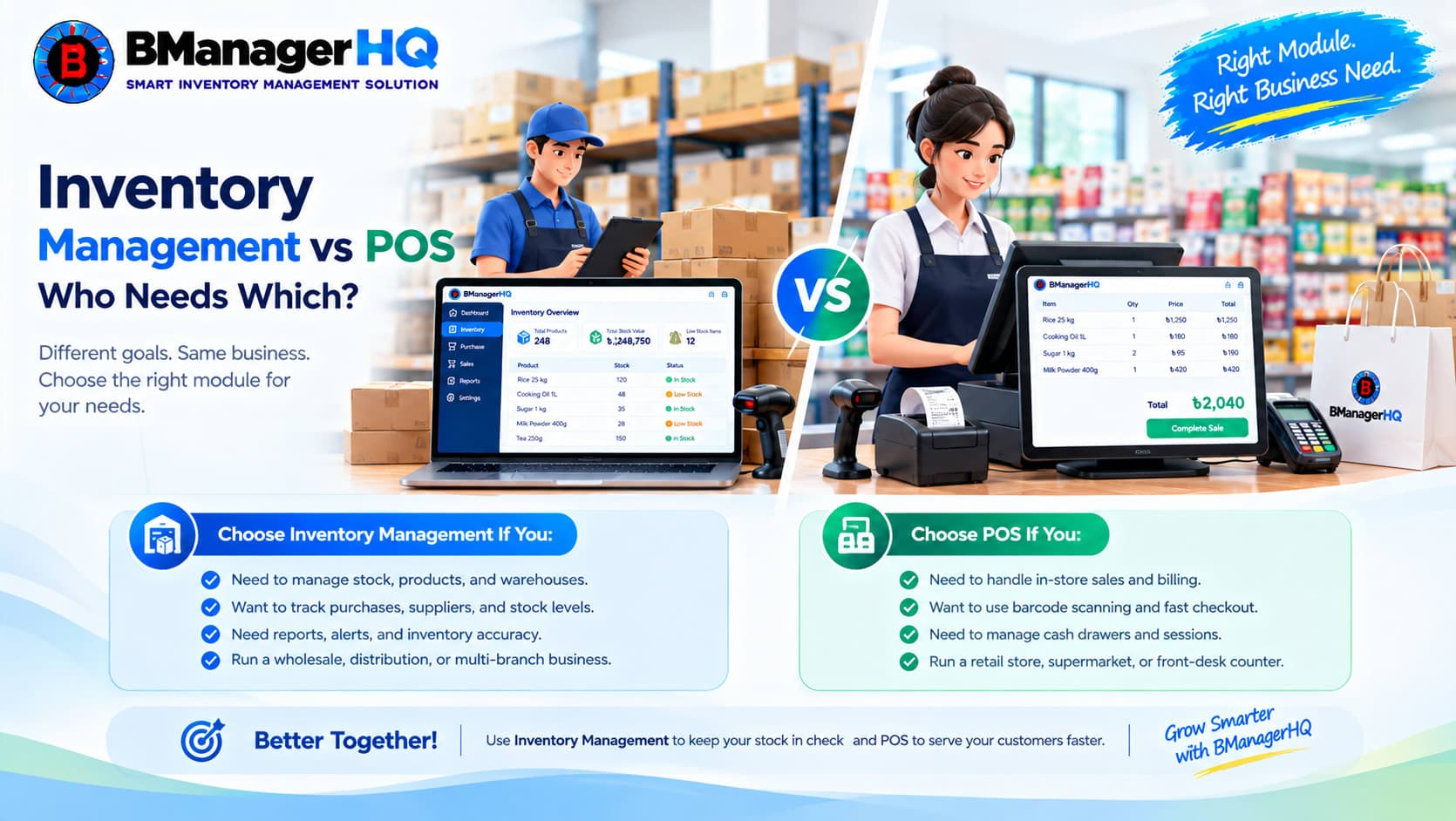
BManagerHQ provides separate business management modules for different types of business operations.
Choose the Inventory Management Module if your business needs detailed control over products, purchases, suppliers, warehouses, stock, branches, transfers, payments, ledgers, and inventory reports.
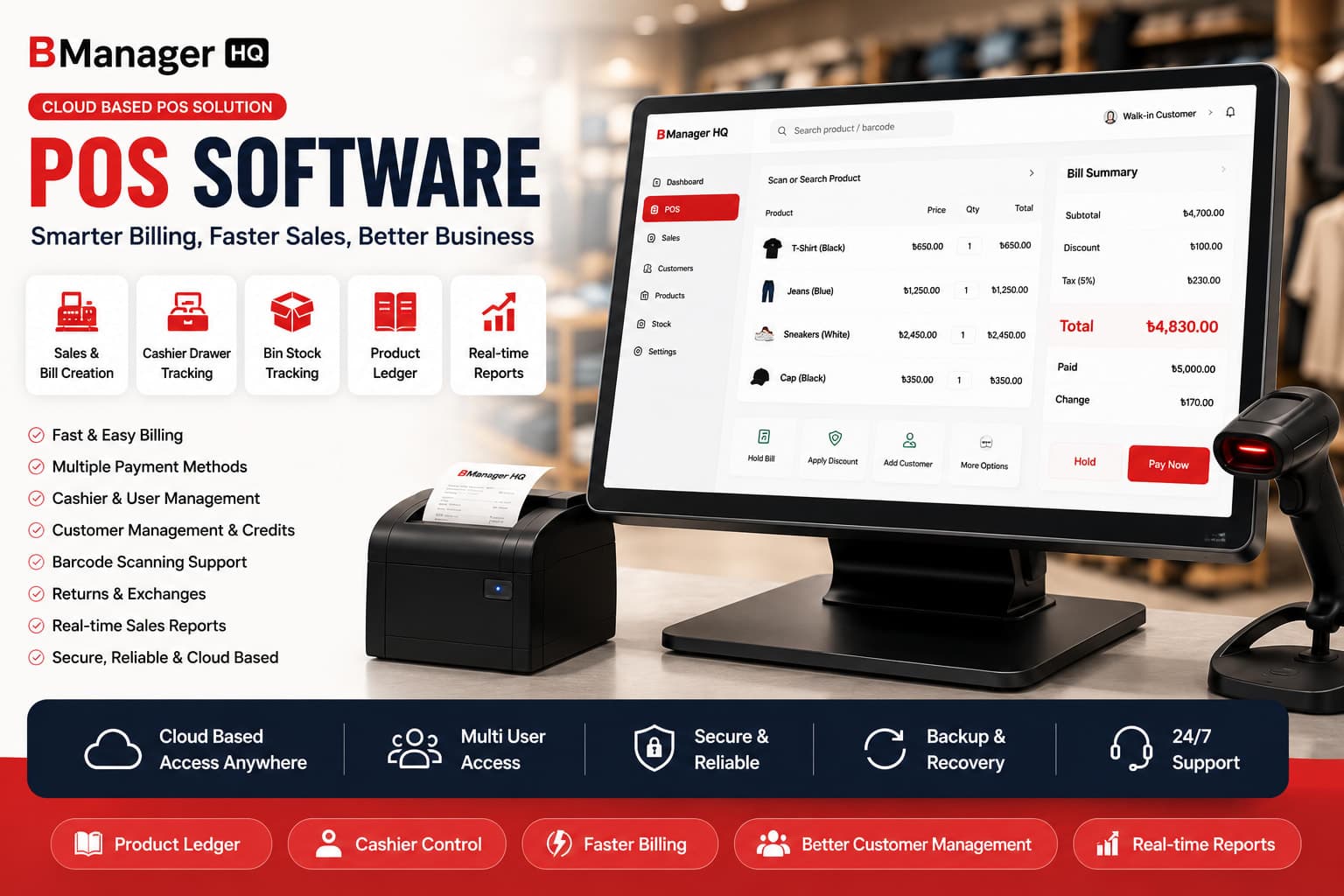
Choose the POS Module if your business needs fast retail checkout, cashier management, product variants, barcode scanning, warranty tracking, expiry tracking, promotions, loyalty programs, and customer-facing sales tools.
Each module has its own features, data, workflows, and subscription. Select the module that best matches your business requirements.
Start your 30-day free trial - no payment required. Compare BManagerHQ Inventory Management and POS Software to choose the right solution for your business.
Inventory Management and POS Are Separate Modules
Inventory Management and POS are separate BManagerHQ modules designed for different business needs. The modules are not a single combined system. When a user selects a module, the features and data available in that account are based on the selected module.
Choose Inventory Management for:
Choose POS for:
Your choice should be based on the main way your business operates.
The BManagerHQ Inventory Management Module is designed for businesses that need detailed control over their inventory and purchasing operations.
It helps businesses manage products, suppliers, customers, warehouses, branches, purchases, stock movements, payments, credits, reports, and ledgers from one structured system.
The Inventory Management Module is suitable for businesses that buy, store, distribute, transfer, and sell products across one or more locations.
It is ideal for:
Inventory Module Features
Supplier Management and Credit Limits
Manage supplier profiles, contact information, purchase history, credit limits, outstanding balances, and payment records.
Explore Supplier Management & Credit Limits
Customer Management and Credit Limits
Maintain customer profiles, credit terms, payment history, outstanding balances, and customer account information.
Explore Customer Management & Credit Limits
Product Management
Organize your product catalog with product names, categories, brands, units, pricing, descriptions, and stock-related information.
Explore Products Management
Multi-Warehouse and Branch Management
Manage warehouses, shops, branches, distribution centers, and other business locations from one inventory system.
Explore Multi-Warehouse & Branch
Purchase and Supplier Credit Tracking
Record purchases, purchase invoices, received quantities, supplier credit, supplier balances, and purchase-related payments.
Explore Purchase & Supplier Credit Tracking
Bin-Level Inventory Management
Track exactly where products are stored inside a warehouse by managing stock at bin level.
Explore Bin Level Inventory Management
Sales and Customer Credit Tracking
Record sales, monitor customer credit, manage outstanding balances, and review customer payment history.
Explore Sales & Customer Credit Tracking
Quotation Creation and A4 Printing
Create professional quotations for customers and print them in A4 format.
Explore Quotation and A4 Printing
Sales Tracking
Monitor sales transactions, sales history, customer orders, and related inventory movements.
Supplier and Customer Payment Tracking
Record payments made to suppliers and payments received from customers.
Explore Supplier and Customer Payment Tracking
Stock Transfer Between Locations
Transfer stock between warehouses, shops, and branches while maintaining accurate movement records.
Explore Stock Transfer Between Locations
Sales and Stock Reports
Review sales performance, stock quantities, stock movements, and inventory activity through organized reports.
Explore Sales and Stock Reports
Low Stock Alerts
Identify products that are running low and need to be purchased or replenished.
Physical Stock Count
Compare actual stock with system stock, record differences, and manage inventory adjustments.
Supplier and Customer Ledgers
Maintain detailed ledgers for supplier and customer transactions, payments, credits, and balances.
Explore Supplier & Customer Ledger
Product Ledger
Track product purchases, sales, transfers, adjustments, and other stock movements.
POS and A4 Invoice Printing
Create sales records and print professional A4 invoices for customers and business transactions.
Explore POS and A4 Invoice Printing
Choose Inventory Management If Your Business Needs:
Explore Inventory Management Software
The BManagerHQ POS Module is designed for retail and customer-facing businesses that need fast checkout and complete control over daily sales operations.
It helps businesses manage products, product variants, customers, cashiers, barcodes, warranties, expiry dates, promotions, loyalty programs, and POS invoices.
The POS Module is suitable for businesses that sell products directly to customers through shops, counters, retail outlets, or branches.
It is ideal for:
POS Module Features
Role-Based Access Control
Give owners, administrators, managers, cashiers, and staff access according to their responsibilities.
Explore Role Based Access Control
Supplier Management
Manage supplier information and maintain records for products purchased by your business.
Customer Management
Create customer profiles, view customer purchase history, and manage customer information during sales.
Product and Variant Management
Manage products with different sizes, colors, models, packaging types, or other product variations.
Product variant management is useful for retail businesses where customers need to select a specific version of a product before purchase.
Explore Product and Variant Management
Multi-Location Management
Manage products, stock, sales, and operations across warehouses, shops, and branches.
Explore Multi-Location Management
Purchase and Supplier Credit Tracking
Record purchases, track supplier credit, and monitor supplier balances.
Explore Purchase and Supplier Credit Tracking
Bin-Level Inventory Management
Track products stored in warehouse bins when your retail operation also requires detailed storage control.
Explore Bin Level Inventory Management
Sales and Customer Credit Tracking
Process sales, monitor customer credit, and maintain customer payment information.
Explore Sales and Customer Credit Tracking
Cashier Drawer and Session Tracking
Track cashier sessions, opening balances, sales collections, closing balances, and cash differences.
This is useful for businesses with multiple cashiers, shifts, counters, or retail locations.
Explore Cashier Drawer and Session Tracking
Warranty Tracking
Record and monitor warranty information for products sold to customers.
Warranty tracking is useful for:
Expiry Tracking
Monitor product expiry dates and identify products that are approaching or past their expiry date.
Expiry tracking is useful for:
Explore Warranty & Expiry Tracking
Expired Product Return and Replacement
Manage expired products, returns, replacements, stock updates, and related supplier records.
Explore Expired Product Return and Replacement
Weighing Scale Support
Sell products by weight and calculate prices based on measured quantities.
Weighing scale support is useful for:
Explore Weighing Scale Support
Stock Transfer Between Locations
Move products between shops, warehouses, and branches while keeping stock records updated.
Explore Stock Transfer Between Locations
Sales, Stock, and Cashier Reports
Review sales activity, product performance, stock quantities, cashier performance, and daily operational reports.
Explore Sales, Stock and Cashier Reports
Low Stock and Expired Product Alerts
Identify products that need replenishment and products that are approaching or past their expiry date.
Explore Low Stock and Expired Product Alerts
Membership Card Management
Manage membership cards and identify returning customers during sales.
Explore Membership Card Management
Promotion Management
Create and manage discounts, special offers, promotional prices, and customer campaigns.
Loyalty Program Management
Reward repeat customers with loyalty points, benefits, and promotional rewards.
Explore Loyalty Program Management
Barcode Scanning and Generation
Generate product barcodes and scan products quickly during stock operations and checkout.
Explore Barcode Scanning and Generation
Process sales through the POS system and print professional A4 invoices using customizable invoice layouts.
Explore POS and A4 Invoice Printing
Choose POS If Your Business Needs:
Explore POS Software
The right module depends on your main business operation.
Your business mainly focuses on purchasing, storing, distributing, transferring, and controlling stock.
Inventory Management is the better choice when you need:
Your business mainly focuses on selling products directly to customers through a retail counter, shop, outlet, or branch.
POS is the better choice when you need:
Business Requirement | Inventory Management | POS |
Supplier management | Yes | Yes |
Supplier credit limits | Yes | Yes |
Customer management | Yes | Yes |
Customer credit limits | Yes | Yes |
Product management | Yes | Yes |
Product variant management | No | Yes |
A wholesale distributor usually needs supplier management, purchasing, supplier credit, warehouse management, bin-level stock, customer credit, stock transfers, ledgers, and inventory reports.
Recommended module: Inventory Management
An importer needs to control purchases, suppliers, received products, warehouses, stock quantities, customer orders, payments, and product movement records.
Recommended module: Inventory Management
A grocery store commonly needs fast checkout, barcode scanning, expiry tracking, low stock alerts, promotions, customer loyalty, cashier sessions, and weighing scale support.
Recommended module: POS
A pharmacy may need product expiry tracking, barcode scanning, low stock alerts, supplier management, customer records, cashier operations, and expired product handling.
Recommended module: POS
An electronics store may need product variants, barcode scanning, warranty tracking, customer management, promotions, cashier sessions, and A4 invoice printing.
Recommended module: POS
A fashion store may need product variants such as size, color, style, and design, along with barcode scanning, promotions, loyalty programs, cashier tracking, and retail sales reports.
Recommended module: POS
A multi-branch retail business may need warehouse and branch stock control, product transfers, fast checkout, cashier management, barcode scanning, product variants, promotions, loyalty programs, and sales reports.
Recommended module: Choose the module that matches your primary operation.
If the main requirement is warehouse and stock control, choose Inventory Management.
If the main requirement is retail checkout and customer-facing sales, choose POS.
Each module manages data according to its own features and business workflow.
The module you select determines which feature set and operational data are available in your account.
Choosing the right module helps your team work with the tools they actually need.
Selecting the correct module helps reduce unnecessary complexity and gives your business a workflow that matches its daily operations.
Choose the Module That Matches Your Business
BManagerHQ gives you separate solutions for inventory management and retail point-of-sale operations. Choose Inventory Management for detailed control over products, purchases, warehouses, stock, suppliers, customers, payments, transfers, ledgers, and reports.
Choose POS for fast checkout, cashier management, product variants, barcode scanning, warranty tracking, expiry tracking, promotions, loyalty programs, and retail sales.
Start your Inventory Management Software 30-day free trial - no payment required.
Start your POS Software 30-day free trial - no payment required.
Inventory Management software focuses on purchasing, warehouses, stock, suppliers, customers, transfers, payments, ledgers, and inventory reports. POS software focuses on retail checkout, cashier sessions, product variants, barcode scanning, warranty tracking, expiry tracking, promotions, loyalty programs, and customer-facing sales.
Yes. But BManagerHQ provides Inventory Management and POS as separate modules. They have separate feature sets, workflows, and data sections. Choose the module that matches your business requirements.
The POS Module supports product and variant management for products with different sizes, colors, models, packaging, or other variations.
The POS Module supports warranty tracking for products such as electronics, mobile phones, computers, appliances, furniture, and equipment.
The POS Module supports expiry tracking and expired product return or replacement workflows.
The Inventory Management Module is best for wholesalers, distributors, importers, and warehouse-based businesses that need purchasing, supplier credit, stock control, transfers, ledgers, and reports.
The POS Module is best for retail stores that need checkout, cashier sessions, barcode scanning, promotions, loyalty programs, warranty tracking, expiry tracking, and customer-facing sales.
Multi-warehouse management | Yes | Yes |
Branch management | Yes | Yes |
Purchase tracking | Yes | Yes |
Supplier payment tracking | Yes | Yes |
Bin-level inventory | Yes | Yes |
Sales tracking | Yes | Yes |
Customer payment tracking | Yes | Yes |
Stock transfers | Yes | Yes |
Sales reports | Yes | Yes |
Stock reports | Yes | Yes |
Low stock alerts | Yes | Yes |
Physical stock counts | Yes | Not the primary focus |
Supplier ledger | Yes | Not the primary focus |
Customer ledger | Yes | Not the primary focus |
Product ledger | Yes | Not the primary focus |
Quotation creation | Yes | Not the primary focus |
Cashier sessions | No | Yes |
Cash drawer tracking | No | Yes |
Warranty tracking | No | Yes |
Expiry tracking | No | Yes |
Expired product replacement | No | Yes |
Weighing scale support | No | Yes |
Membership cards | No | Yes |
Promotions | No | Yes |
Loyalty programs | No | Yes |
Barcode scanning | Yes | Yes |
Barcode generation | No | Yes |
Retail checkout | No | Yes |
POS invoice printing | Yes | Yes |
A4 invoice printing | Yes | Yes |
The POS Module supports barcode scanning and barcode generation for faster product identification and checkout.
The POS Module supports weighing scale operations for businesses selling products by weight.
Both modules include supplier and customer management features. The Inventory Management Module is focused more heavily on supplier credit, customer credit, payments, ledgers, and detailed account tracking.
Physical stock counting is a primary Inventory Management feature for comparing system quantities with actual stock and recording adjustments.
The Inventory Management Module supports quotation creation and A4 printing. The POS Module supports POS sales and customizable A4 invoice printing.
Both modules support business operations across multiple locations. The available workflow depends on whether your main requirement is inventory control or retail sales management.
Choose Inventory Management if your business is focused on purchasing, warehouses, stock, suppliers, customers, transfers, payments, ledgers, and reports. Choose POS if your business is focused on retail checkout, cashiers, product variants, barcodes, warranties, expiry dates, promotions, loyalty programs, and customer-facing sales.
BManagerHQ is C&F management software for Clearing & Forwarding Agents in Bangladesh. Manage clients, jobs, customs workflow, documents, delivery, expenses, billing, payments, ledgers and quotations.

Track shipment customs workflow for C&F jobs with BManagerHQ. Keep job progress organized and connected with clients, documents, delivery, expenses, billing, and payments.
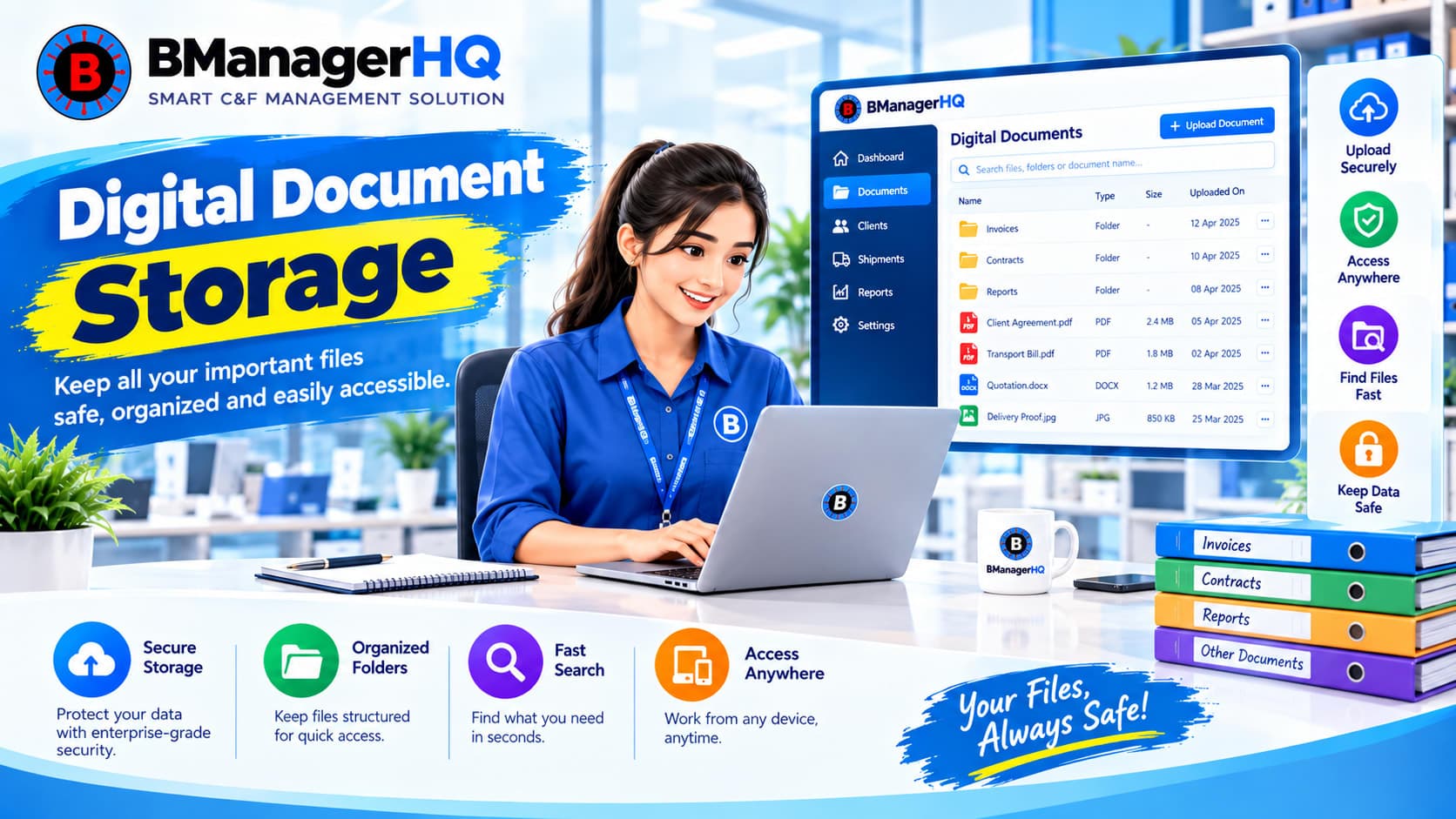
Store and organize digital C&F documents with BManagerHQ. Keep job-related document files connected with clients and C&F jobs in one centralized system.

Track documents for C&F jobs with BManagerHQ. Organize document status and job-related records while keeping C&F documentation connected to clients and jobs.
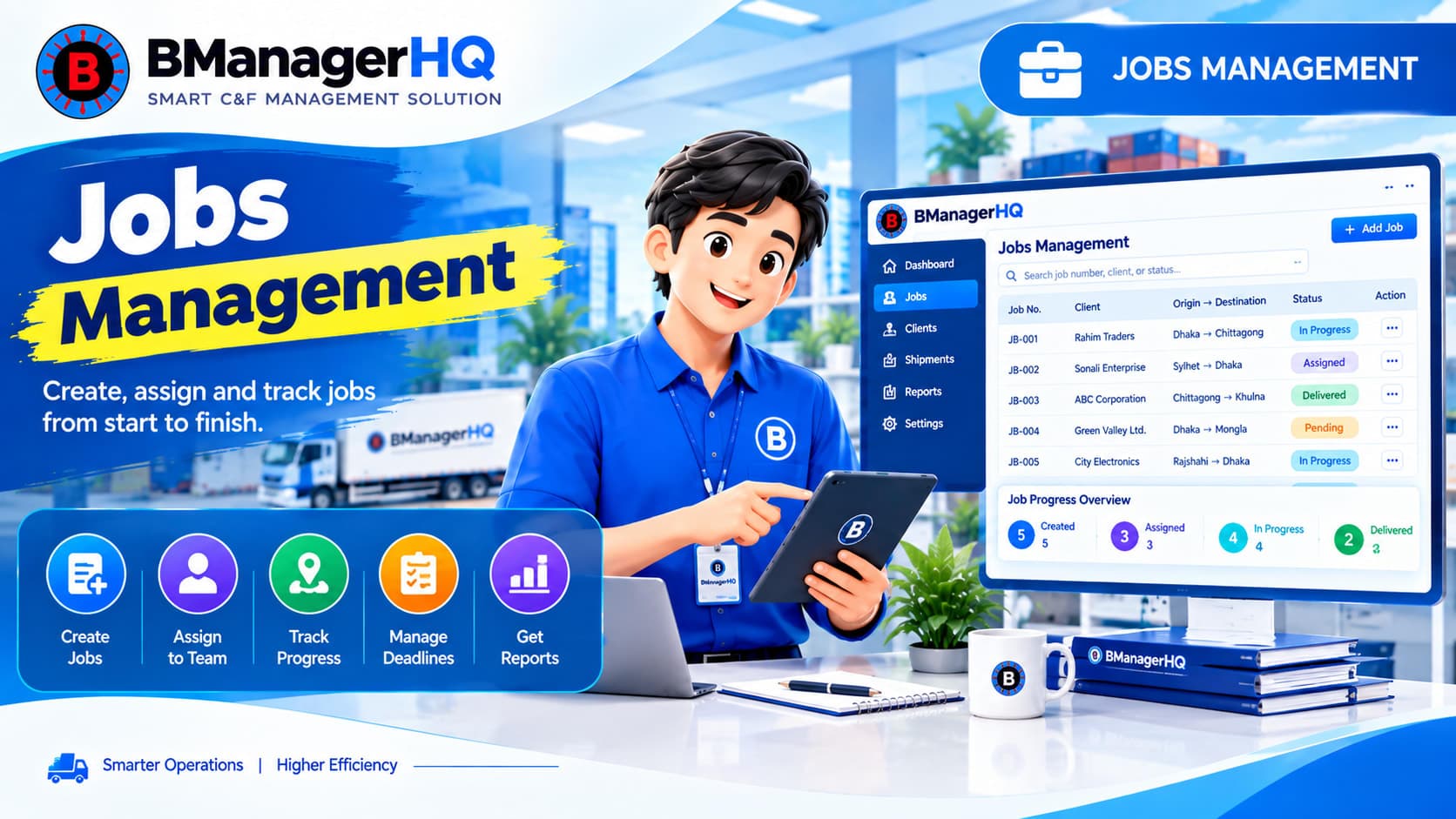
Manage C&F jobs from creation to completion with BManagerHQ. Organize clients, documents, customs workflow, delivery, expenses, billing, and payments in one system.

Manage C&F client profiles, credit limits, transactions, payments, and outstanding balances with BManagerHQ C&F management software.